Java Tutorial

Creating User Account Information in Java - Searching Records to Database

Submitted by donbermoy on
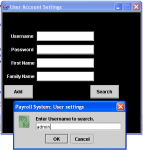
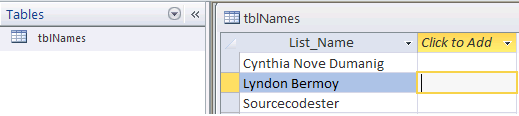
This is a continuation of my last tutorials entitled Creating User Account Information in Java - Adding Records to Database. So, in this tutorial we will create a function button that provides searching of records in the access database. Now let's start this tutorial! :) 1.

Creating User Account Information in Java - Adding Records to Database

Submitted by donbermoy on
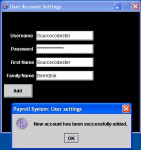
Good day! This tutorial will focus on creating a user account information in java particularly in adding records to the database. Now let's start this tutorial! :) 1. Create your database in ms access and named it sample.mdb with Login table and the following entities below. design design 2. Create your java program now named UserSettings.java. 3.

Number Validation: Only numbers in TextField using Java GUI

Submitted by donbermoy on
Some of my students before always asked how to filter a textbox with only numbers that can be inputted. Right away, they always made a mistake on writing the code because they are just using the NumberFormatException code. But actually it isn't wrong, it is just sometimes not applicable and not functioning at times when I can still remember my college days. But now, I wrote this code to filter numbers on textbox or any controls in Java. I want to share and teach about this code. Now let's begin this tutorial! 1.

Step-by-Step Installing JCreator and Connecting this Java Software to MS Access Database with Java GUI Login Tutorial

Submitted by donbermoy on
This is my own version of how to connect Java to MS Access database with a Login Tutorial. Because for now I will make tutorials for Java because my Facebook friends wanted me to have a tutorial about this programming language. Software to be used: JCreator LE 4.50 or NetBeans but I preferred JCreator, JDK 7 Download here, and Microsoft Access software. 1.

Creating a Simple Java Applet

Submitted by pavel7_7_7 on
In this article you will find information about the creating of simple applet using java.awt. Java applet is a small application created using Java language. The user starts applet from the web-browser and it's executed by the Java Virtual machine. The parameters of the applet are received from the web page and they can be used during the applet execution. We will create an Applet, that takes some information from the menu of choice lists and inputs the result of our choice. The first step to create an applet is to derive our class from Applet class.