
Online Food Ordering System in PHP and MySQL Source Code
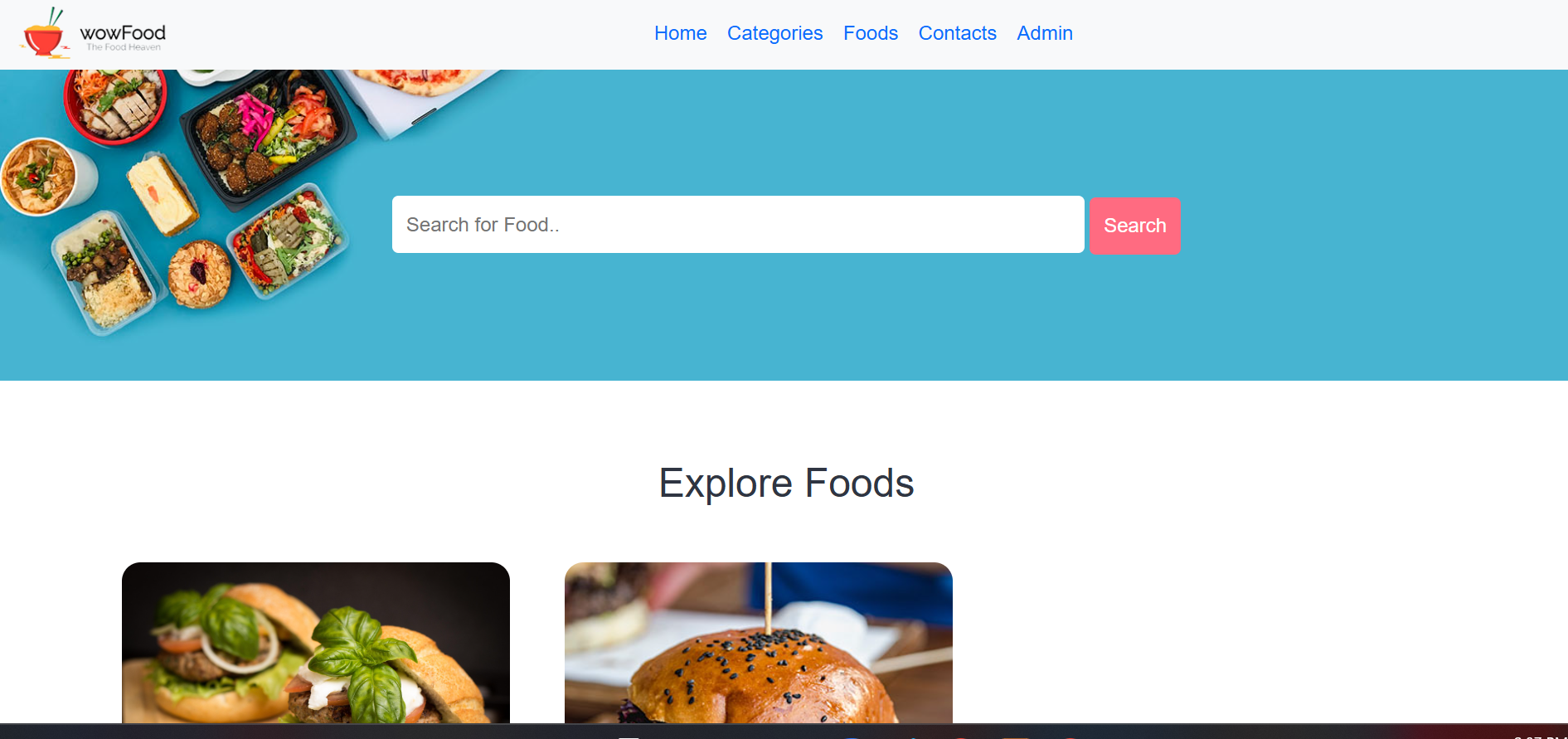
Streamline your food business operations with this simple web-based Online Food Ordering System. Built using PHP and MySQL, this responsive platform simplifies the online ordering process for customers while providing comprehensive administrative management tools. Featuring two distinct panels—a customer-facing interface and a robust administrative control center—this solution is ideal for restaurants, cafes, eateries, and school canteens looking to digitize their daily menu management and order processing.
Key Features
1. Admin Management Panel
- Secure Authentication: Protected login and logout functionality for system administrative staff.
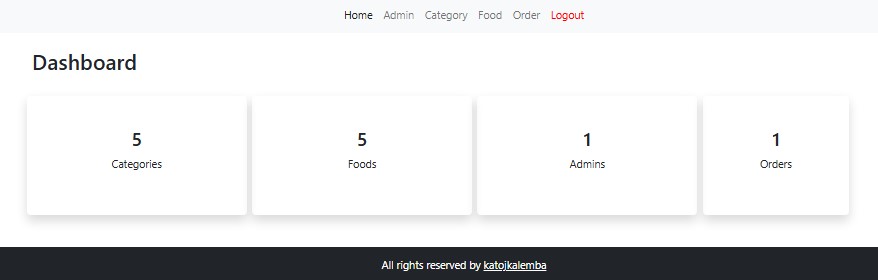
- Centralized Dashboard: Quick overview of daily operations, total menu listings, and active customer orders.
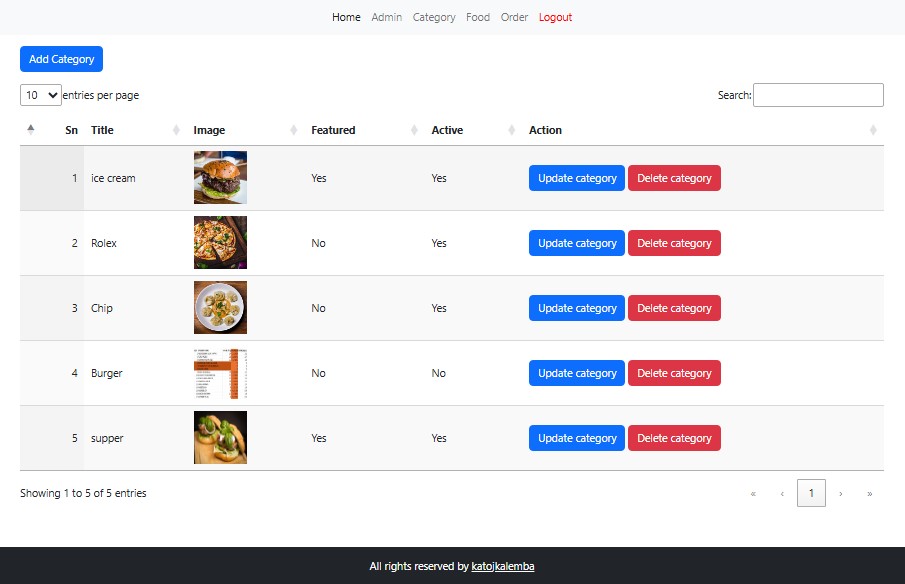
- Category Management: Create, organize, and manage menu categories to keep food items neatly structured.
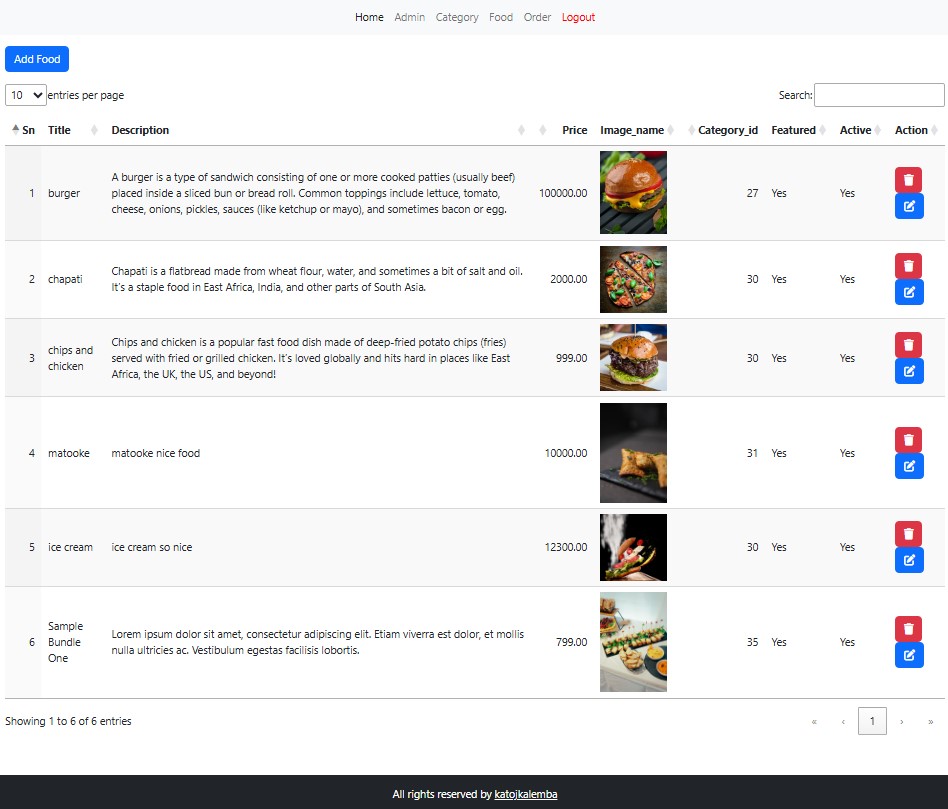
- Food Menu Control: Easily add new menu items, update item details, upload food image galleries, or delete discontinued dishes.
- Order Tracking & View: Real-time visibility into incoming customer orders for fast order processing.
- Admin Account Controls: Add new administrative users, manage existing user access, delete accounts, and update passwords for improved security.
2. Customer / User Panel
- Interactive Menu Navigation: Browse through organized food categories to easily discover available dishes.
- Easy Order Placement: Select food items, customize order quantities, and place orders directly online.
- Search: Convenient option for customers to search the availability of their desired food to order.
Snapshots
Landing Page
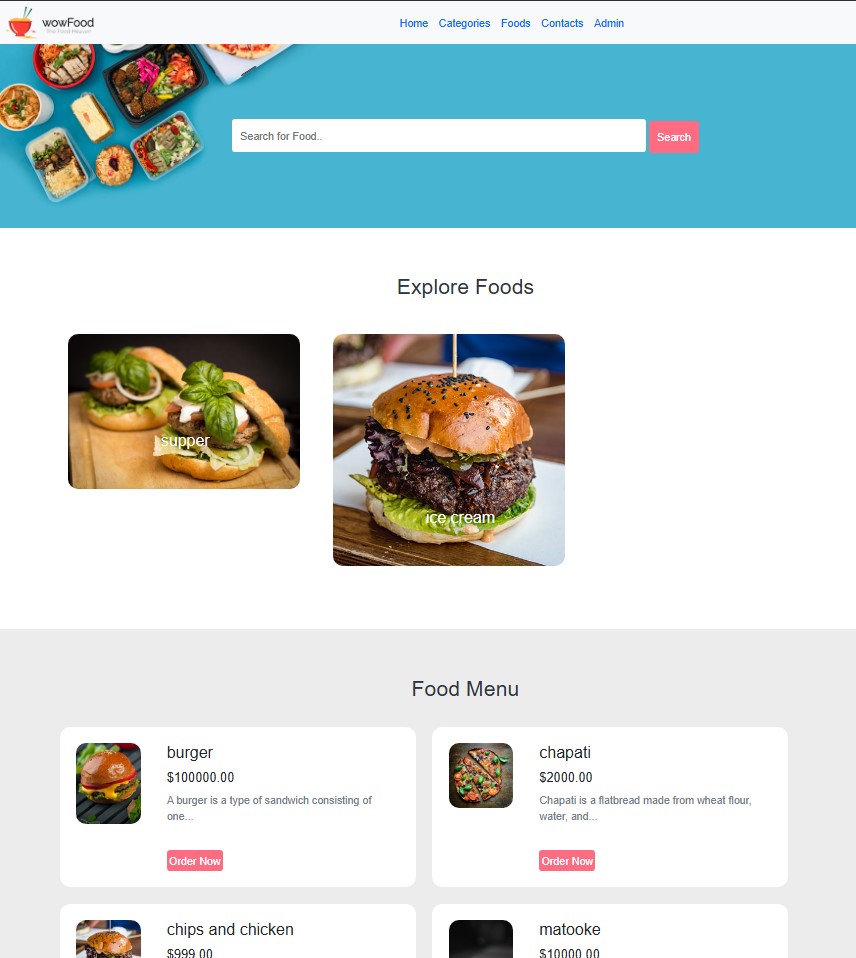
Category Page
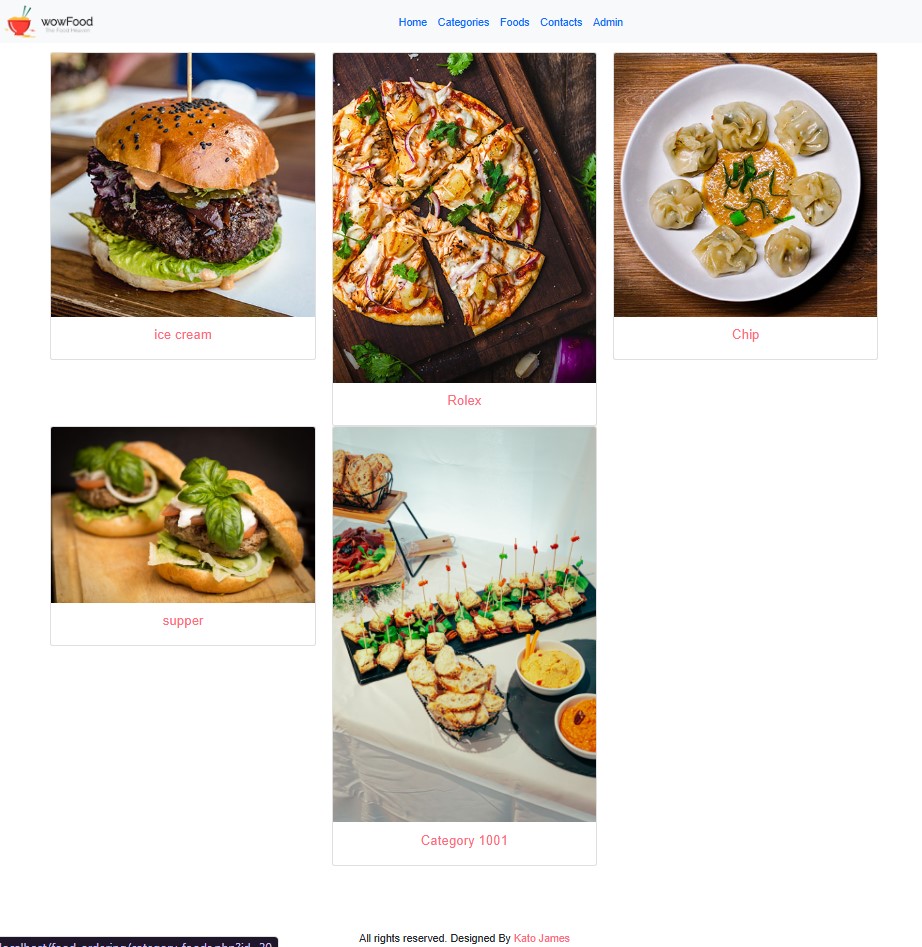
Foods Page
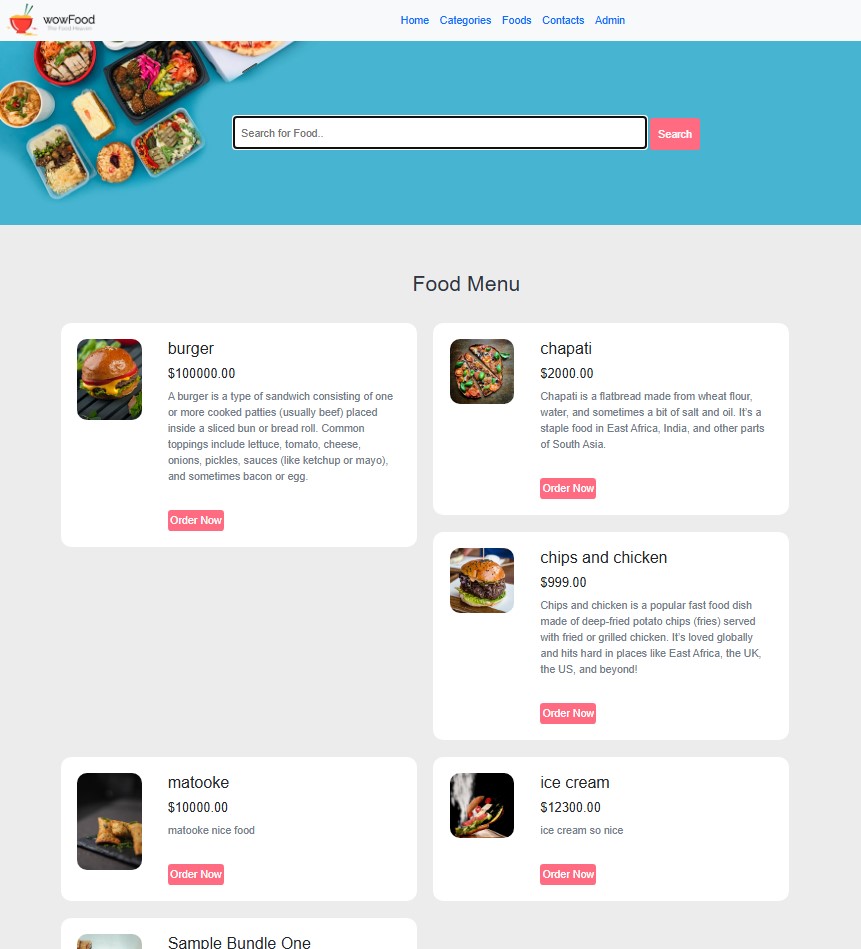
Order Form Page
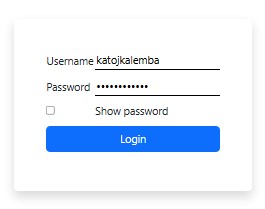
Admin Login
Admin Dashboard
Admin Category Record
Admin Food Records
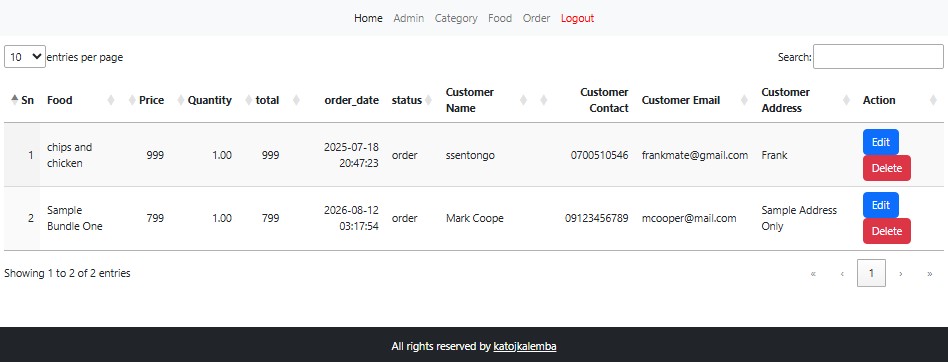
Admin Order Records
How to Install and Run the Project
- Download and Install a Local Web Server: Ensure you have a local server environment set up, such as XAMPP or WAMP.
- Download Source Code: Download the project source code
.zipfile using the download button provided below. - Start Server Services: Open your XAMPP or WAMP Control Panel and start both the Apache and MySQL services.
- Extract Files: Extract the contents of the downloaded source code
.ziparchive. - Move Files to Web Directory:
- For XAMPP users: Copy the extracted project folder and paste it into the
htdocsdirectory (e.g.,C:/xampp/htdocs/). - For WAMP users: Copy the extracted folder into the
wwwdirectory (e.g.,C:/wamp/www/).
- For XAMPP users: Copy the extracted project folder and paste it into the
- Open Database Manager: Launch your web browser and open phpMyAdmin by navigating to
http://localhost/phpmyadmin. - Create Database: Create a new MySQL database (refer to the database folder included in the project files for the exact database name).
- Import Database File: Locate the
food_order.sqlfile inside thedatabasefilesfolder and import it into your newly created database. - Access the Application:
- Customer Side:
http://localhost/web/ - Admin Panel:
http://localhost/web/admin
- Customer Side:
Admin Credential
Username: katojkalemba
Password: Kalemba@2000
There you have it! I hope this Online Food Ordering System developed in PHP and MySQL Database will help you with what you are looking for.
Explore more on this website for more Free Source Codes, Tutorials, and Articles covering various programming languages.
Note: Due to the size or complexity of this submission, the author has submitted it as a .zip file to shorten your download time. After downloading it, you will need a program like Winzip to decompress it.
Virus note: All files are scanned once-a-day by SourceCodester.com for viruses, but new viruses come out every day, so no prevention program can catch 100% of them.
FOR YOUR OWN SAFETY, PLEASE:
1. Re-scan downloaded files using your personal virus checker before using it.
2. NEVER, EVER run compiled files (.exe's, .ocx's, .dll's etc.)--only run source code.