I'm getting Parse error:…
I'm getting Parse error: syntax error, unexpected '?' in C:\xampp\htdocs\project\Product_Inventory\index.php on line 7

In today's fast-paced market, manual inventory tracking is the silent killer of growing businesses. Relying on outdated paper logs, disorganized physical ledgers, or messy spreadsheets inevitably results in costly human errors, misplaced items, ghost stock, and severely depleted profit margins. Without a centralized tracking mechanism, businesses struggle to scale efficiently, losing precious time and money to preventable operational bottlenecks.
A web-based Inventory Management System is specifically engineered to solve these critical business challenges. By providing absolute inventory visibility and real-time control over product stock levels from the warehouse shelf directly to the final checkout counter, it establishes an seamless bridge between supply and demand. This automated precision ensures your business never has to turn away a paying customer due to an unexpected, preventable stockout.
To help you implement these essential capabilities, I have provided a complete, lightweight Inventory System web application source code. This open-source application was developed from scratch using PHP and a MySQL database architecture. It features a clean, professional, and intuitive user interface designed to maximize operational efficiency while delivering the core functional features of a robust inventory management system.
The accompanying source code is structured to give you a clear understanding of how these business applications are built using procedural or object-oriented PHP backend scripting and relational MySQL database design. Whether you are a student learning web development or a programmer looking to accelerate deployment, this free source code serves as the perfect blueprint to kick-start your own custom inventory tracking project tailored to any commercial business environment.
This lightweight yet comprehensive Inventory System is packed with essential business features and modules designed to streamline day-to-day warehouse operations. The source code demonstrates how to implement the following functionalities:
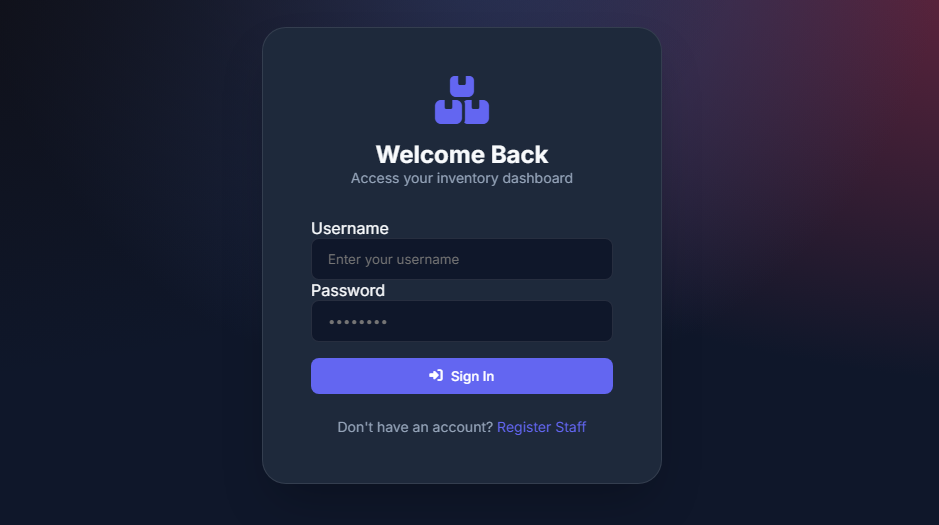
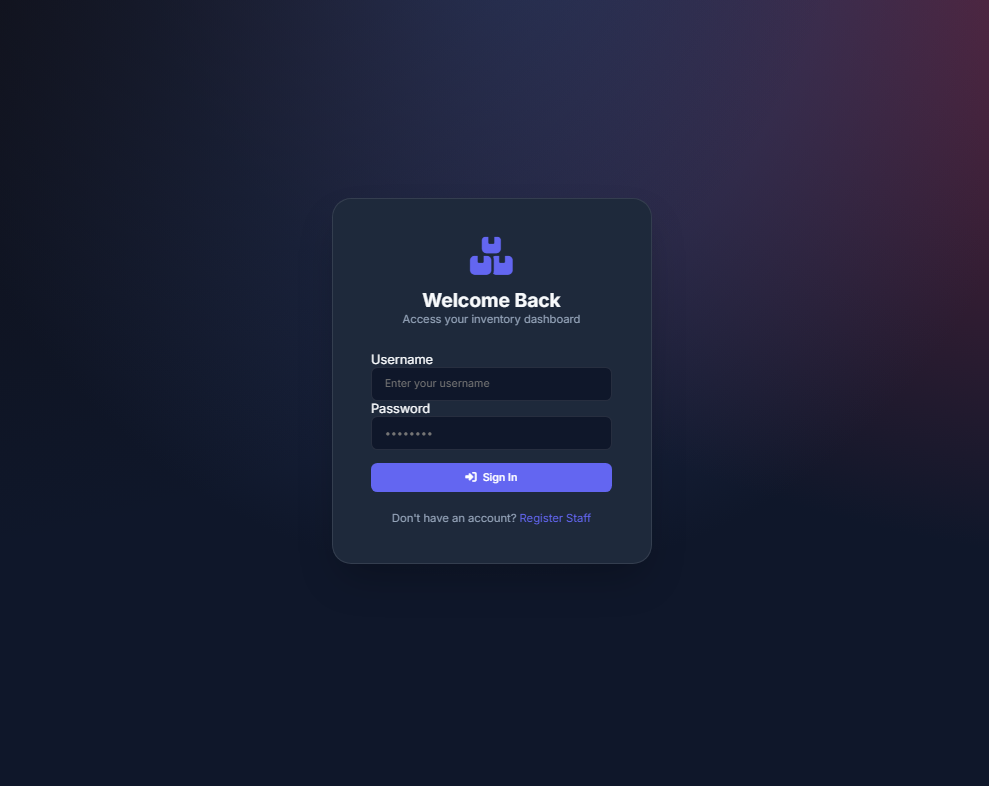
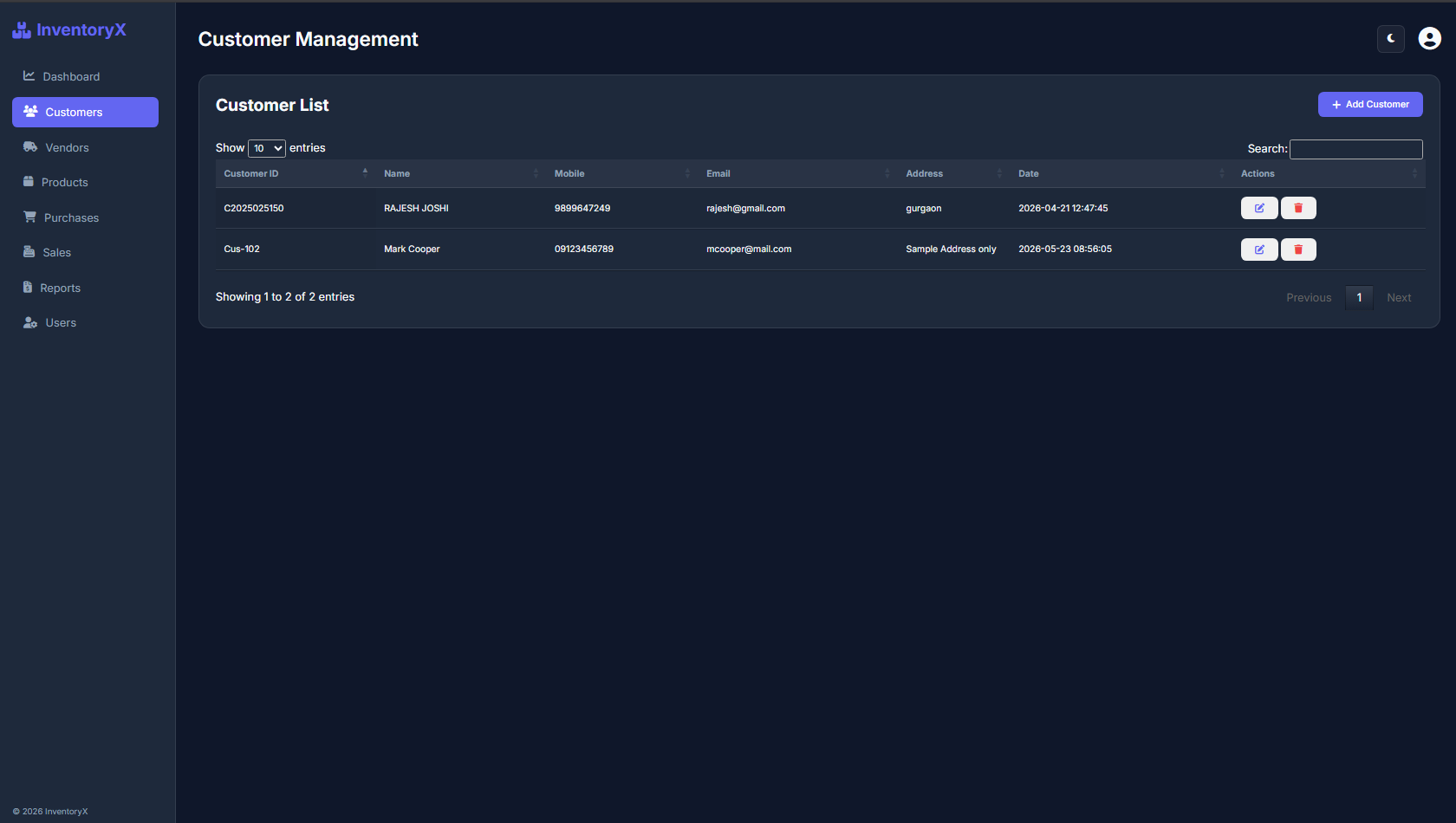
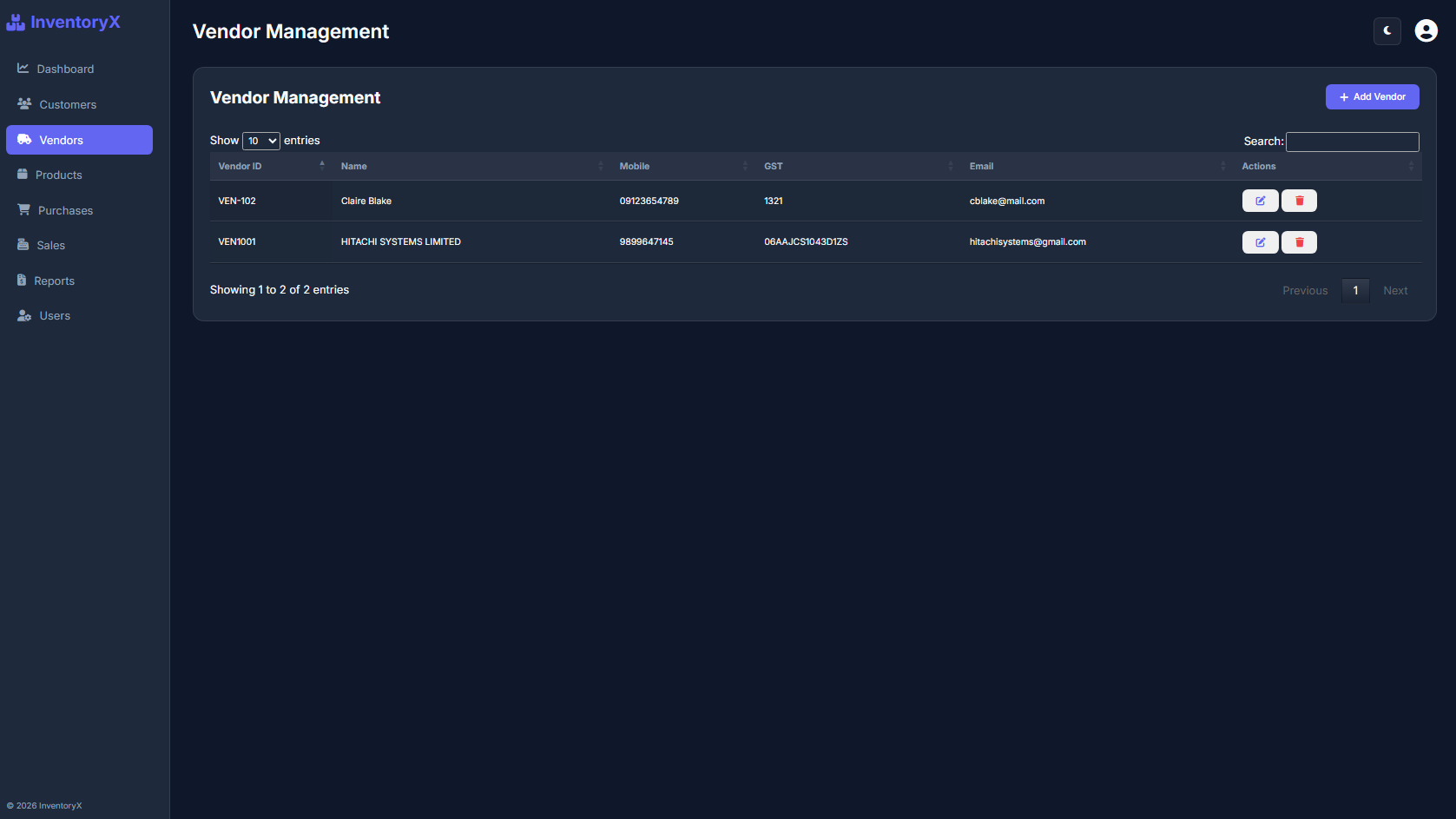
Here are some screeshots of the Inventory System application source code that I have provided:
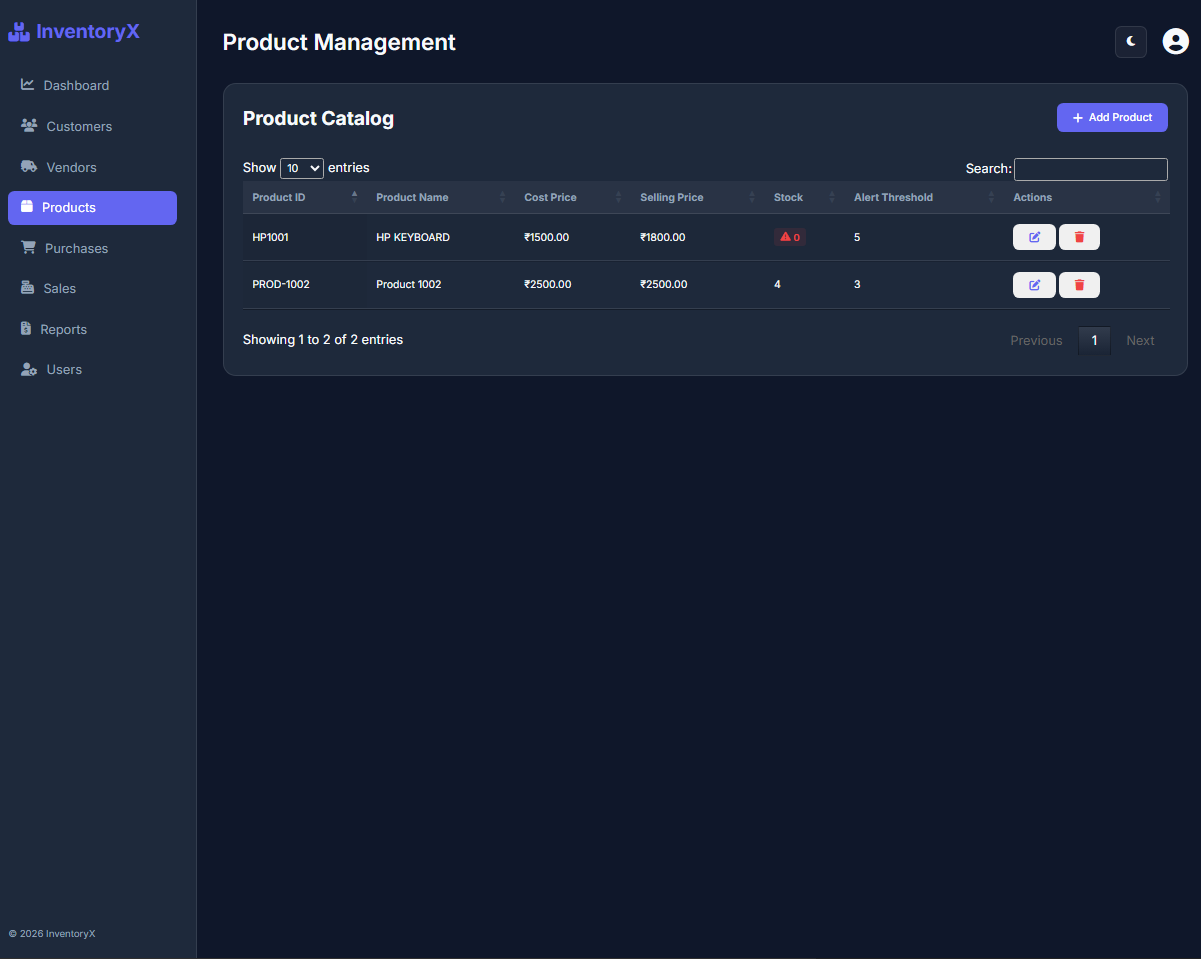
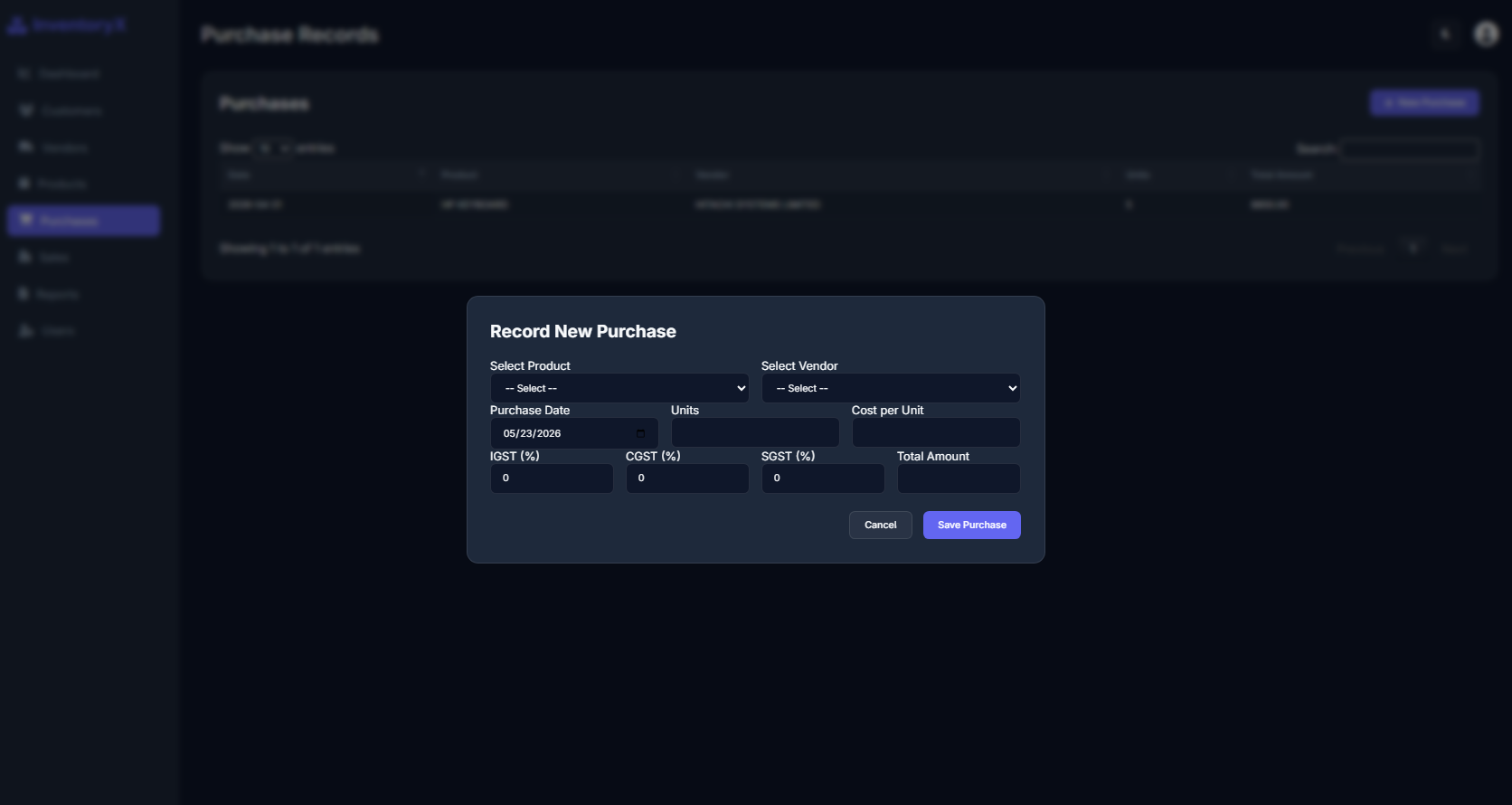
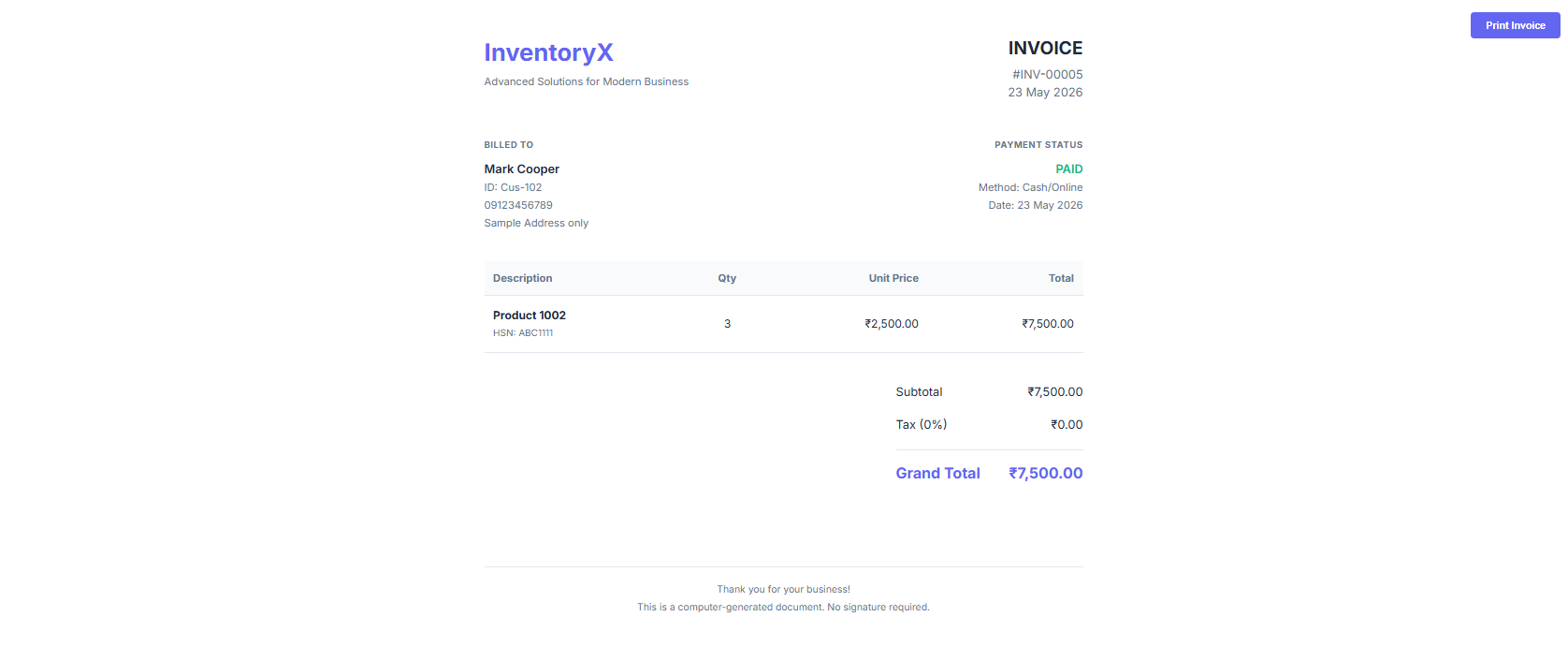
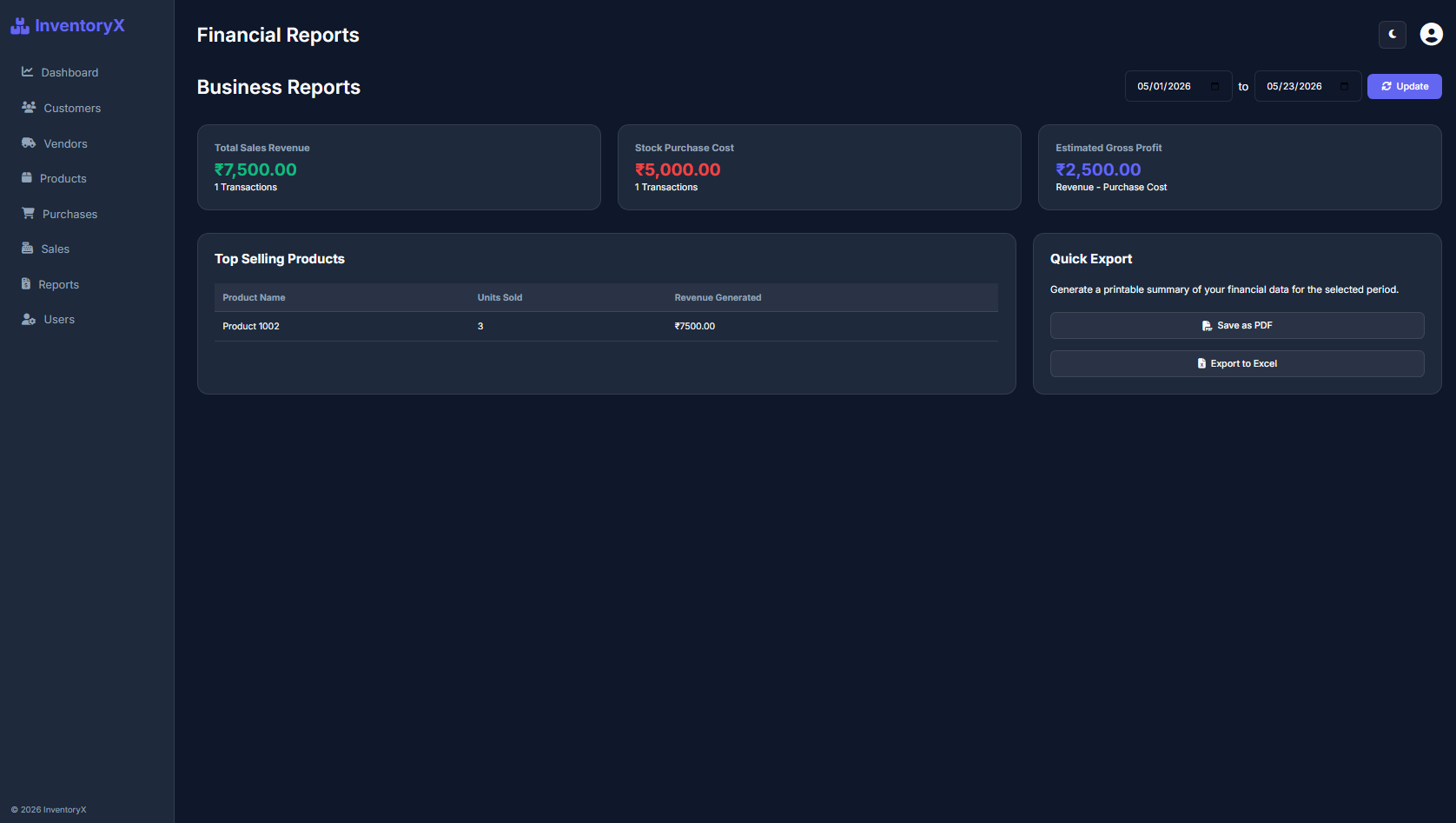
Requirements
Installation/Setup
Username: admin
Password: admin123
I hope this Inventory System in PHP and MySQL application will help you with what you are looking for and you'll find something useful from the source code for your own project.
Explore more on this website for more Free Source Codes, Tutorials, and Articles covering various programming languages.
Note: Due to the size or complexity of this submission, the author has submitted it as a .zip file to shorten your download time. After downloading it, you will need a program like Winzip to decompress it.
Virus note: All files are scanned once-a-day by SourceCodester.com for viruses, but new viruses come out every day, so no prevention program can catch 100% of them.
FOR YOUR OWN SAFETY, PLEASE:
1. Re-scan downloaded files using your personal virus checker before using it.
2. NEVER, EVER run compiled files (.exe's, .ocx's, .dll's etc.)--only run source code.
I'm getting Parse error: syntax error, unexpected '?' in C:\xampp\htdocs\project\Product_Inventory\index.php on line 7