
Modern Image Background Remover Using HTML, CSS and JavaScript with Source Code
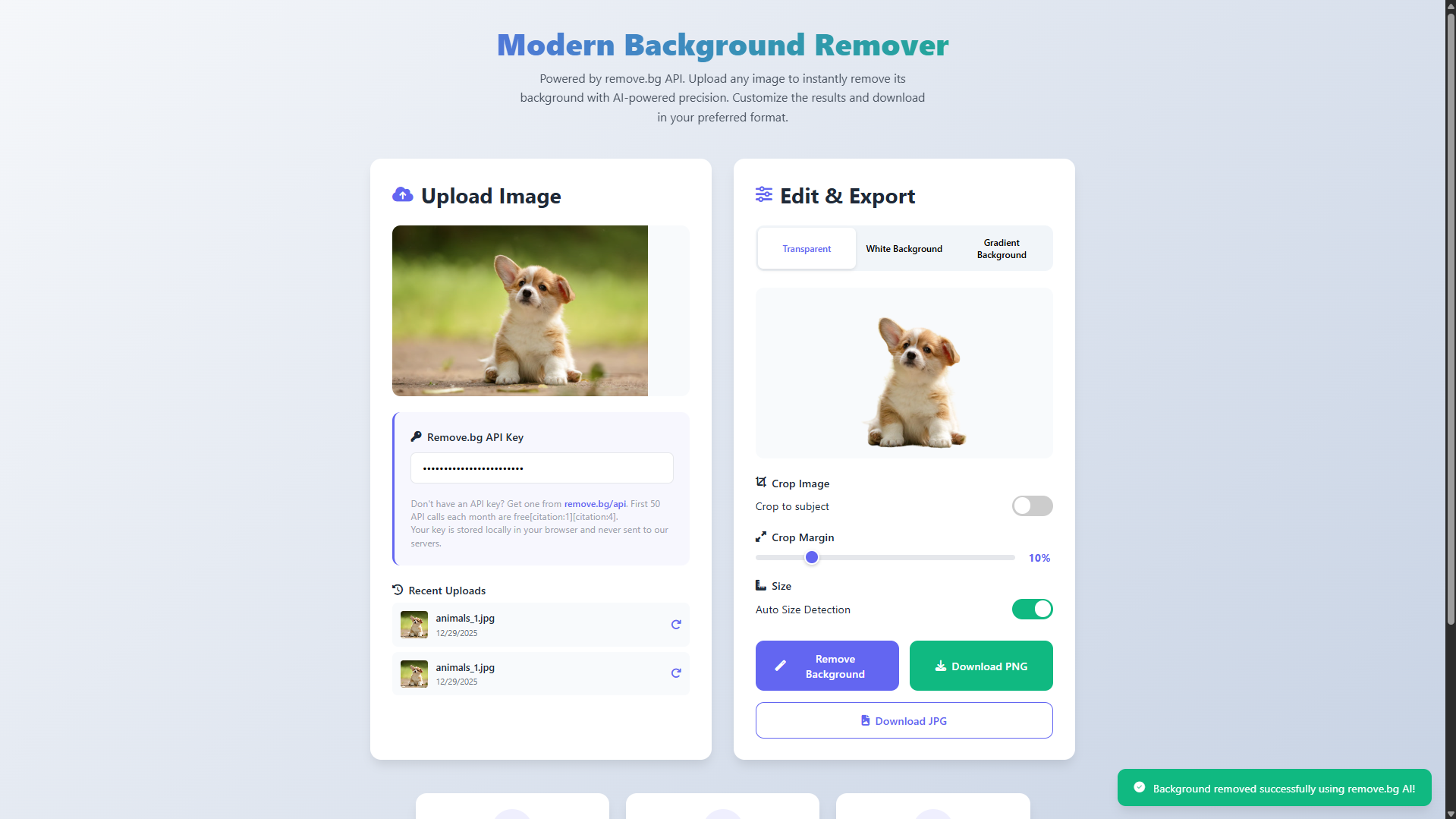
Welcome to the Modern Image Background Remover, a professional web application that transforms image editing with a single click. This tool leverages the advanced power of the remove.bg API to automatically and precisely separate subjects from their backgrounds, delivering studio-quality results directly in your browser. Designed for photographers, designers, e-commerce sellers, and anyone needing quick image edits, it combines sophisticated AI technology with an exceptionally clean and intuitive interface.
With its sleek, modern design and robust feature set, this application makes professional background removal accessible to everyone. Simply upload your image to see the AI work its magic, then customize and export your result with multiple background options and download formats. Experience the future of image editing—fast, reliable, and entirely web-based.
You may also check this simple HTML, CSS and JavaScript project:
- Universal SQL Generator
- Interactive Fireworks Animation
- Sales Tax Calculator
- Interactive 3D Christmas Tree
- Christmas Present Animation
Key Features:
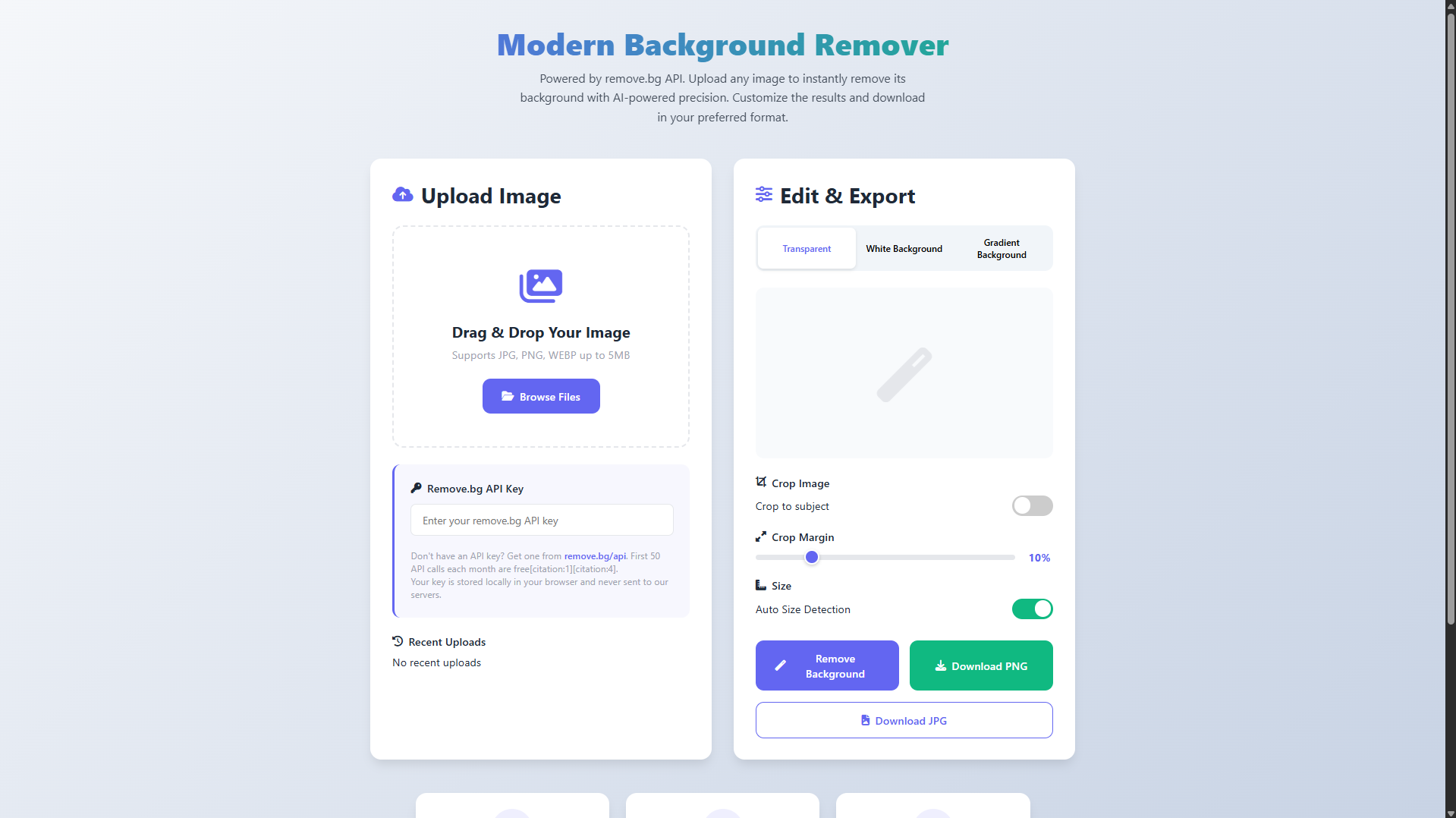
AI-Powered Background Removal – Professional background removal using the remove.bg API.
Drag-and-Drop Interface – Simple image upload with visual feedback and file validation.
Multiple Preview Modes – Preview images on transparent, white, or gradient backgrounds.
API Customization Options – Control cropping, margins, and size detection settings.
Secure API Key Management – API keys are stored locally with no server-side storage.
Recent Uploads History – Quickly access and reuse previously processed images.
Dual Format Export – Download images as PNG with transparency or JPG with white background.
Responsive Design – Fully optimized for desktop, tablet, and mobile devices.
Real-Time Processing Feedback – Loading indicators and success notifications during processing.
Error Handling – Clear messages for API limits, invalid keys, and network issues.
Technologies Used:
HTML5 – Semantic structure and modern file input handling.
CSS3 – Responsive layouts with Flexbox, Grid, gradients, and animations.
JavaScript (ES6+) – Application logic and API integration.
remove.bg REST API – AI-powered image background removal service.
Font Awesome 6 – Icon library for user interface elements.
LocalStorage API – Client-side storage for API keys and recent images.
Fetch API – Asynchronous requests to the remove.bg service.
Canvas API – Image manipulation and format conversion.
How to Use:
Obtain a free remove.bg API key with 50 free monthly requests.
Enter the API key in the application’s input field.
Upload an image via drag-and-drop or browse (JPG, PNG, WEBP up to 5MB).
Click Remove Background to process the image using AI.
Wait a few seconds for the processing to complete.
Preview the output on transparent, white, or gradient backgrounds.
Adjust optional cropping and margin settings if needed.
Download the image as PNG (transparent) or JPG (white background).
Reprocess images quickly using the recent uploads history.
Sample Screenshots of the Project
Landing Page
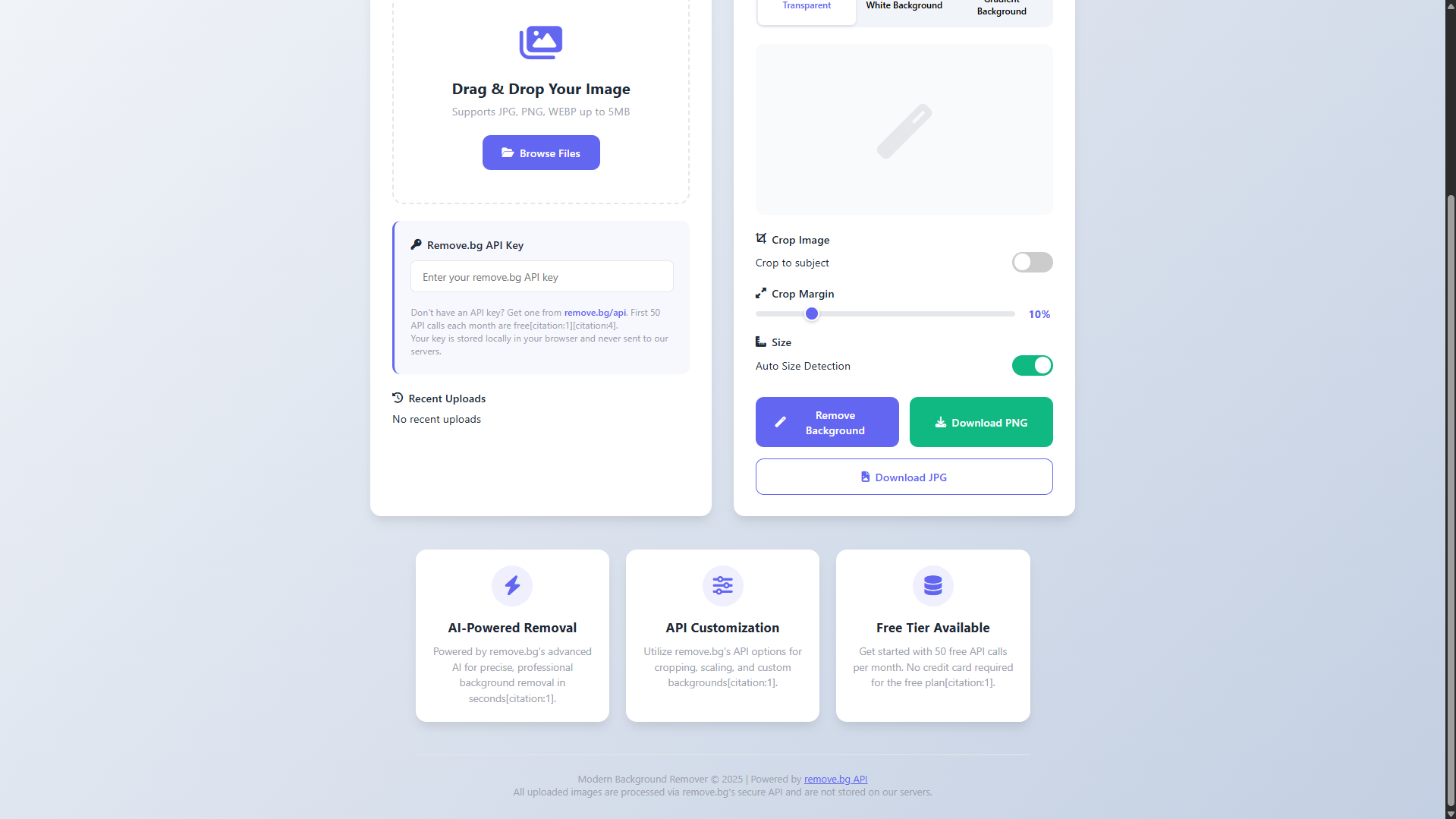
Footer
Sample Background Removed
How to Run?
- Download the provided source code zip file.
- Extract the downloaded zip file.
- Open the html file and you are now ready to go!
Video Demonstration for Installation/Setup:
Conclusion:
In conclusion, the Modern Image Background Remover demonstrates how the powerful combination of HTML, CSS, and JavaScript can be used to create a professional-grade web application that harnesses advanced AI via the remove.bg API. This project successfully delivers a seamless, efficient, and accessible tool for high-quality image processing, empowering users with immediate, professional results while showcasing the capabilities of modern front-end development to build intuitive and powerful web solutions.
That's it! I hope this "Modern Image Background Remover Using HTML, CSS and JavaScript" will assist you on your programming journey, providing value to your current and upcoming project.
For additional tutorials and free source codes, explore our website.
Enjoy Coding :>>
Note: Due to the size or complexity of this submission, the author has submitted it as a .zip file to shorten your download time. After downloading it, you will need a program like Winzip to decompress it.
Virus note: All files are scanned once-a-day by SourceCodester.com for viruses, but new viruses come out every day, so no prevention program can catch 100% of them.
FOR YOUR OWN SAFETY, PLEASE:
1. Re-scan downloaded files using your personal virus checker before using it.
2. NEVER, EVER run compiled files (.exe's, .ocx's, .dll's etc.)--only run source code.