Text Effects in Visual Basic 2008 (Shear)
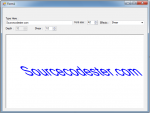
This is the continuation of my last topic which is Text Effects in Visual Basic 2008 (Block). This time, I’m going to add another text effect which is the ”Shear”. With the use of “Shear”, you can slide the text from left to right or right to left.
- Read more about Text Effects in Visual Basic 2008 (Shear)
- Log in or register to post comments
- 138 views
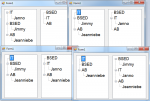
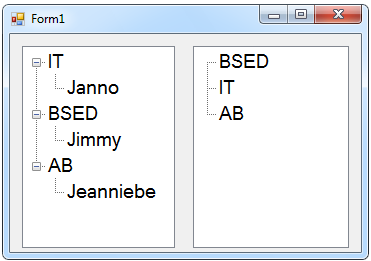 After that, click the two Treeviews and go to the properties.
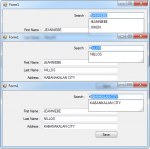
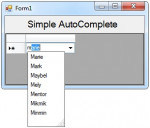
 Then, double click the Form and create a code for adding and putting a list of items in the Comb