Hello,is there a chance to…
Hello,
is there a chance to split the code into 2 sites? 1. See pictures and second site the upload site?

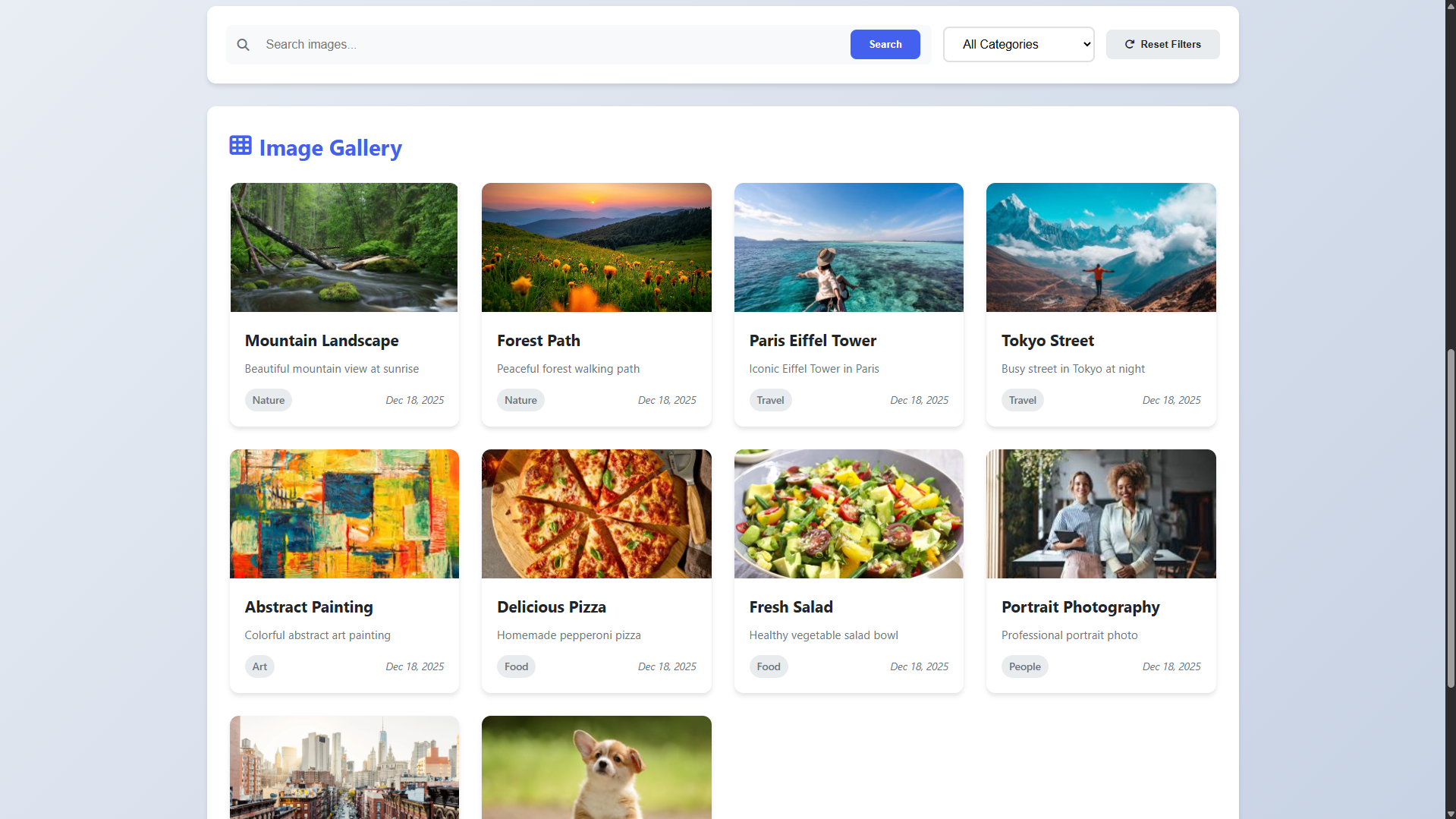
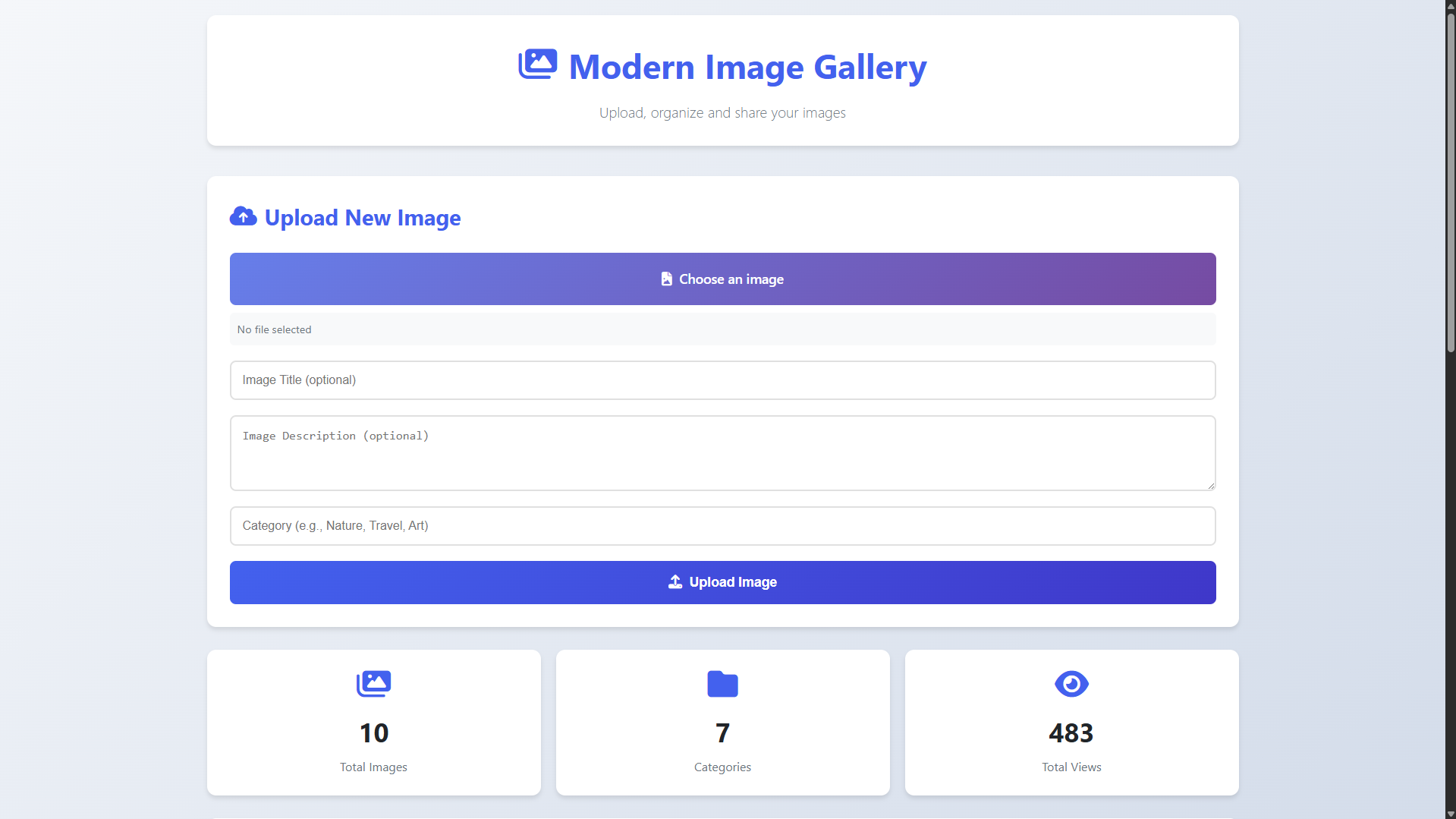
Welcome to the Modern Image Gallery App, a sophisticated web-based platform designed to transform how you manage and showcase digital images. This powerful application combines elegant design with robust functionality, offering a seamless experience for uploading, organizing, and displaying your visual content. Built with modern web technologies, our gallery provides an intuitive interface that works flawlessly across all devices, from desktop computers to mobile phones. Whether you're a photographer curating portfolios, a business showcasing products, or simply someone organizing personal memories, this application delivers professional-grade tools with an approachable, user-friendly design.
At the heart of this application lies a carefully engineered system that balances aesthetic appeal with practical utility. We've implemented comprehensive features including intelligent search and filtering, automatic thumbnail generation, full-screen lightbox viewing, and detailed analytics—all while maintaining exceptional performance through optimized database queries and responsive design principles. The platform not only stores your images securely but enhances them with organizational tools like customizable categories, descriptions, and view tracking. Every aspect has been crafted to provide a smooth, engaging experience that makes image management both efficient and enjoyable for users of all technical backgrounds.
You can also check this PHP and MySQL projects:
Note: The database is included on the provided zip file.
In conclusion, this Modern Image Gallery App represents a complete, production-ready solution that successfully bridges aesthetic design with functional utility, delivering a sophisticated platform for digital image management that excels in both form and function. The application demonstrates how thoughtful integration of PHP, MySQL, and modern frontend technologies can create an engaging user experience while maintaining robust performance and scalability. By combining elegant visual presentation with practical features like intelligent organization tools, responsive viewing capabilities, and comprehensive analytics, this project establishes a foundation that can serve diverse needs—from personal photo collections to professional portfolio displays—while providing a seamless, intuitive experience that makes image management both efficient and visually rewarding for users across all devices and technical skill levels.
That's it! I hope this "Image Gallery App Using PHP and JavaScript" will assist you on your programming journey, providing value to your current and upcoming PHP projects.
For additional tutorials and free source code, explore our websites.
Note: Due to the size or complexity of this submission, the author has submitted it as a .zip file to shorten your download time. After downloading it, you will need a program like Winzip to decompress it.
Virus note: All files are scanned once-a-day by SourceCodester.com for viruses, but new viruses come out every day, so no prevention program can catch 100% of them.
FOR YOUR OWN SAFETY, PLEASE:
1. Re-scan downloaded files using your personal virus checker before using it.
2. NEVER, EVER run compiled files (.exe's, .ocx's, .dll's etc.)--only run source code.
Hello,
is there a chance to split the code into 2 sites? 1. See pictures and second site the upload site?