
Food Recipe Finder App Using Tkinter in Python with Source Code
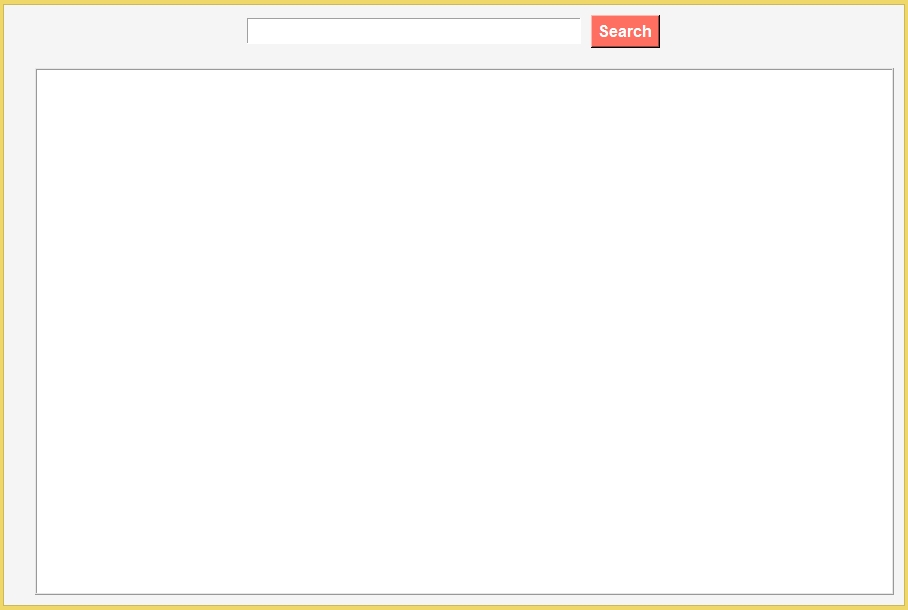
The Food Recipe Finder App is an interactive desktop application built entirely with Python using the Tkinter library. The application is simple and allows the user to find food recipes with complete details. The Food Recipe Finder App Using Tkinter in Python includes tools that provide a full breakdown of each recipe. This project is an excellent way to practice and reinforce essential programming concepts, making it a valuable exercise for enhancing your Python skills in application development.
The Food Recipe Finder App Using Tkinter in Python with Source Code is free to be downloaded just read the content below for more info. This application is for educational purpose only.
Food Recipe Finder App Using Tkinter in Python with Source Code Basic Information
- Language used: Python
- Coding Tool used: Built-in Python IDLE
- Type: Desktop Application
- Database used: None
About Food Recipe Finder App
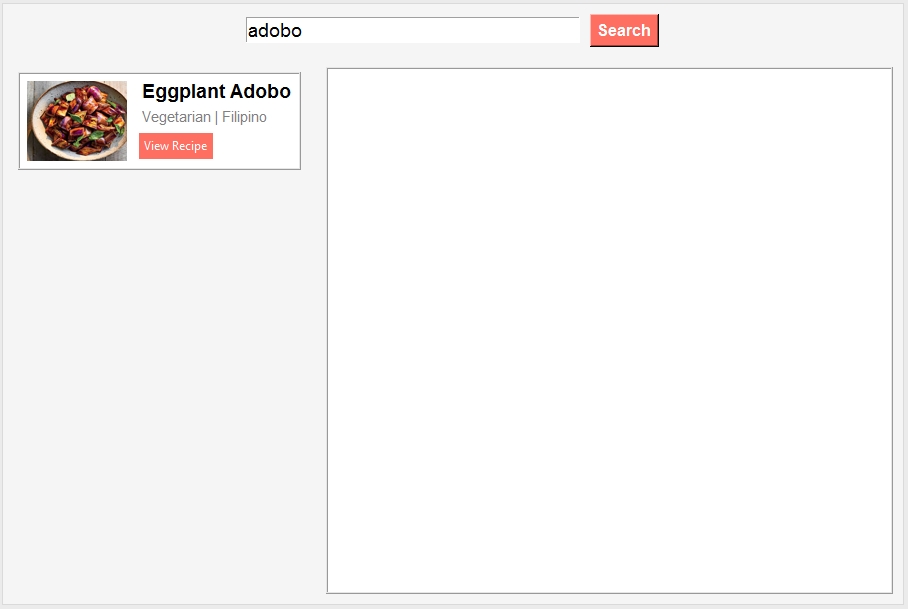
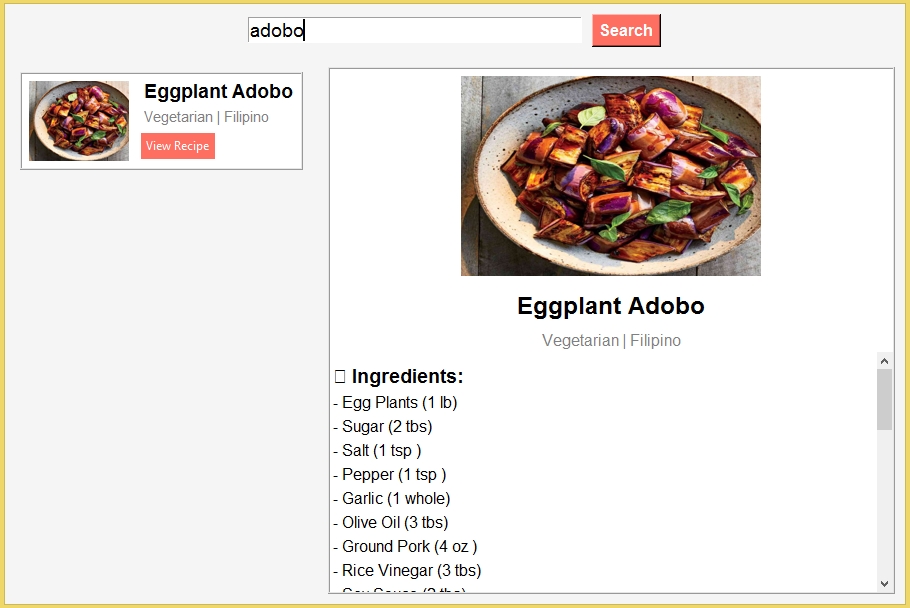
The Food Recipe Finder App is a modern and intuitive Python application built using Tkinter that makes discovering new recipes fun and effortless. Users can search for recipes by entering ingredients, dish names, or keywords, and the app instantly displays multiple relevant results along with high-quality images of each dish. Its clean and user-friendly interface ensures that recipes are easy to browse, while providing essential details like cooking instructions, ingredients, and preparation tips. Perfect for home cooks, food enthusiasts, or anyone looking to explore new meals, this app simplifies meal planning and inspires culinary creativity with just a few clicks.
Food Recipe Finder App Using Tkinter in Python with Source Code Features
- User-Friendly GUI Interface
- Built using Tkinter for a clean and intuitive layout.
- Organized sections for recipe search, display, and navigation.
- Easy-to-read layout with labels, buttons, and scrollable results.
- Recipe Search Functionality
- Allows users to search for recipes by entering keywords or ingredients.
- Displays multiple search results for broader exploration.
- Quick access to recipes without needing an external source.
- Data Handling
- Recipes stored in internal Python dictionaries, JSON, or SQLite database.
- Efficient retrieval ensures fast and accurate search results.
- Easily extendable to add new recipes or update existing ones.
- Lightweight and Efficient
- Runs entirely with Python and Tkinter.
- Minimal system resources required; ensures fast performance.
Sample Application Screenshot:
Food Recipe Finder App Using Tkinter in Python with Source Code Installation Guide
- First you need to download & install the Python IDLE's, here's the link "https://www.python.org/downloads/".
- Download the source code in this site.
- Locate and Extract the zip file.
- Open the extracted folder
- Locate the py file.
- Then open the file via python IDLE or any IDE that supports python language.
- Run the py file to launch the program.
That's all, The Food Recipe Finder App was created fully functional using Python language. I hope that this project can help you to what you are looking for. For more projects and tutorials please kindly visit this site. Enjoy Coding!
The Food Recipe Finder App Using Tkinter in Python with Source Code is ready to be downloaded just kindly click the download button below.
Related Projects & Tutorials
Food Recipe Finder AppNote: Due to the size or complexity of this submission, the author has submitted it as a .zip file to shorten your download time. After downloading it, you will need a program like Winzip to decompress it.
Virus note: All files are scanned once-a-day by SourceCodester.com for viruses, but new viruses come out every day, so no prevention program can catch 100% of them.
FOR YOUR OWN SAFETY, PLEASE:
1. Re-scan downloaded files using your personal virus checker before using it.
2. NEVER, EVER run compiled files (.exe's, .ocx's, .dll's etc.)--only run source code.