
Binary to Gray Code Converter App Using Tkinter in Python with Source Code
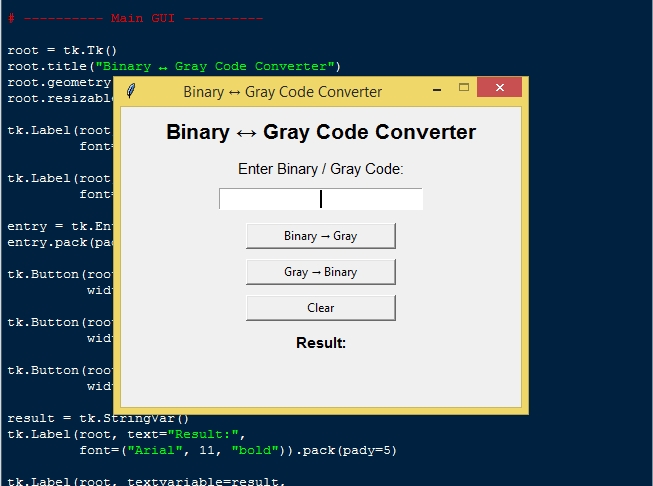
The Binary to Gray Code Converter App is an interactive desktop application built entirely with Python using the Tkinter library. The application is simple and allows the user to convert a binary number into Gray code and vice versa. The Binary to Gray Code Converter App Using Tkinter in Python includes tools that provide a full breakdown of the conversion process. This project is an excellent way to practice and reinforce essential programming concepts, making it a valuable exercise for enhancing your Python skills in application development.
The Binary to Gray Code Converter App Using Tkinter in Python with Source Code is free to be downloaded just read the content below for more info. This application is for educational purpose only.
Binary to Gray Code Converter App Using Tkinter in Python with Source Code Basic Information
- Language used: Python
- Coding Tool used: Built-in Python IDLE
- Type: Desktop Application
- Database used: None
About Binary to Gray Code Converter App
The Binary to Gray Code Converter App is a user-friendly desktop application developed using Python’s Tkinter library. This app allows users to easily input a binary number and instantly view its equivalent Gray code, making complex digital logic concepts more accessible. Designed with simplicity in mind, it features a clean interface with clear input and output sections, ensuring that beginners and students can navigate it effortlessly. Beyond just conversion, the app serves as an educational tool, helping users understand the relationship between binary and Gray codes, which are widely used in digital electronics, error correction, and communication systems. By providing instant results and a visually organized layout, this app offers both practical functionality and a hands-on learning experience for anyone interested in programming and digital logic design.
Binary to Gray Code Converter App Using Tkinter in Python with Source Code Features
- User-Friendly GUI Interface
- Built using Tkinter for a clean and intuitive layout.
- Input field for entering binary numbers.
- Output area to display the converted Gray code clearly.
- Binary to Gray Code Conversion
- Converts binary numbers to Gray code using standard logic.
- Provides instant conversion results.
- Input Validation and Error Handling
- Checks that the input contains only binary digits (0 and 1).
- Displays error messages for invalid or empty inputs.
- Prevents application crashes due to incorrect input.
- Interactive Controls
- Buttons for Convert, Clear, and Exit operations.
- Real-time updates when input is entered and conversion is executed.
- Simple and responsive interface for smooth user interaction.
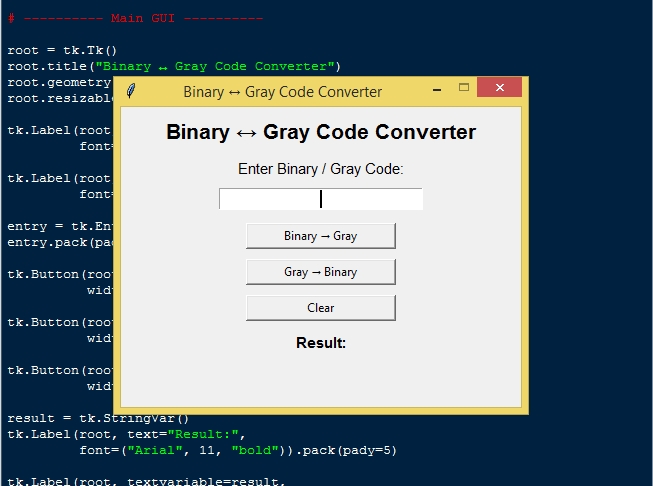
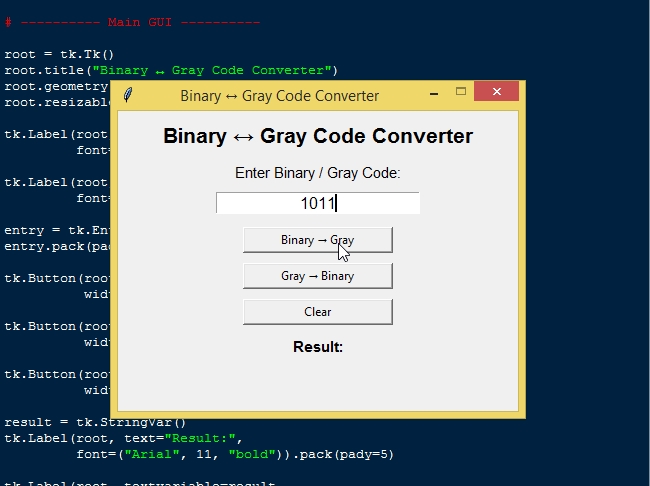
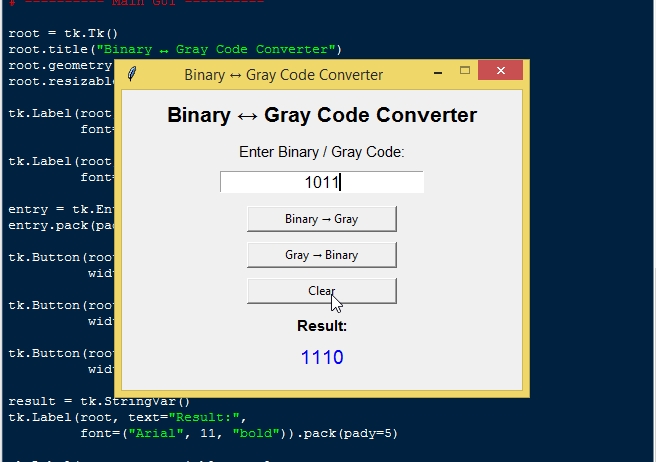
Sample Application Screenshot:
Binary to Gray Code Converter App Using Tkinter in Python with Source Code Installation Guide
- First you need to download & install the Python IDLE's, here's the link "https://www.python.org/downloads/".
- Download the source code in this site.
- Locate and Extract the zip file.
- Open the extracted folder
- Locate the py file.
- Then open the file via python IDLE or any IDE that supports python language.
- Run the py file to launch the program.
That's all, The Binary to Gray Code Converter App was created fully functional using Python language. I hope that this project can help you to what you are looking for. For more projects and tutorials please kindly visit this site. Enjoy Coding!
The Binary to Gray Code Converter App Using Tkinter in Python with Source Code is ready to be downloaded just kindly click the download button below.
Related Projects & Tutorials
Binary to Gray Code Converter AppNote: Due to the size or complexity of this submission, the author has submitted it as a .zip file to shorten your download time. After downloading it, you will need a program like Winzip to decompress it.
Virus note: All files are scanned once-a-day by SourceCodester.com for viruses, but new viruses come out every day, so no prevention program can catch 100% of them.
FOR YOUR OWN SAFETY, PLEASE:
1. Re-scan downloaded files using your personal virus checker before using it.
2. NEVER, EVER run compiled files (.exe's, .ocx's, .dll's etc.)--only run source code.