Blog

Free Hotel Management - Posting charges

Submitted by admin on
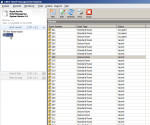
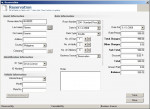
Posting charges To post the final charges for guest open the guest record and click the check out button as shown below. Click the Amount Paid to open the payment form. Click check out after the balance reaches zero (0.00). Enter the Amount at the Amount Paid textbox and click add button. Click close afterward. Back to table of contents

Free Hotel Management - Adding/Editing of Rooms

Submitted by admin on
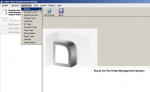
Adding/Editing of Rooms In order to add reservation or to check in guest you need to encode first the room number. This can be done by using the “Rooms” master files which can be access using the instruction from the previous slide. To access rooms click on the monitoring menu and then click rooms. Click here to see the screenshot of masterfiles menu. Back to table of contents