
Lumina Gray App Using HTML, CSS, and JavaScript with Source Code
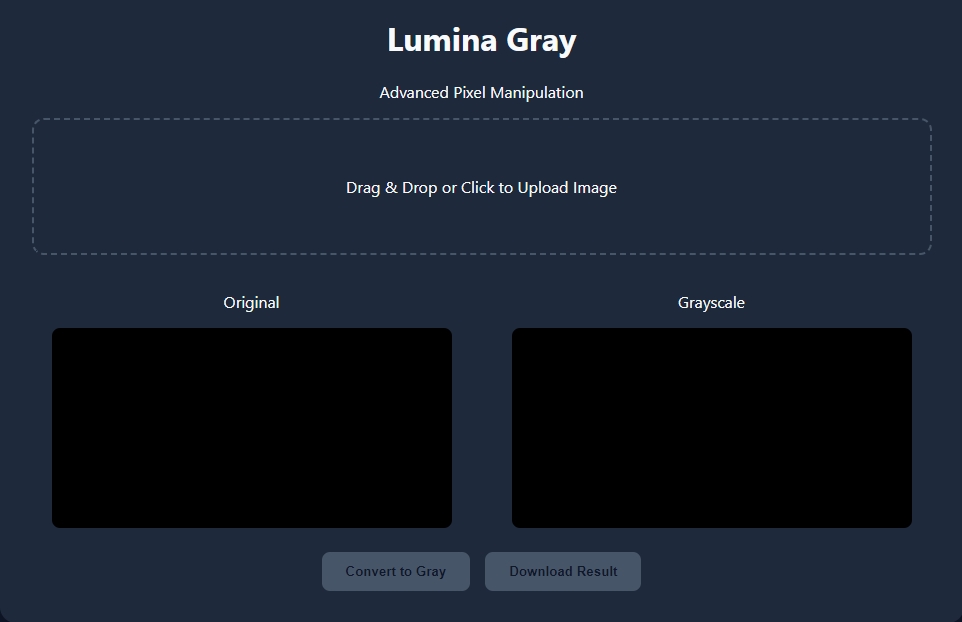
The Lumina Gray App is a lightweight web application built entirely with JavaScript. It features a simple design that allows users to instantly convert images to grayscale. The Lumina Gray App Using JavaScript is an excellent project for learning how to generate and manipulate images. This project provides a valuable opportunity to practice and strengthen fundamental JavaScript programming skills while creating a practical and visually engaging tool.
The Lumina Gray App Using HTML, CSS, and JavaScript with Source Code is free to be downloaded just read the content below for more info. This application is for educational purpose only.
Lumina Gray App Using HTML, CSS, and JavaScript with Source Code Basic Information
- Language used: JavaScript
- Front-end used: HTML & CSS
- Coding Tool used: Notepad++ or any text editor that can run html files
- Type: Web Application
- Database used: None
About Lumina Gray App
The Lumina Gray App Using JavaScript is a lightweight and interactive web application designed to convert colored images into grayscale directly within the browser. Developed entirely using JavaScript along with HTML5 canvas, the app showcases how image data can be accessed, processed, and modified in real time without relying on external libraries. It features a clean and user-friendly interface that allows users to easily upload an image and instantly apply a grayscale effect with just a few clicks. Behind the scenes, the application works by analyzing each pixel’s color values (red, green, and blue) and recalculating them to produce varying shades of gray, demonstrating a fundamental concept in image processing. This project not only serves as a practical tool but also as an excellent learning resource for beginners and aspiring developers who want to understand how JavaScript can be used for graphics manipulation. By working on this application, developers can enhance their skills in DOM manipulation, event handling, and canvas-based rendering while building a visually engaging and functional project.
Lumina Gray App Using HTML, CSS, and JavaScript with Source Code Features
- User-Friendly Web Interface
- Built using HTML for structure and CSS for styling.
- Clean and responsive layout for easy interaction.
- Drag-and-drop or file upload option for images.
- Preview area to display original and processed images.
- Image Upload Functionality
- Allows users to upload images from their device.
- Supports common formats.
- Instantly displays the selected image on the screen.
- Grayscale Conversion Feature
- Converts colored images into grayscale using JavaScript.
- Applies pixel manipulation techniques via the Canvas API.
- Maintains image quality during processing.
- Real-Time Image Processing
- Displays grayscale output immediately after processing.
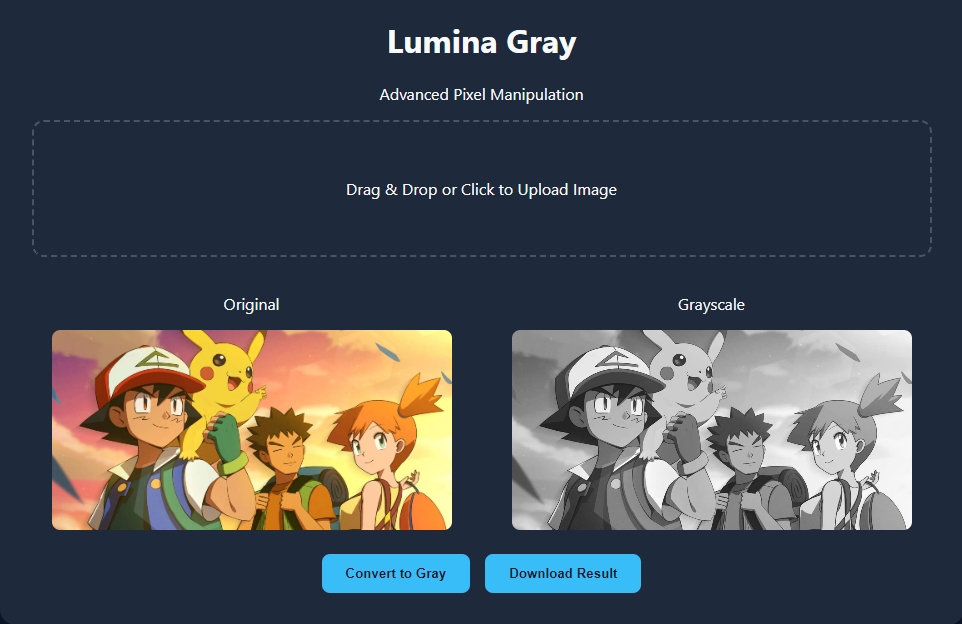
- Allows users to compare original vs. converted image.
- Smooth and fast performance in the browser.
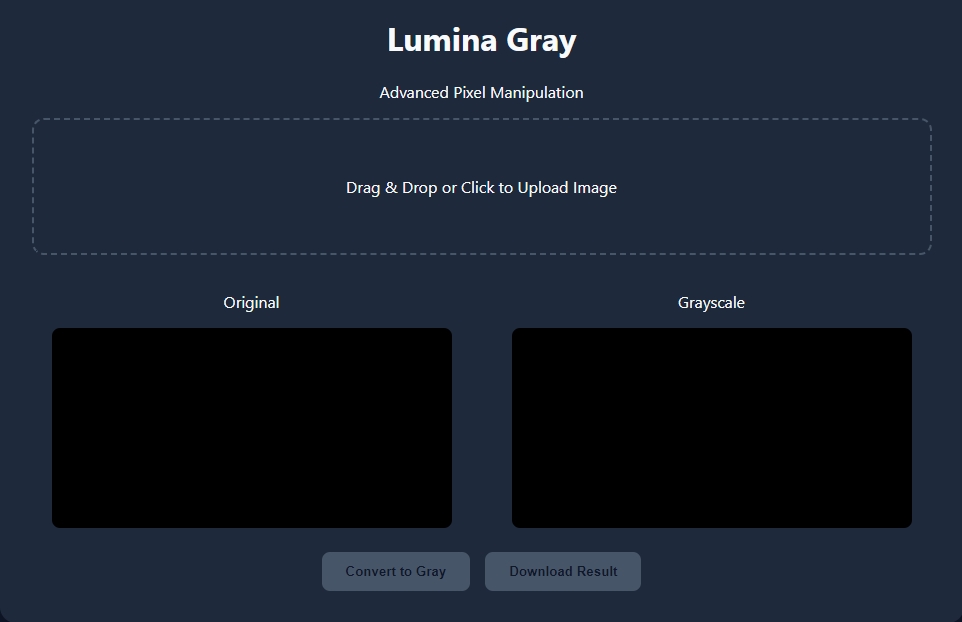
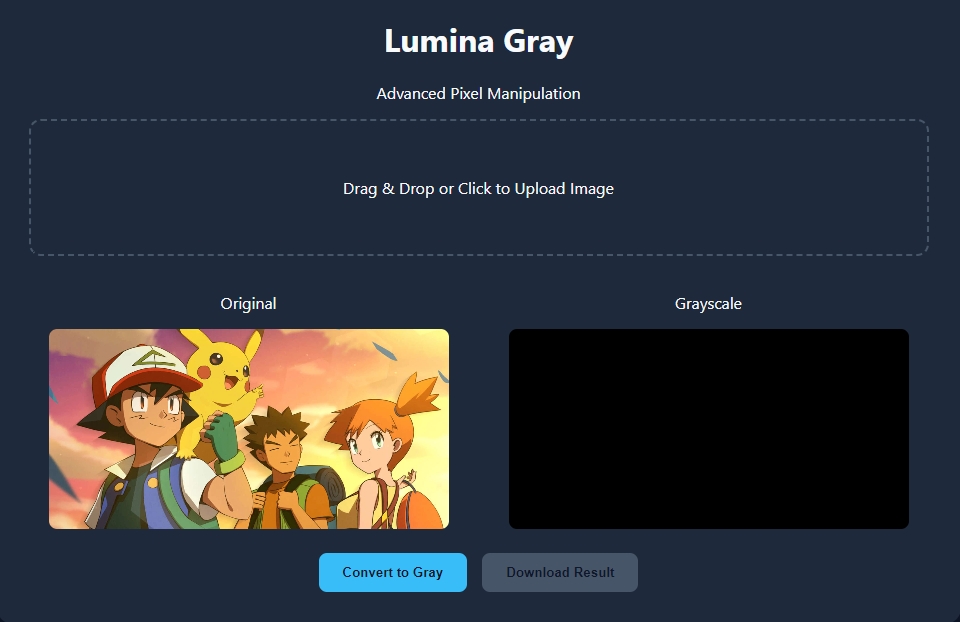
Sample Application Screenshot:
Lumina Gray App Using HTML, CSS, and JavaScript with Source Code Installation Guide
- Download the source code in this site.
- Locate and Extract the zip file.
- Open the extracted folder
- Find and locate the file "index.html".
- Open the file in a web browser(Chrome, Firefox, etc..).
That's all, The Lumina Gray App was created fully functional using JavaScript language. I hope that this project can help you to what you are looking for. For more projects and tutorials please kindly visit this site. Enjoy Coding!
The Lumina Gray App Using HTML, CSS, and JavaScript with Source Code is ready to be downloaded just kindly click the download button below.
Related Projects & Tutorials
Lumina Gray AppNote: Due to the size or complexity of this submission, the author has submitted it as a .zip file to shorten your download time. After downloading it, you will need a program like Winzip to decompress it.
Virus note: All files are scanned once-a-day by SourceCodester.com for viruses, but new viruses come out every day, so no prevention program can catch 100% of them.
FOR YOUR OWN SAFETY, PLEASE:
1. Re-scan downloaded files using your personal virus checker before using it.
2. NEVER, EVER run compiled files (.exe's, .ocx's, .dll's etc.)--only run source code.