
Mini Golf Game Using Pygame in Python with Source Code
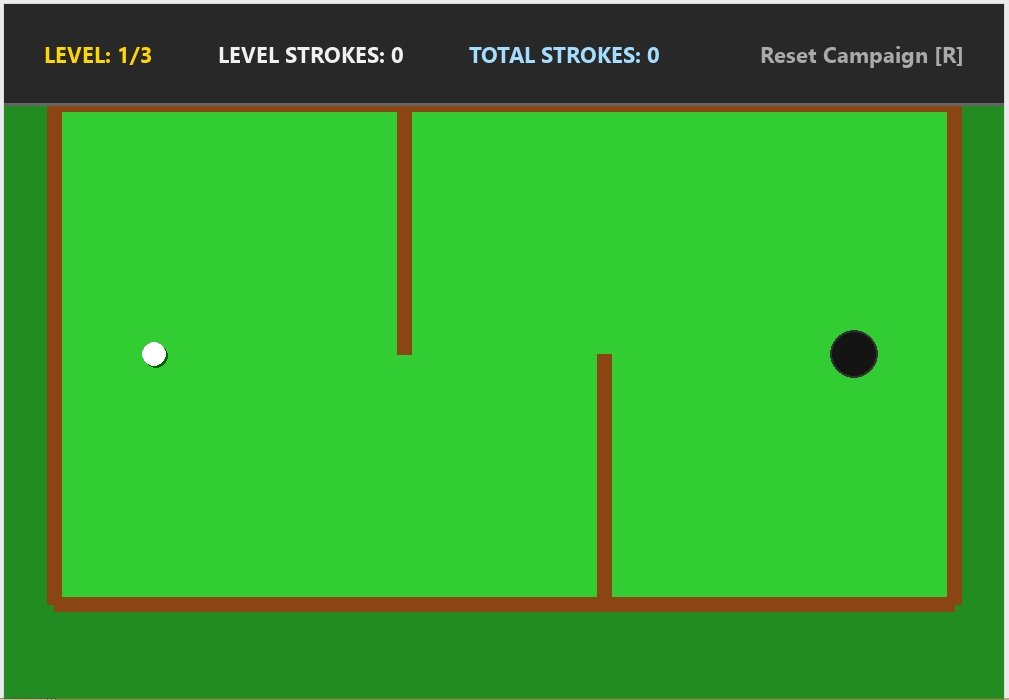
The Mini Golf Game is an interactive desktop application built entirely with Python. The gameplay is simple and allows players to enjoy a mini golf experience where they must strike the ball into the hole. The Mini Golf Game Using Pygame features a fun and interactive experience in which players advance to the next level after successfully putting the ball into the hole. This project is an excellent opportunity to reinforce essential programming concepts, making it a valuable exercise for improving your Python skills in game development.
The Mini Golf Game Using Pygame in Python with Source Code is free to be downloaded just read the content below for more info. This application is for educational purpose only.
Mini Golf Game Using Pygame in Python with Source Code Basic Information
- Language used: Python
- Coding Tool used: Built-in Python IDLE
- Type: Desktop Application
- Database used: None
About Mini Golf Game
The Mini Golf Game Using Pygame is an interactive 2D sports-style game built using Python and the Pygame library, designed to simulate the basic mechanics of miniature golf in a fun and accessible way. In this game, the player controls a golf ball and aims to sink it into the hole by carefully adjusting the direction and power of each shot. The game often features different levels with unique layouts, including walls, obstacles, ramps, and boundaries that require strategic thinking and precision to overcome. Each stroke is governed by simple physics principles such as velocity, friction, and collision detection, which makes the ball movement feel more realistic and engaging. The goal is to complete each level using the least number of strokes possible, encouraging players to improve their accuracy and planning skills. This project is also a great learning tool for beginners in game development, as it helps them understand important programming concepts such as event handling, game loops, sprite movement, and basic physics simulation using Pygame.
Mini Golf Game Using Pygame in Python with Source Code Features
- Game Window and Visual Interface
- Built using the Pygame library.
- Top-down mini golf course layout.
- Clean 2D environment with ball, hole, and obstacles.
- Displays score, strokes, and game status.
- Player-Controlled Golf Ball
- Player controls a golf ball using mouse or keyboard input.
- Aiming system to set direction and force.
- Smooth ball movement with realistic physics.
- Aiming and Shooting Mechanism
- Click-and-drag or directional aiming system.
- Power-based shot strength depending on input.
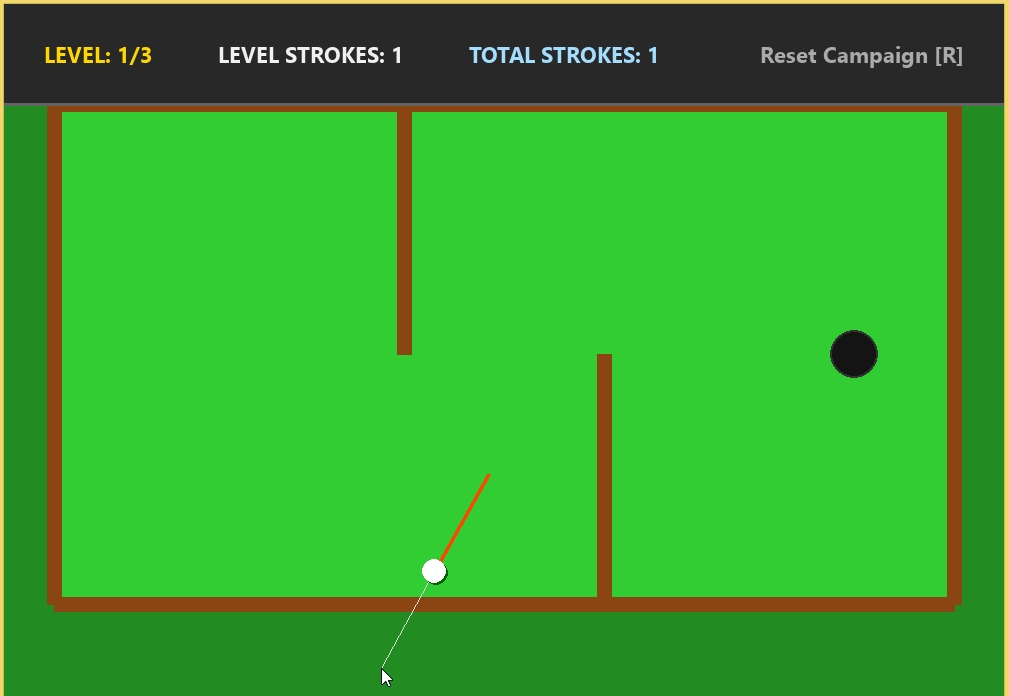
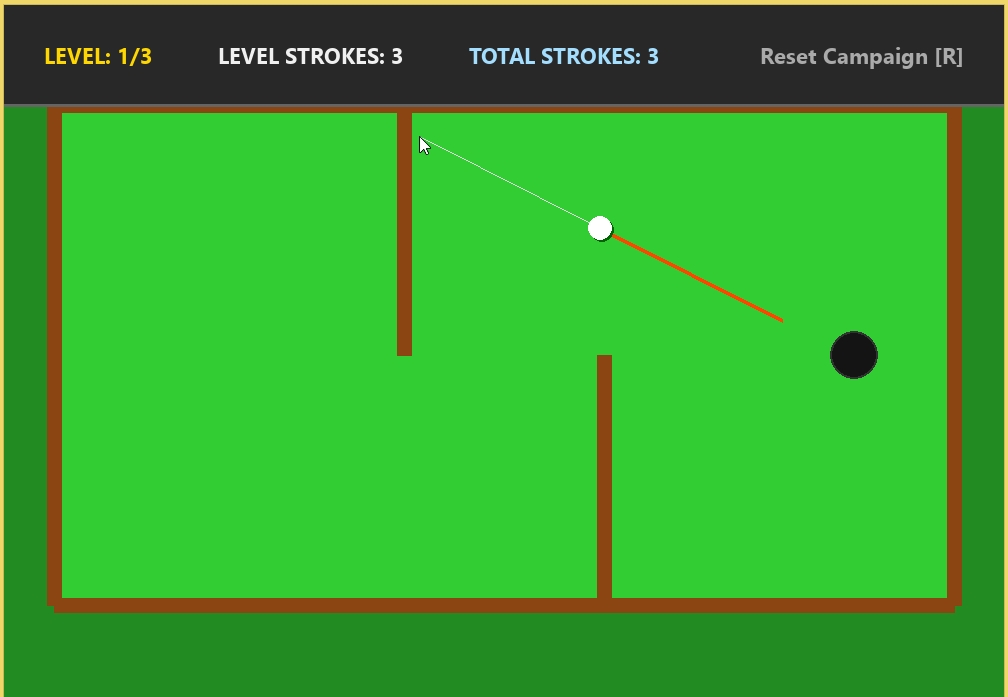
- Visual indicator for shot direction (optional guide line).
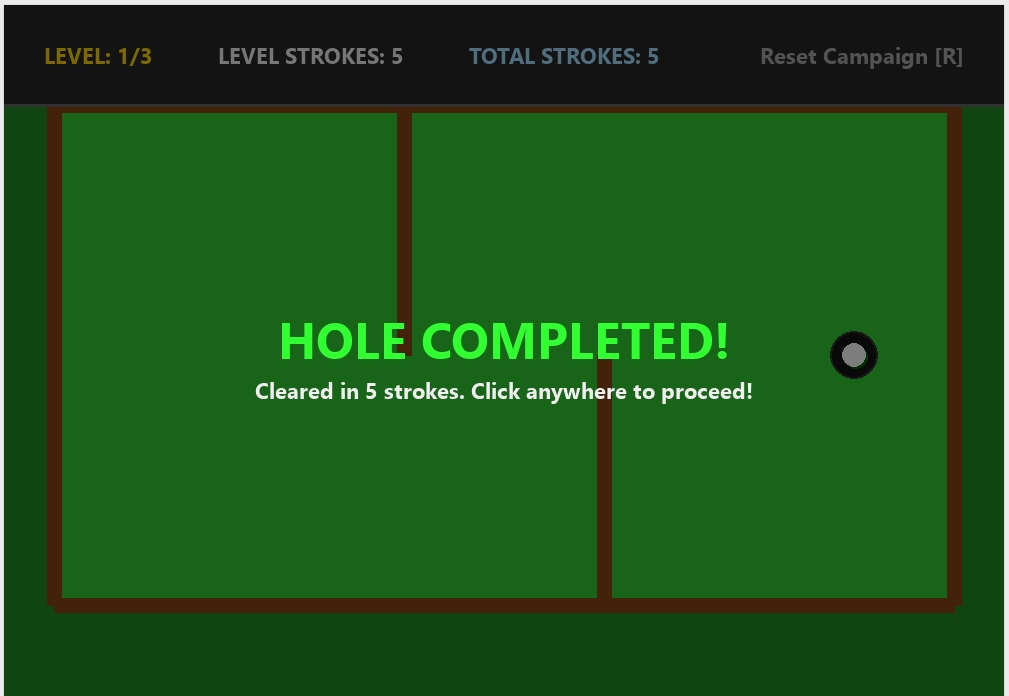
Sample Application Screenshot:
Mini Golf Game Using Pygame in Python with Source Code Installation Guide
- First you need to download & install the Python IDLE's, here's the link "https://www.python.org/downloads/".
- Download the source code in this site.
- Locate and Extract the zip file.
- Open the extracted folder
- Locate the py file.
- Then open the file via python IDLE or any IDE that supports python language.
- Run the py file to launch the program.
That's all, The Mini Golf Game was created fully functional using Python language. I hope that this project can help you to what you are looking for. For more projects and tutorials please kindly visit this site. Enjoy Coding!
The Mini Golf Game Using Pygame in Python with Source Code is ready to be downloaded just kindly click the download button below.
Related Projects & Tutorials
Mini Golf GameNote: Due to the size or complexity of this submission, the author has submitted it as a .zip file to shorten your download time. After downloading it, you will need a program like Winzip to decompress it.
Virus note: All files are scanned once-a-day by SourceCodester.com for viruses, but new viruses come out every day, so no prevention program can catch 100% of them.
FOR YOUR OWN SAFETY, PLEASE:
1. Re-scan downloaded files using your personal virus checker before using it.
2. NEVER, EVER run compiled files (.exe's, .ocx's, .dll's etc.)--only run source code.