
Car Park Management System Using SQLite and Tkinter in Python with Source Code
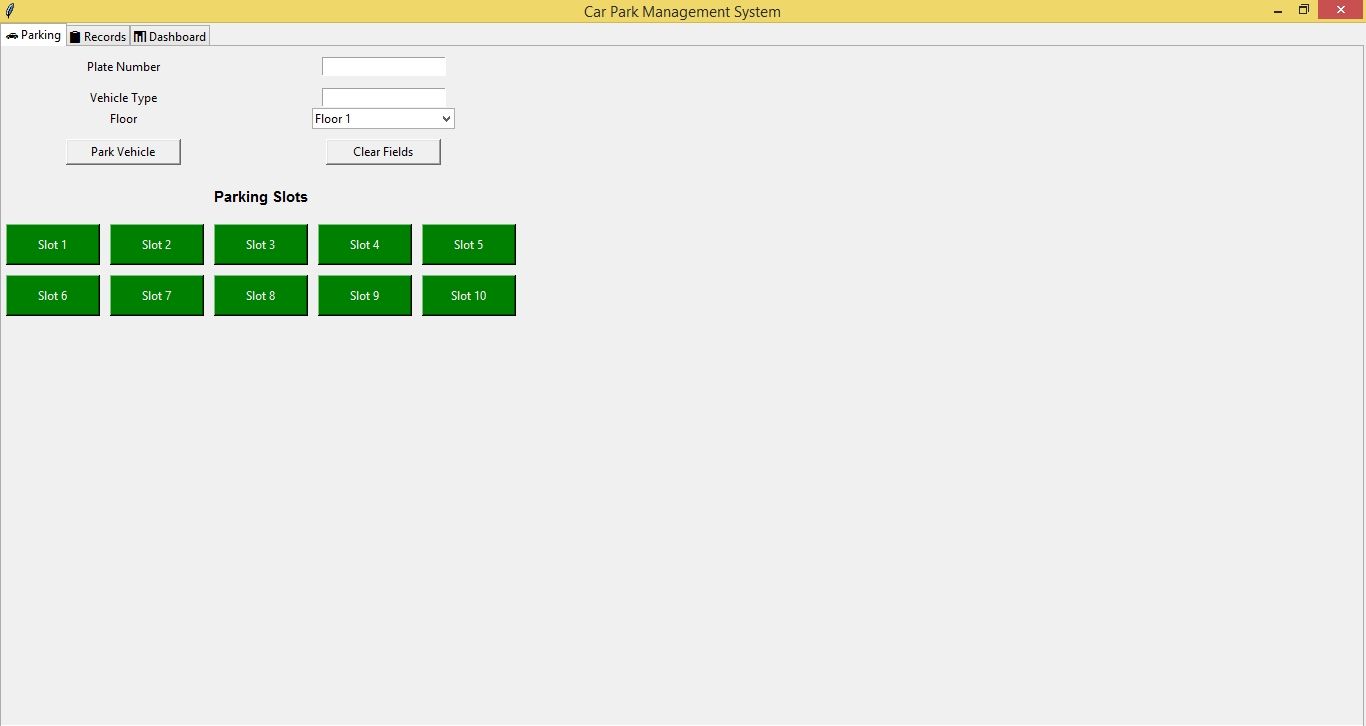
The Car Park Management System is an interactive desktop application built entirely with Python using the Tkinter library. The application allows users to manage parking slots for each car in the parking area. The Car Park Management System Using SQLite and Tkinter also features a parking management function that handles parking slots efficiently. This project is an excellent way to practice and reinforce essential programming concepts, making it a valuable exercise for enhancing your Python skills in application development.
The Car Park Management System Using SQLite and Tkinter in Python with Source Code is free to be downloaded just read the content below for more info. This application is for educational purpose only.
Car Park Management System Using SQLite and Tkinter in Python with Source Code Basic Information
- Language used: Python
- Coding Tool used: Built-in Python IDLE
- Type: Desktop Application
- Database used: SQLite
About Car Park Management System
The Car Park Management System Using SQLite and Tkinter in Python is a comprehensive application designed to streamline parking operations. Built with Tkinter for an intuitive and user-friendly graphical interface and SQLite for robust database management, the system allows efficient handling of vehicle entries and exits, real-time tracking of available parking slots, and maintenance of detailed records. Users can easily add, update, and remove vehicle information, monitor occupancy, and generate reports, making parking management organized and hassle-free. This project demonstrates practical skills in GUI development, database integration, and object-oriented programming in Python, making it a valuable tool for small to medium-sized parking facilities.
Car Park Management System Using SQLite and Tkinter in Python with Source Code Features
- User-Friendly GUI Interface
- Built with Tkinter for a clean and intuitive layout.
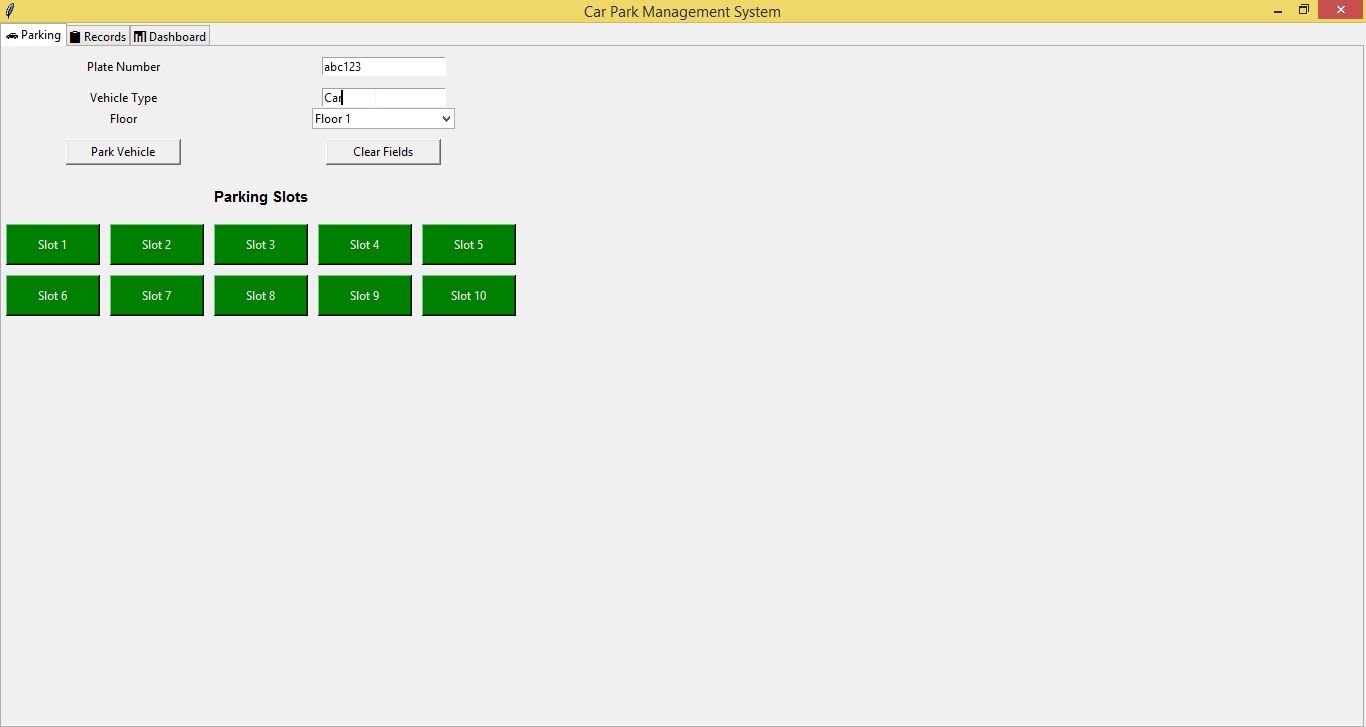
- Organized frames for vehicle entry, exit, and parking records.
- Easy navigation with buttons for adding, updating, and removing records.
- Vehicle Entry Management
- Input fields for vehicle number, owner name, contact details, and entry time.
- Automatically records date and time of entry.
- Validates vehicle information to prevent duplicates.
- Vehicle Exit Management
- Input vehicle number to process exit.
- Calculates parking duration and charges automatically.
- Updates records and frees parking slots.
- Parking Slot Management
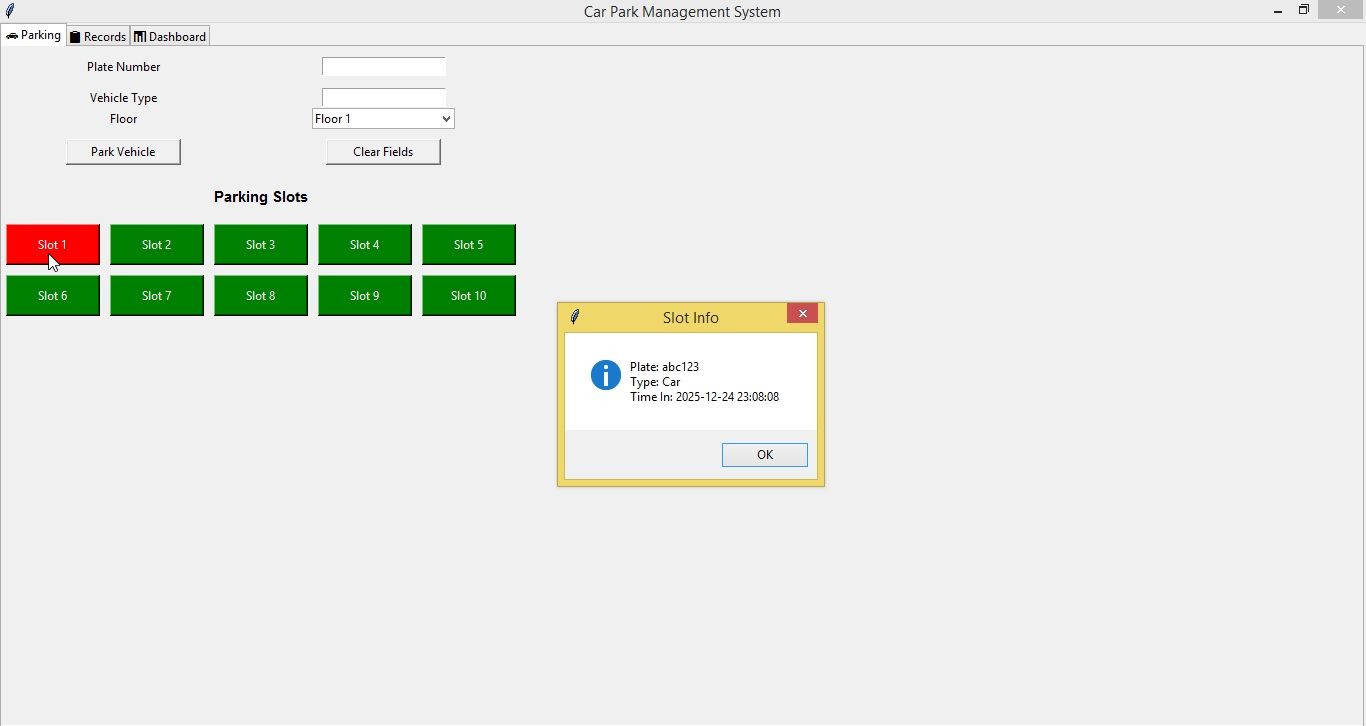
- Tracks available and occupied slots in real-time.
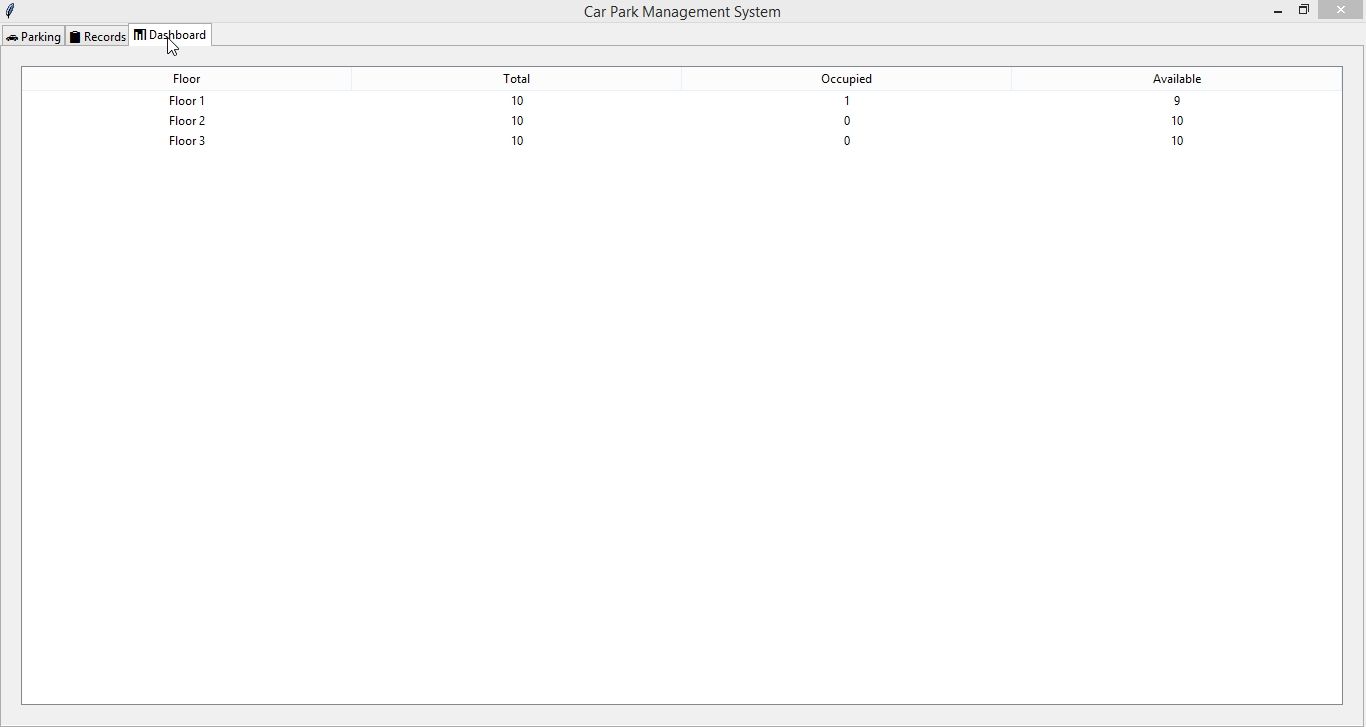
- Displays current parking status to the admin.
- Prevents overbooking by limiting vehicles to available slots.
- Database Integration with SQLite
- Stores vehicle records, parking slots, and transaction history.
- Ensures data is persistent across sessions.
- Search and View Records
- Search vehicle records by vehicle number, owner name, or date.
- View all active parking and historical exit records.
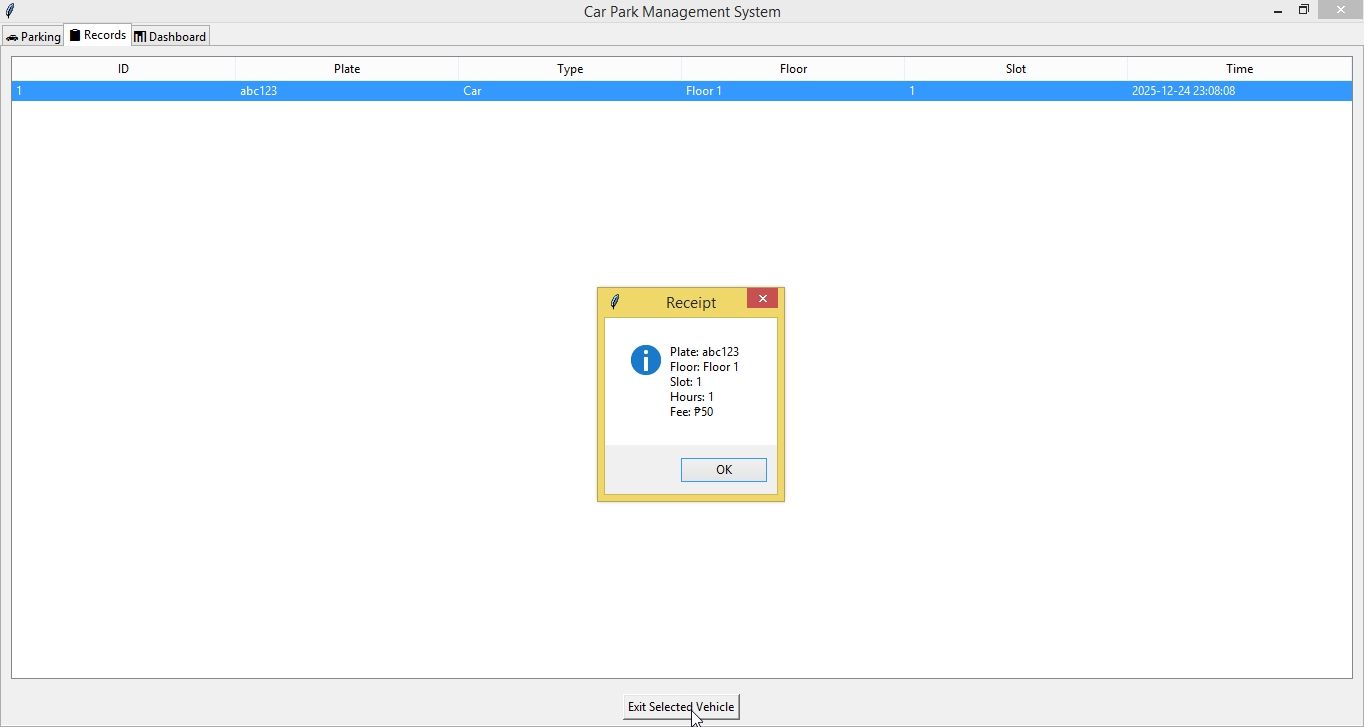
Sample Application Screenshot:
Car Park Management System Using SQLite and Tkinter in Python with Source Code Installation Guide
- First you need to download & install the Python IDLE's, here's the link "https://www.python.org/downloads/".
- Download the source code in this site.
- Locate and Extract the zip file.
- Open the extracted folder
- Locate the py file.
- Then open the file via python IDLE or any IDE that supports python language.
- Run the py file to launch the program.
That's all, The Car Park Management System was created fully functional using Python language. I hope that this project can help you to what you are looking for. For more projects and tutorials please kindly visit this site. Enjoy Coding!
The Car Park Management System Using SQLite and Tkinter in Python with Source Code is ready to be downloaded just kindly click the download button below.
Related Projects & Tutorials
Car Park Management SystemNote: Due to the size or complexity of this submission, the author has submitted it as a .zip file to shorten your download time. After downloading it, you will need a program like Winzip to decompress it.
Virus note: All files are scanned once-a-day by SourceCodester.com for viruses, but new viruses come out every day, so no prevention program can catch 100% of them.
FOR YOUR OWN SAFETY, PLEASE:
1. Re-scan downloaded files using your personal virus checker before using it.
2. NEVER, EVER run compiled files (.exe's, .ocx's, .dll's etc.)--only run source code.