
Wave Effect App Using HTML, CSS, and JavaScript with Source Code
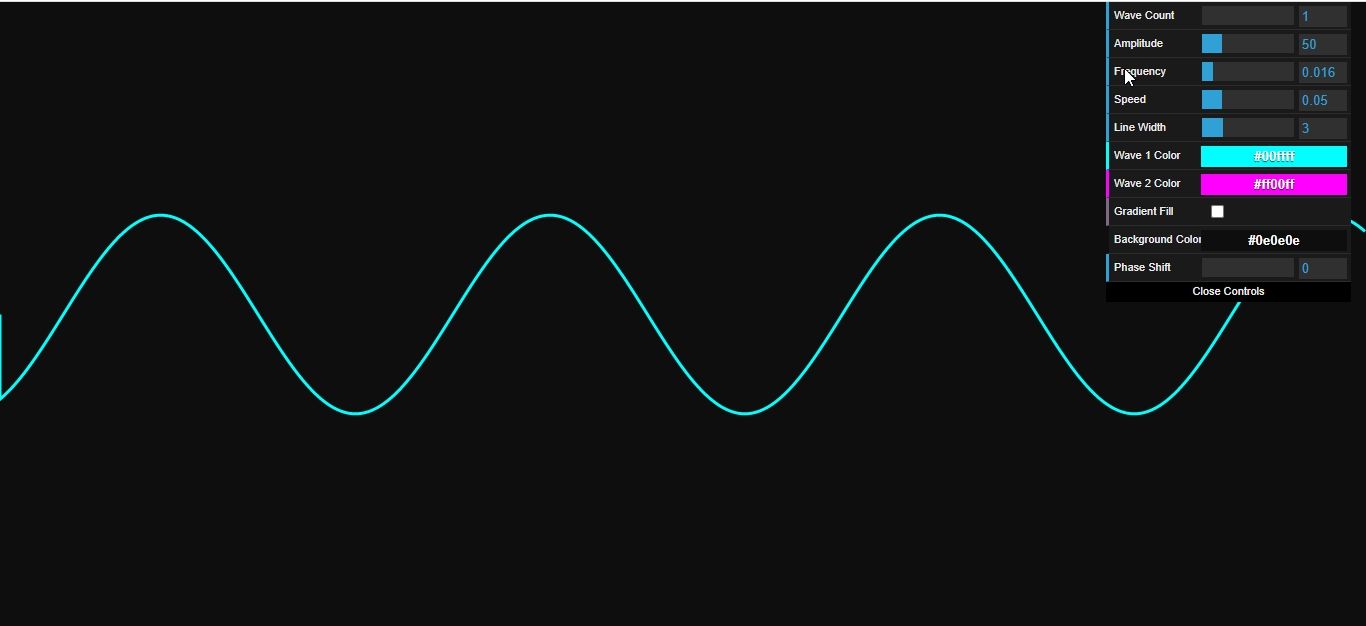
The Wave Effect App is a lightweight web application built entirely with JavaScript. It features a simple design that visualizes wave frequency movement. The Wave Effect App Using JavaScript is an excellent project for beginners, as it demonstrates how to manipulate and tweak wave motion. This project provides a valuable opportunity to practice and strengthen fundamental JavaScript programming skills while building a practical and visually engaging tool.
The Wave Effect App Using HTML, CSS, and JavaScript with Source Code is free to be downloaded just read the content below for more info. This application is for educational purpose only.
Wave Effect App Using HTML, CSS, and JavaScript with Source Code Basic Information
- Language used: JavaScript
- Front-end used: HTML & CSS
- Coding Tool used: Notepad++ or any text editor that can run html files
- Type: Web Application
- Database used: None
About Wave Effect App
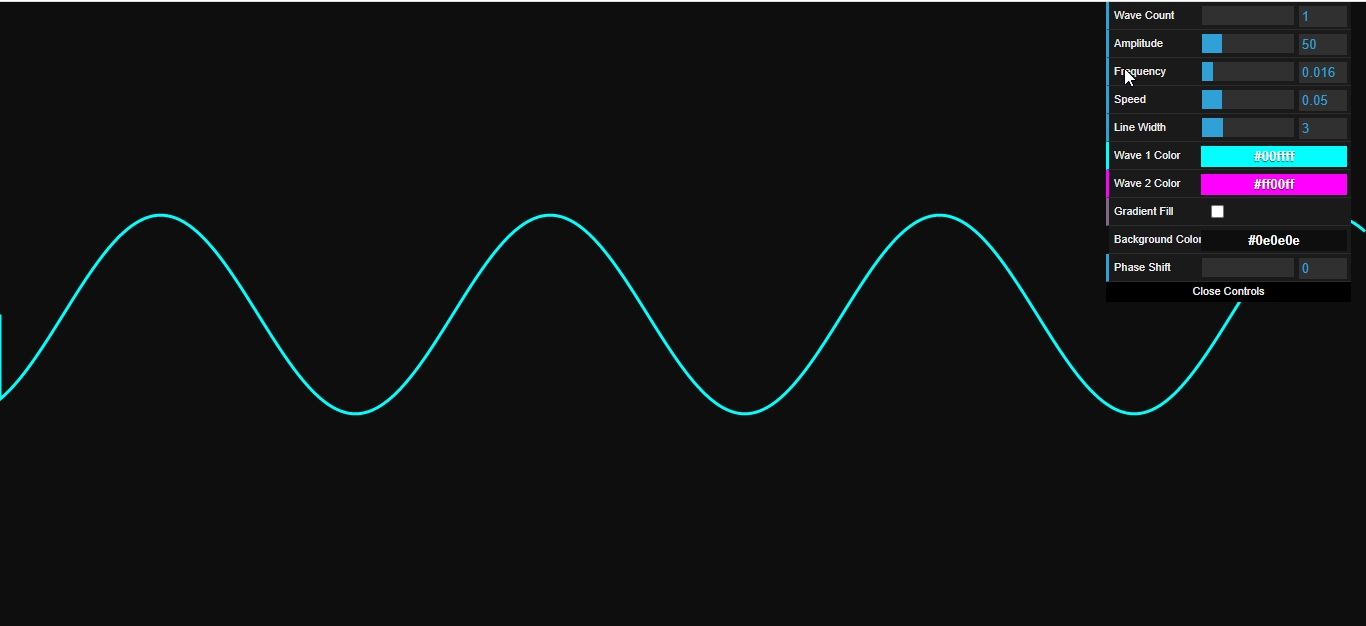
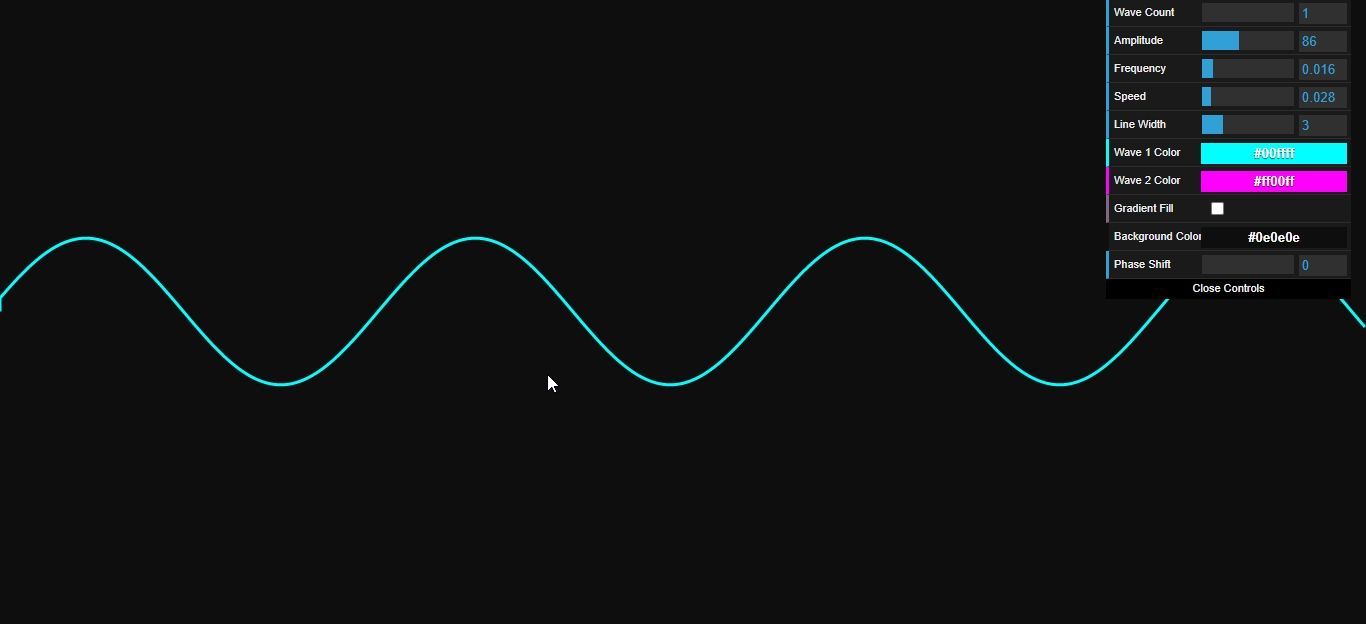
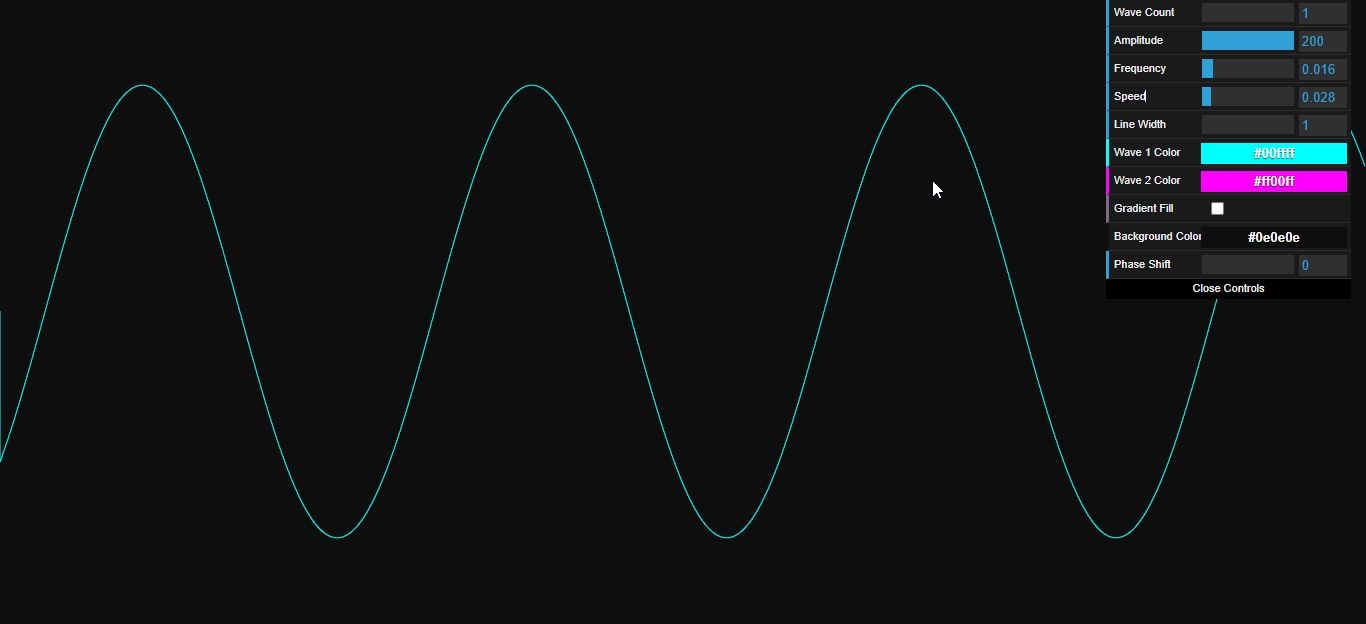
The Wave Effect App Using JavaScript is an interactive web application that brings mesmerizing wave animations to life using JavaScript and the HTML5 Canvas API. The app allows users to customize various wave properties, including amplitude, frequency, speed, and color, giving full control over the visual experience. As waves ripple and flow across the screen, the app creates a soothing and dynamic effect that can be used for backgrounds, visual art, or just for fun. With an intuitive GUI for real-time adjustments, users can experiment with different combinations to produce unique wave patterns, making the app both a creative tool and a visually captivating experience.
Wave Effect App Using HTML, CSS, and JavaScript with Source Code Features
- Interactive Wave Visualization
- Built using HTML, CSS, and JavaScript for smooth graphics.
- Displays dynamic wave motions that respond to user settings.
- Real-time rendering of sinusoidal or custom wave patterns.
- Customizable Wave Properties
- Adjust amplitude to control wave height.
- Adjust frequency to control wave density.
- Adjust speed to control wave animation speed.
- Optional phase or color adjustments for visual variety.
- User Controls and GUI
- Sliders or input fields to tweak wave parameters dynamically.
- Buttons to start, stop, or reset the wave animation.
- Optional color pickers for wave customization.
- Responsive Visual Effects
- Smooth animations using requestAnimationFrame for efficiency.
- CSS styling enhances visual appeal and modern design.
- Responsive design compatible with desktop and mobile screens.
Sample Application Screenshot:
Wave Effect App Using HTML, CSS, and JavaScript with Source Code Installation Guide
- Download the source code in this site.
- Locate and Extract the zip file.
- Open the extracted folder
- Find and locate the file "index.html".
- Open the file in a web browser(Chrome, Firefox, etc..).
That's all, The Wave Effect App was created fully functional using JavaScript language. I hope that this project can help you to what you are looking for. For more projects and tutorials please kindly visit this site. Enjoy Coding!
The Wave Effect App Using HTML, CSS, and JavaScript with Source Code is ready to be downloaded just kindly click the download button below.
Related Projects & Tutorials
Wave Effect AppNote: Due to the size or complexity of this submission, the author has submitted it as a .zip file to shorten your download time. After downloading it, you will need a program like Winzip to decompress it.
Virus note: All files are scanned once-a-day by SourceCodester.com for viruses, but new viruses come out every day, so no prevention program can catch 100% of them.
FOR YOUR OWN SAFETY, PLEASE:
1. Re-scan downloaded files using your personal virus checker before using it.
2. NEVER, EVER run compiled files (.exe's, .ocx's, .dll's etc.)--only run source code.