
Battleship Command Game Using Pygame in Python with Source Code
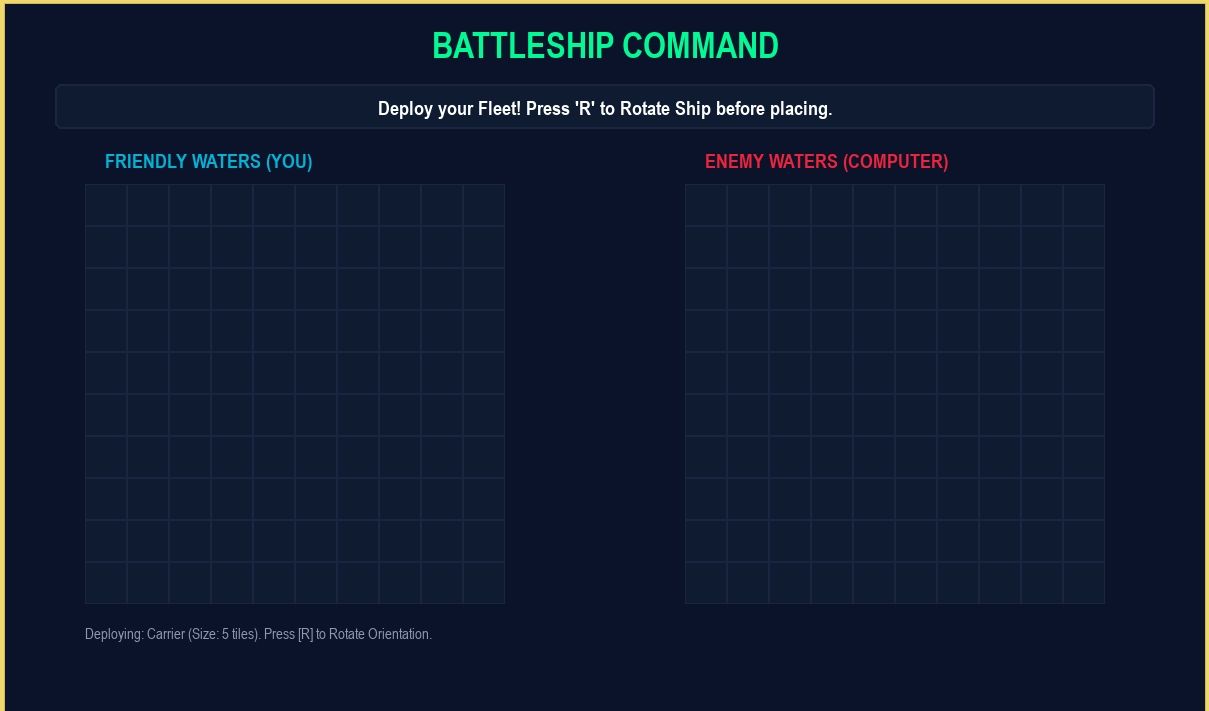
The Battleship Command Game is an interactive desktop application built entirely with Python. The gameplay is simple: players must first set up their fleet before starting the game. The Battleship Command Game Using Pygame features a fun and interactive experience in which players take turns blindly shooting at enemy ships. This project is an excellent opportunity to reinforce essential programming concepts, making it a valuable exercise for improving your Python skills in game development.
The Battleship Command Game Using Pygame in Python with Source Code is free to be downloaded just read the content below for more info. This application is for educational purpose only.
Battleship Command Game Using Pygame in Python with Source Code Basic Information
- Language used: Python
- Coding Tool used: Built-in Python IDLE
- Type: Desktop Application
- Database used: None
About Battleship Command Game
The Battleship Command Game Using Pygame is a turn-based strategy game developed with Python’s Pygame library that recreates the classic naval warfare experience in a digital format. In this game, players place a fleet of ships on a hidden grid and take turns firing shots to guess the location of the opponent’s ships. Each hit and miss provides important feedback that helps players refine their strategy and improve their chances of winning. The game challenges players to think critically, remember previous moves, and use logical deduction to locate and destroy all enemy vessels before their own fleet is eliminated. With its clean interface, interactive grid system, and engaging gameplay mechanics, it delivers an exciting and competitive experience. At the same time, it serves as an excellent beginner-to-intermediate project for learning game development concepts such as event handling, collision logic, grid-based systems, and user interaction using Pygame.
Battleship Command Game Using Pygame in Python with Source Code Features
- Graphical User Interface (GUI)
- Built using the Pygame library.
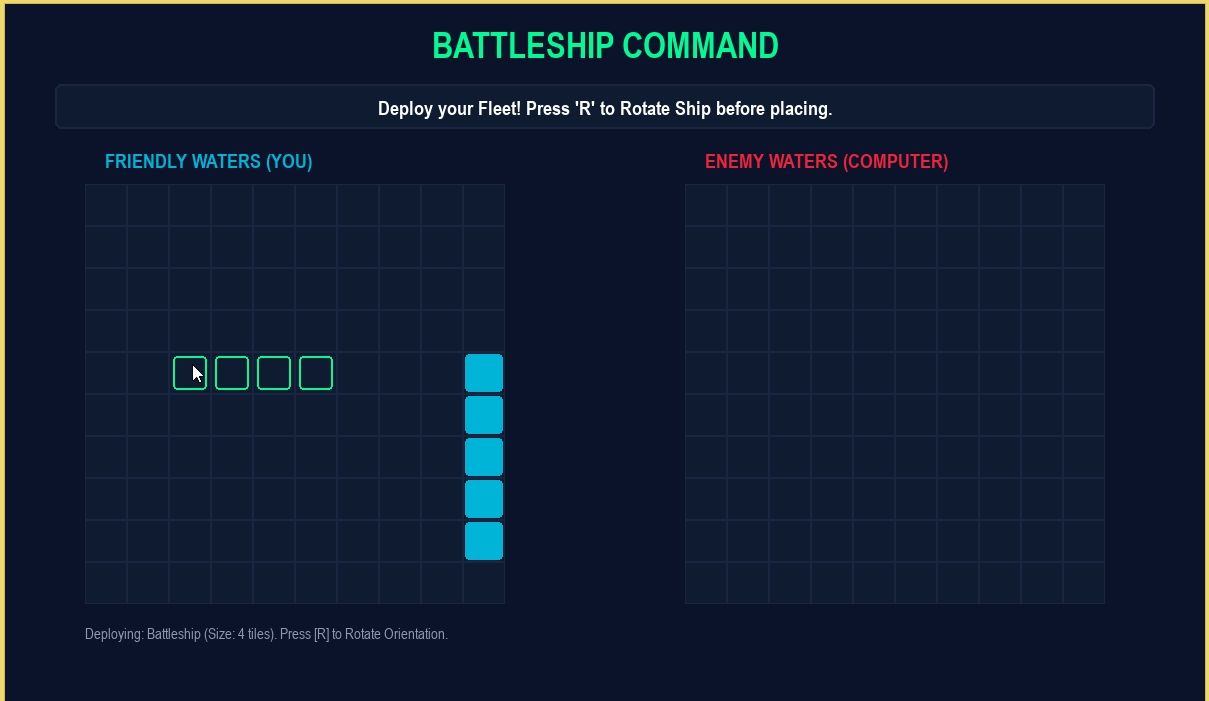
- Grid-based battlefield layout (player vs enemy board).
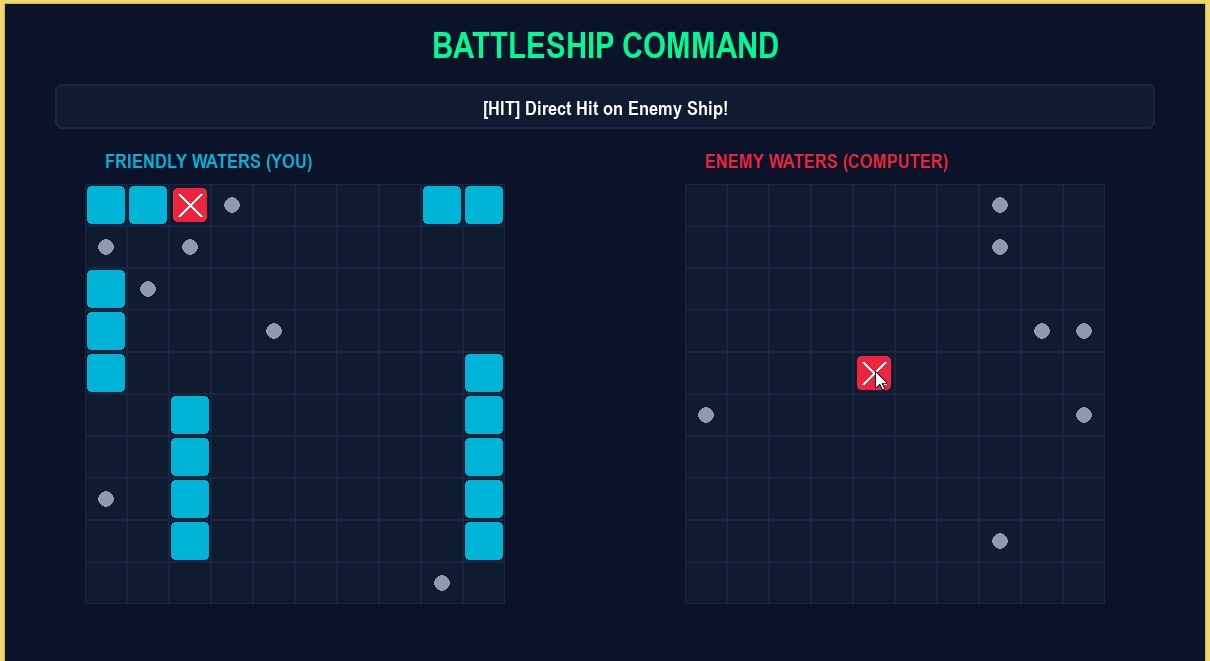
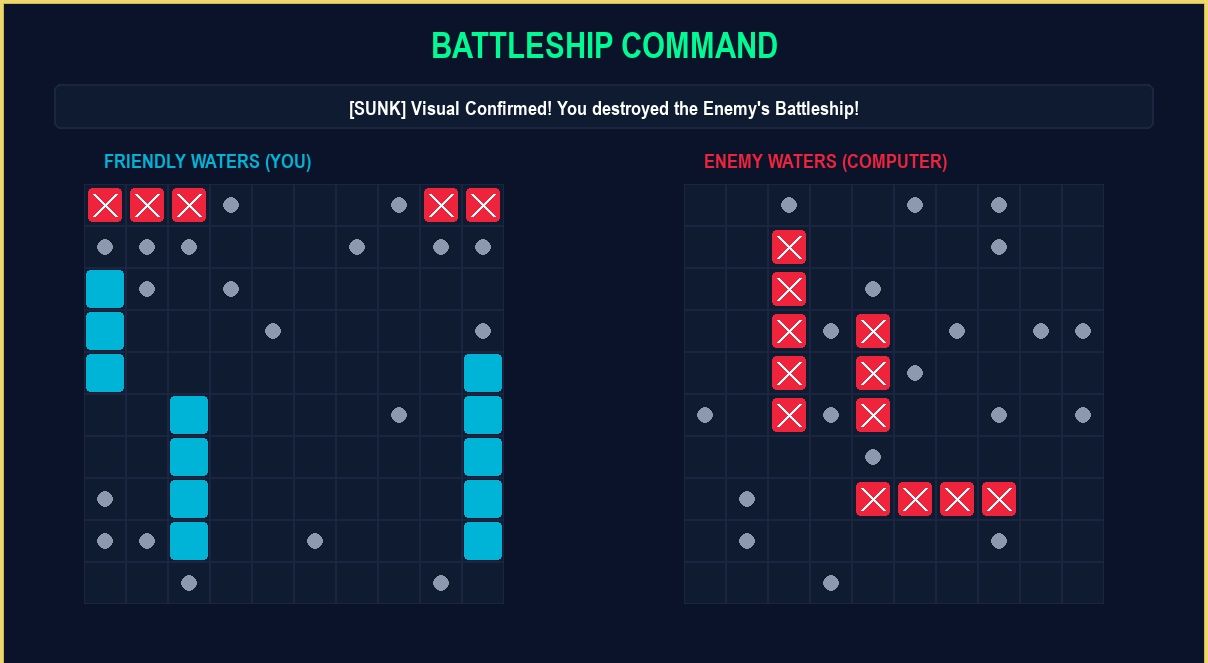
- Clean 2D interface showing ships, hits, and misses.
- Displays game status, turns, and score.
- Core Gameplay Mechanics
- Classic Battleship-style strategy game.
- Player and enemy place ships on a grid.
- Players take turns guessing enemy ship locations.
- Objective: sink all enemy ships before yours are destroyed.
- Grid-Based System
- Battlefield divided into a grid (e.g., 10x10).
- Each cell represents a coordinate for targeting.
- Supports coordinate-based attack system.
Sample Application Screenshot:
Battleship Command Game Using Pygame in Python with Source Code Installation Guide
- First you need to download & install the Python IDLE's, here's the link "https://www.python.org/downloads/".
- Download the source code in this site.
- Locate and Extract the zip file.
- Open the extracted folder
- Locate the py file.
- Then open the file via python IDLE or any IDE that supports python language.
- Run the py file to launch the program.
That's all, The Battleship Command Game was created fully functional using Python language. I hope that this project can help you to what you are looking for. For more projects and tutorials please kindly visit this site. Enjoy Coding!
The Battleship Command Game Using Pygame in Python with Source Code is ready to be downloaded just kindly click the download button below.
Related Projects & Tutorials
Battleship Command GameNote: Due to the size or complexity of this submission, the author has submitted it as a .zip file to shorten your download time. After downloading it, you will need a program like Winzip to decompress it.
Virus note: All files are scanned once-a-day by SourceCodester.com for viruses, but new viruses come out every day, so no prevention program can catch 100% of them.
FOR YOUR OWN SAFETY, PLEASE:
1. Re-scan downloaded files using your personal virus checker before using it.
2. NEVER, EVER run compiled files (.exe's, .ocx's, .dll's etc.)--only run source code.