
HireFlow – A Complete Interview Management System
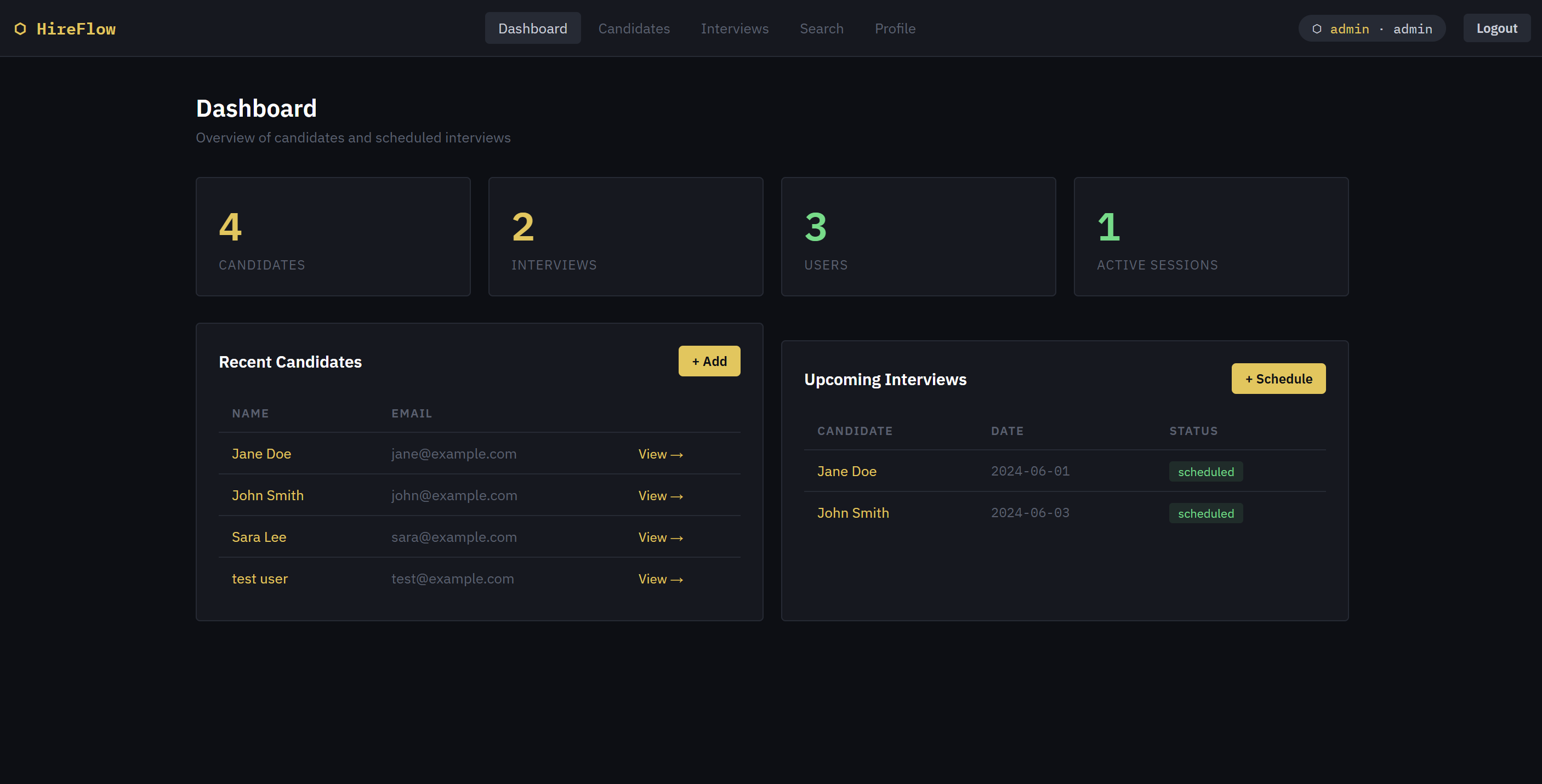
HireFlow is a modern, easy-to-use web-based Interview Management System designed to make hiring faster, smoother, and more organized. It helps recruiters and organizations manage candidates, schedule interviews, and monitor the entire recruitment process in one place.
Instead of using multiple tools or spreadsheets, HireFlow gives you a centralized platform where everything is accessible with just a few clicks. This improves productivity, reduces manual work, and helps teams make better hiring decisions.
With its clean dark-themed interface and simple navigation, HireFlow ensures a comfortable user experience while keeping all recruitment tasks structured and efficient.
🚀 Key Features of HireFlow
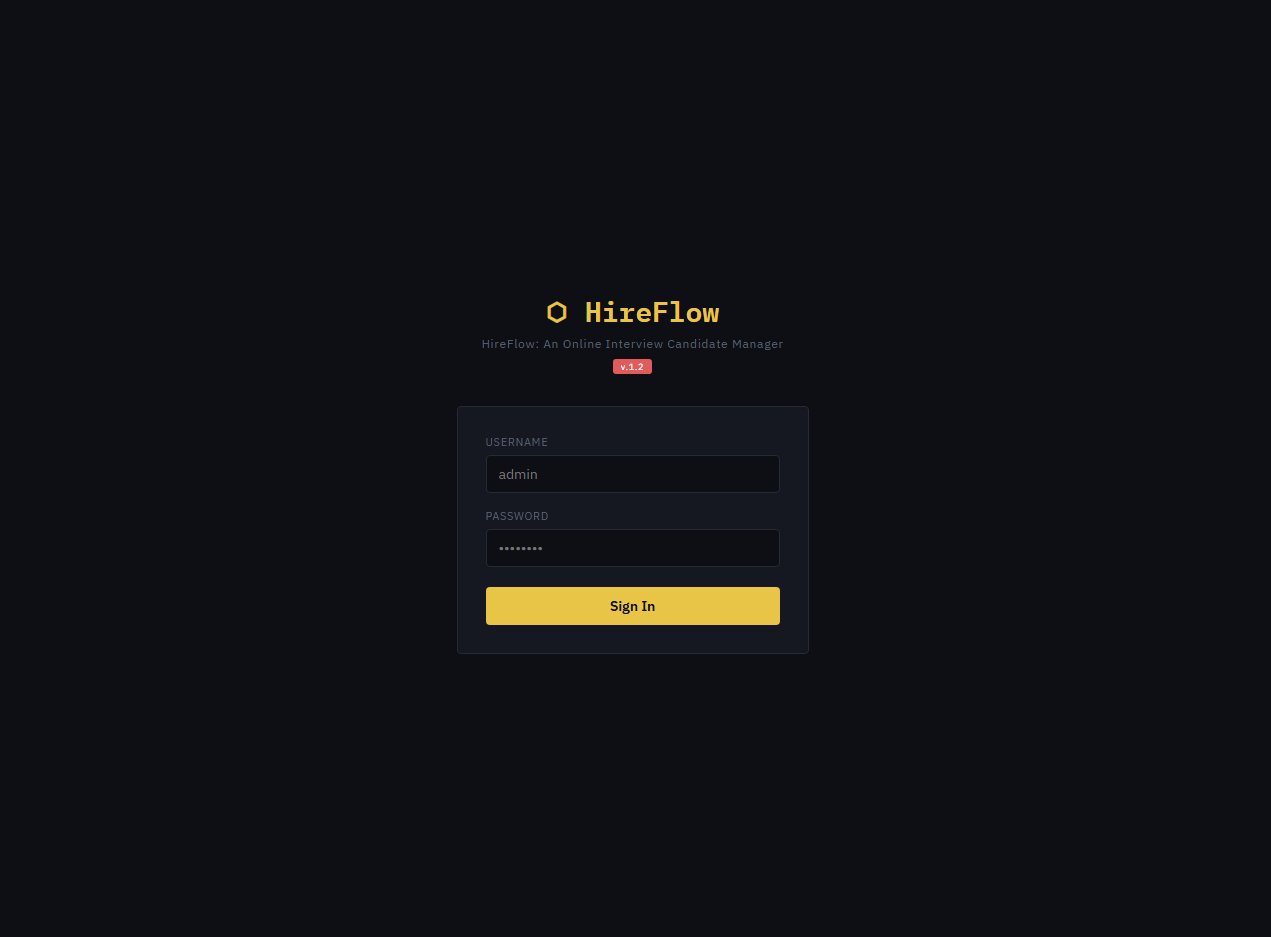
🔐 Secure Authentication System
HireFlow includes a secure admin login system to protect sensitive data. Only authorized users can access the platform, ensuring that candidate information and interview records remain safe and private.
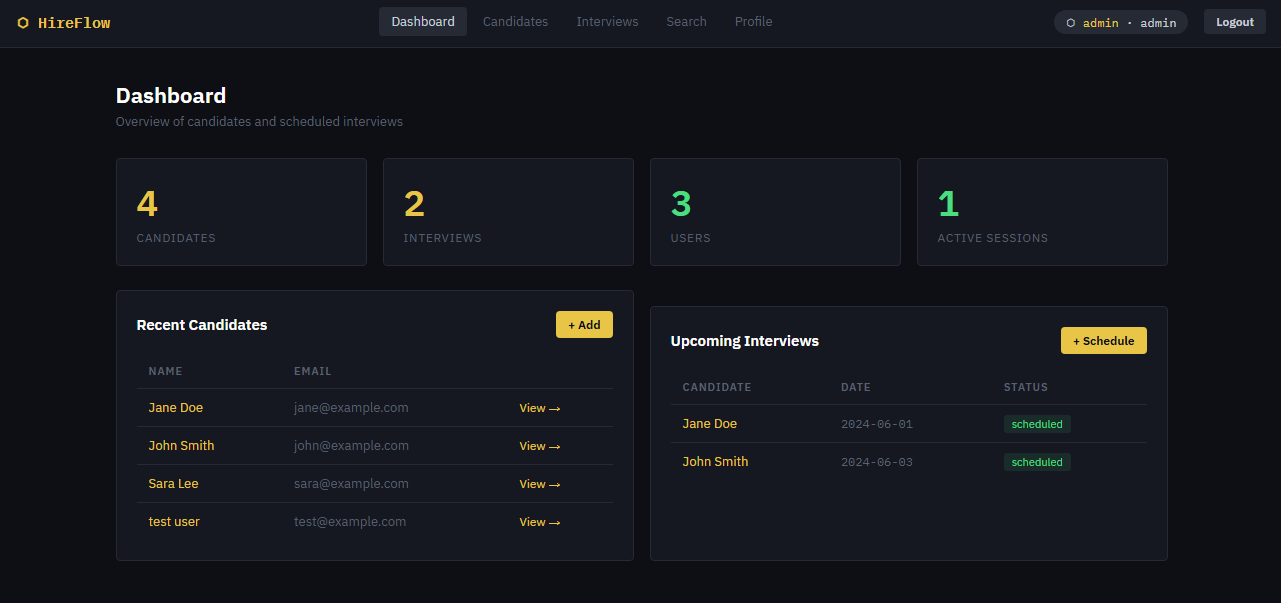
📊 Dashboard Overview
The system provides a powerful dashboard that gives quick insights into:
- Total number of candidates
- Scheduled and completed interviews
- Active users and sessions
This helps recruiters instantly understand the current status of the hiring process without digging through multiple pages.
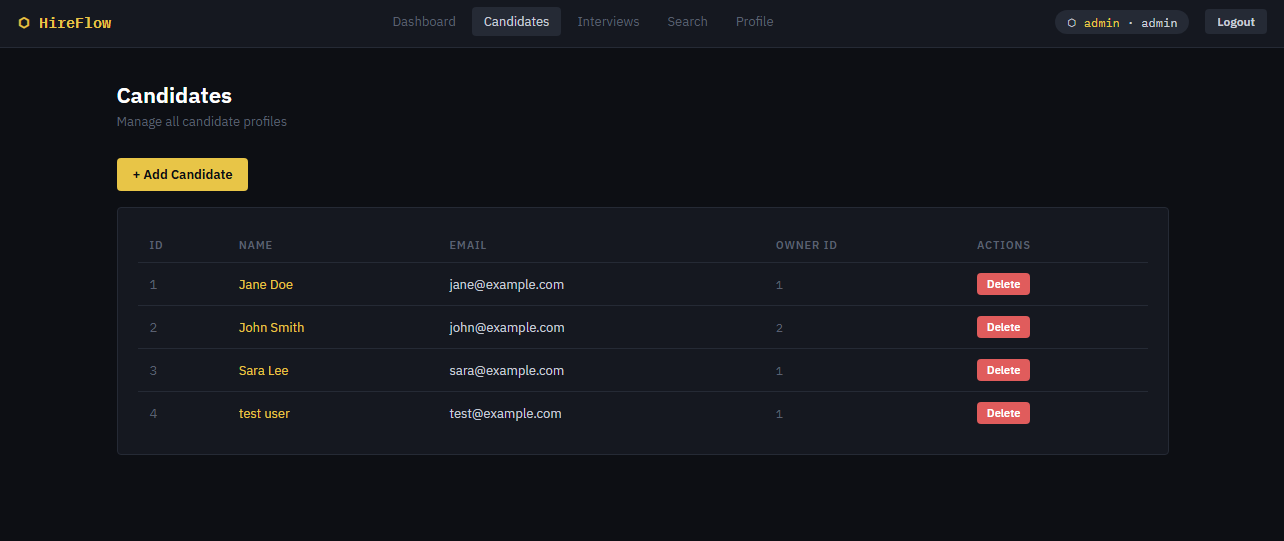
👥 Candidate Management
Managing candidates is simple and organized with HireFlow. You can:
- Add new candidate profiles
- View and update candidate details
- Store important information such as name, email, and resume
This feature ensures that all candidate data is kept in one place, making it easy to review and compare applicants.
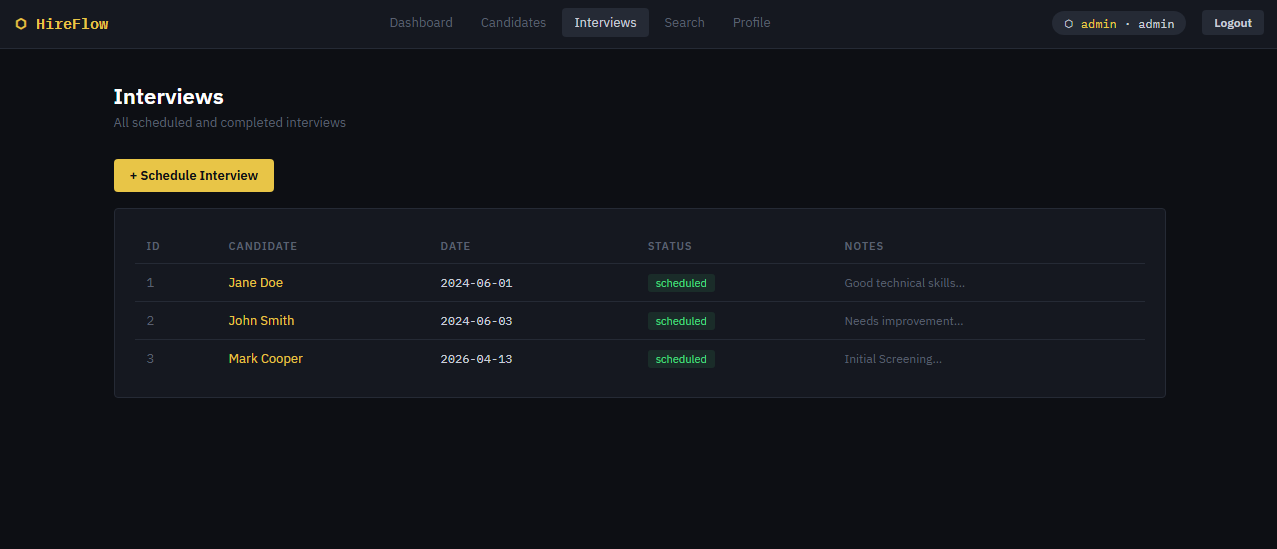
📅 Interview Scheduling Made Easy
HireFlow allows recruiters to schedule interviews quickly and efficiently. You can:
- Set interview dates and times
- Track interview status (scheduled, completed, or pending)
- Manage multiple interviews without confusion
This helps teams stay on track and avoid missed or overlapping schedules.
🔍 Fast Search Functionality
Finding candidates is quick and easy with the built-in search feature. You can search by:
- Candidate name
- Email address
This saves time, especially when dealing with a large number of applicants.
📝 Interview Notes and Feedback
During or after interviews, recruiters can add notes and feedback directly to each candidate profile. This allows:
- Better evaluation of candidates
- Easy collaboration among hiring teams
- Clear documentation for future reference
🎯 Clean and Modern UI/UX
HireFlow features a modern dark-themed design that is both stylish and practical. The responsive layout ensures that the system works well on desktops, tablets, and mobile devices.
The simple interface makes it easy for users of all skill levels to navigate and use the platform without confusion.
💡 Use Cases of HireFlow
HireFlow is suitable for different types of organizations and teams, including:
🏢 HR Teams
Manage recruitment pipelines, track applicants, and streamline hiring workflows in one system.
🚀 Startups
Handle multiple interviews efficiently while keeping operations simple and cost-effective.
🎓 College Placement Cells
Track student applications, schedule interviews, and manage placement processes in an organized way.
🏬 Small Businesses
Use a lightweight and easy-to-deploy system to manage hiring without needing complex software.
HireFlow is designed to reduce the stress and complexity of hiring. By combining candidate management, interview scheduling, and tracking into one platform, it helps organizations:
- Save time and effort
- Improve hiring decisions
- Stay organized throughout the recruitment process
Whether you're a growing startup or an established company, HireFlow provides a reliable and efficient solution for managing interviews and candidates.
System Snapshots
Login Page
Dashboard
Candidates
Interviews
Default Admin Credentials:
Username: admin
Password: admin
Explore more on this website for more Free Source Codes, Tutorials, and Articles covering various programming languages.
Note: Due to the size or complexity of this submission, the author has submitted it as a .zip file to shorten your download time. After downloading it, you will need a program like Winzip to decompress it.
Virus note: All files are scanned once-a-day by SourceCodester.com for viruses, but new viruses come out every day, so no prevention program can catch 100% of them.
FOR YOUR OWN SAFETY, PLEASE:
1. Re-scan downloaded files using your personal virus checker before using it.
2. NEVER, EVER run compiled files (.exe's, .ocx's, .dll's etc.)--only run source code.