
Luminosity Particles Effect App Using HTML, CSS, and JavaScript with Source Code
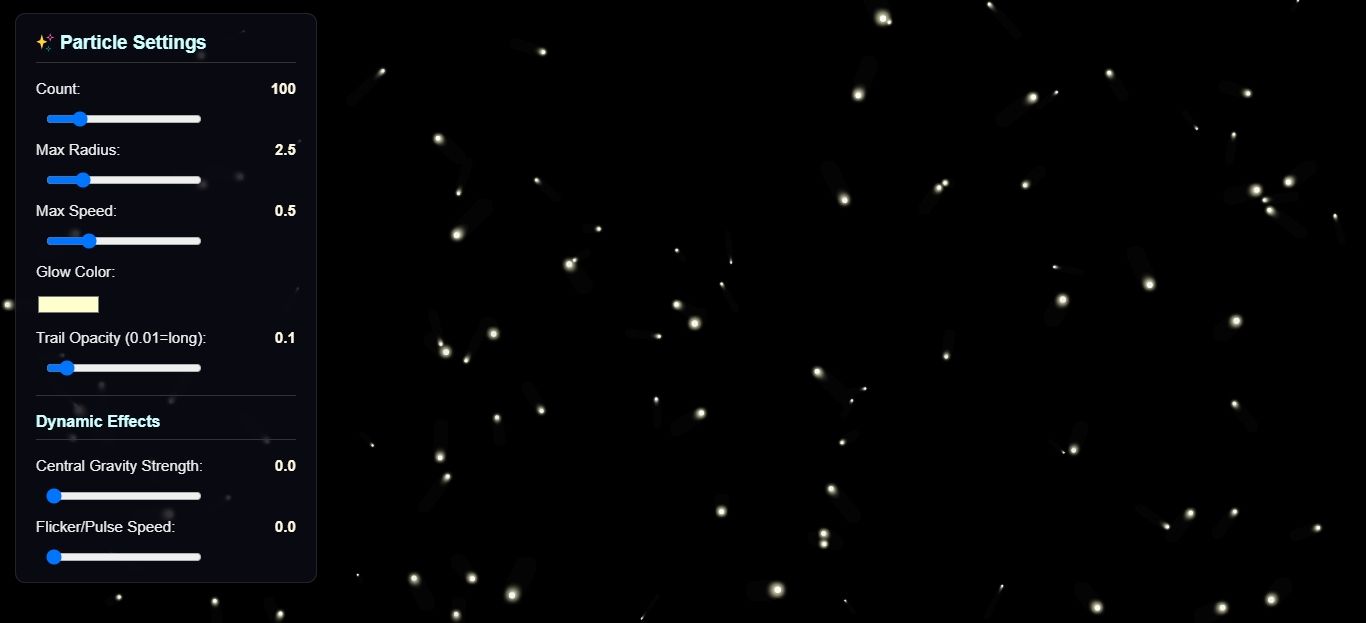
The Luminosity Particles Effect App is a lightweight web application built entirely with JavaScript. It features a simple design that displays a luminosity particles effect with customizable options. The Luminosity Particles Effect App Using JavaScript is an excellent project for beginners, as it demonstrates how to customize and display a luminosity particle effect. This project provides a valuable opportunity to practice and strengthen fundamental JavaScript programming skills while building a practical and visually engaging tool.
The Luminosity Particles Effect App Using HTML, CSS, and JavaScript with Source Code is free to be downloaded just read the content below for more info. This application is for educational purpose only.
Luminosity Particles Effect App Using HTML, CSS, and JavaScript with Source Code Basic Information
- Language used: JavaScript
- Front-end used: HTML & CSS
- Coding Tool used: Notepad++ or any text editor that can run html files
- Type: Web Application
- Database used: None
About Luminosity Particles Effect App
The Luminosity Particles Effect App Using JavaScript is an eye-catching visual project that generates glowing, animated particles that move smoothly across the screen to create a dynamic, luminous atmosphere. Built using HTML, CSS, and JavaScript—often with the HTML5 —the app showcases how particle systems work, from motion and fading effects to color transitions and interactive behavior. Users can enjoy a mesmerizing glow effect that reacts to movement or clicks, making the interface feel alive and engaging. This project is perfect for beginners and intermediate developers who want to explore creative coding, animation techniques, and visually appealing UI effects while enhancing their JavaScript skills.
Luminosity Particles Effect App Using HTML, CSS, and JavaScript with Source Code Features
- Interactive Particle Effect
- Generates dynamic glowing particles on the screen.
- Particles move and interact based on user input or mouse movement.
- Customizable Particle Properties
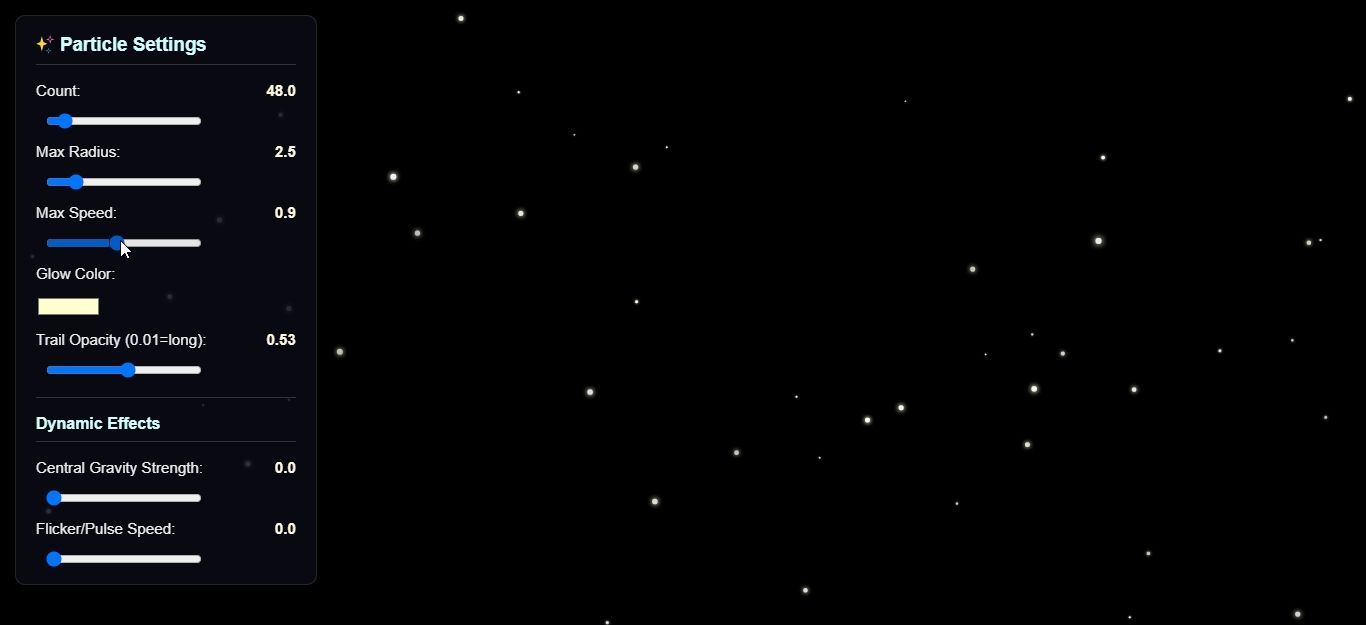
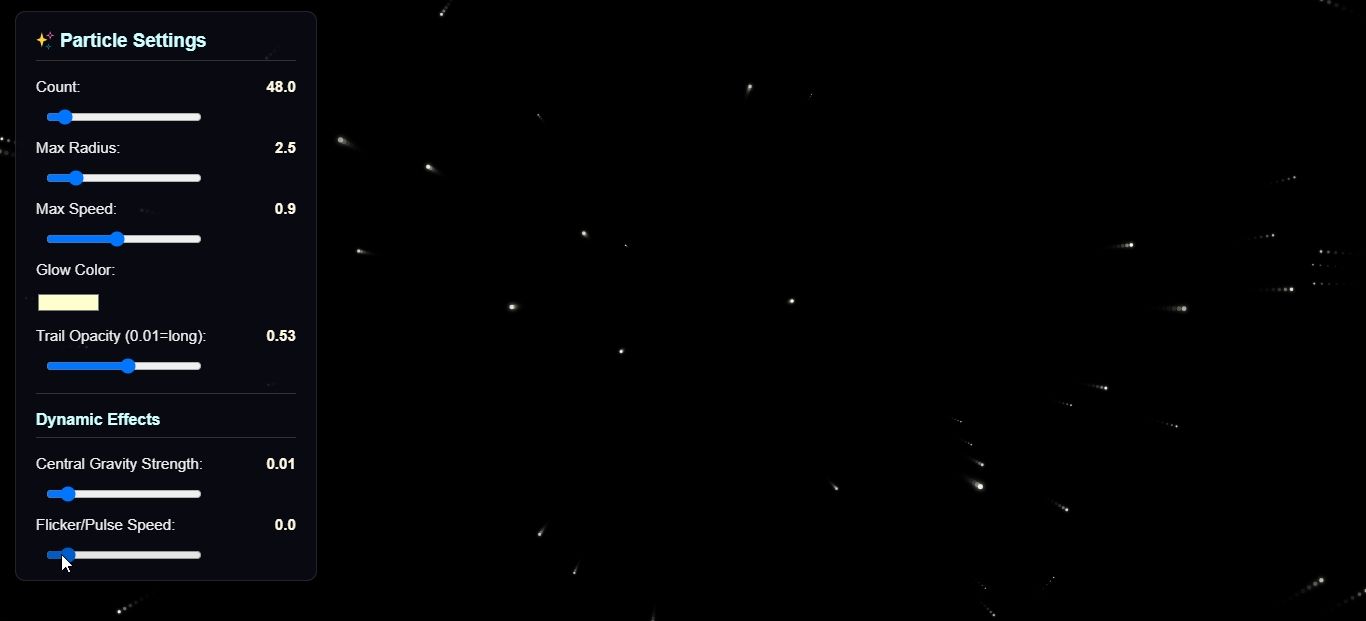
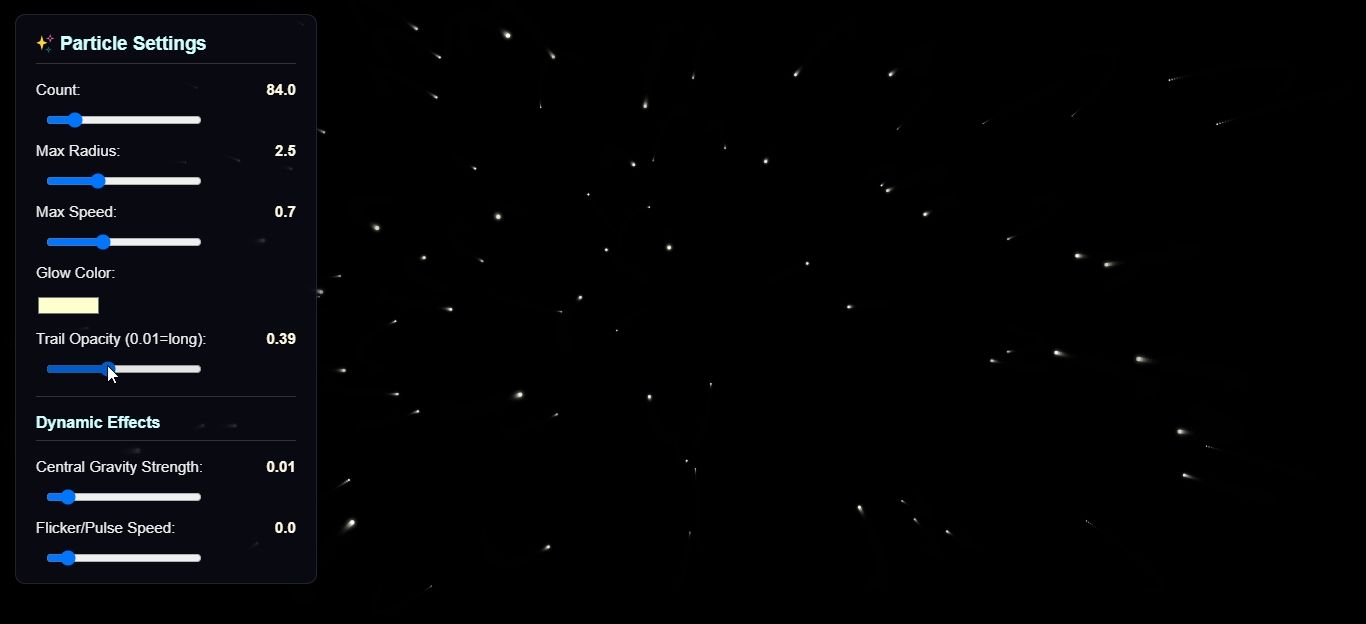
- Adjustable particle size, speed, and glow intensity.
- Can modify color schemes for different visual effects.
- Real-Time Animation
- Smooth rendering of particles using JavaScript animation loops.
- Supports continuous and responsive animation without lag.
- Mouse Interaction
- Particles respond to mouse movement or clicks.
- Enables interactive effects such as particles following the cursor.
Sample Application Screenshot:
Luminosity Particles Effect App Using HTML, CSS, and JavaScript with Source Code Installation Guide
- Download the source code in this site.
- Locate and Extract the zip file.
- Open the extracted folder
- Find and locate the file "index.html".
- Open the file in a web browser(Chrome, Firefox, etc..).
That's all, The Luminosity Particles Effect App was created fully functional using JavaScript language. I hope that this project can help you to what you are looking for. For more projects and tutorials please kindly visit this site. Enjoy Coding!
The Luminosity Particles Effect App Using HTML, CSS, and JavaScript with Source Code is ready to be downloaded just kindly click the download button below.
Related Projects & Tutorials
Luminosity Particles Effect AppNote: Due to the size or complexity of this submission, the author has submitted it as a .zip file to shorten your download time. After downloading it, you will need a program like Winzip to decompress it.
Virus note: All files are scanned once-a-day by SourceCodester.com for viruses, but new viruses come out every day, so no prevention program can catch 100% of them.
FOR YOUR OWN SAFETY, PLEASE:
1. Re-scan downloaded files using your personal virus checker before using it.
2. NEVER, EVER run compiled files (.exe's, .ocx's, .dll's etc.)--only run source code.