
Image Vectorizer App Using HTML, CSS, and JavaScript with Source Code
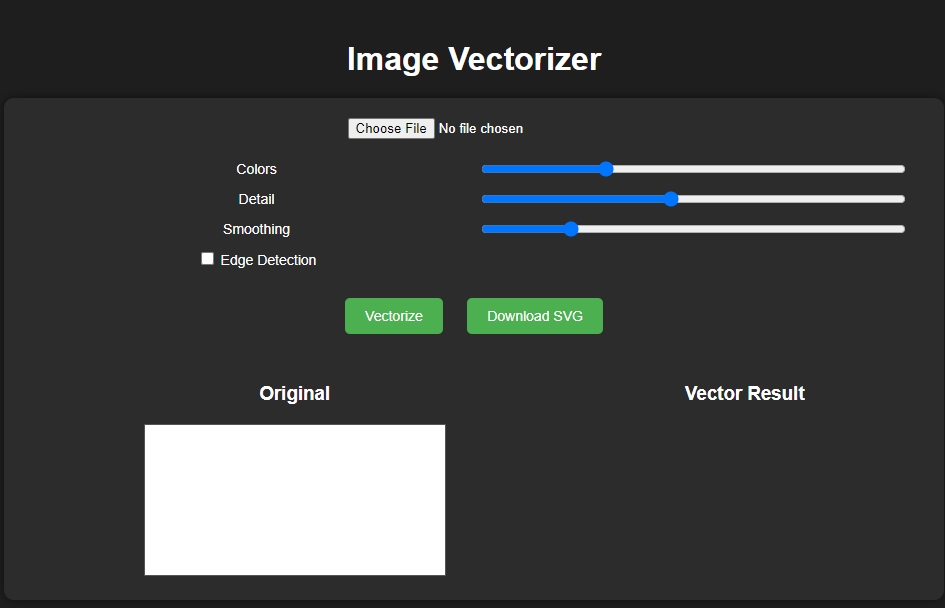
The Image Vectorizer App is a lightweight web application built entirely with JavaScript. It features a simple design that allows users to upload and vectorize images. The Image Vectorizer App Using JavaScript is an excellent project for learning how to convert images into vector format. This project provides a valuable opportunity to practice and strengthen fundamental JavaScript programming skills while creating a practical and visually engaging tool.
The Image Vectorizer App Using HTML, CSS, and JavaScript with Source Code is free to be downloaded just read the content below for more info. This application is for educational purpose only.
Image Vectorizer App Using HTML, CSS, and JavaScript with Source Code Basic Information
- Language used: JavaScript
- Front-end used: HTML & CSS
- Coding Tool used: Notepad++ or any text editor that can run html files
- Type: Web Application
- Database used: None
About Image Vectorizer App
The Image Vectorizer App Using JavaScript is a dynamic and user-friendly web application designed to transform ordinary raster images, such as JPG or PNG files, into high-quality, scalable vector graphics (SVG). By using advanced JavaScript algorithms, the app allows users to upload any image and instantly convert it into a smooth, resolution-independent vector format. It includes adjustable controls for detail level, edge detection, and smoothing, giving users full flexibility to refine the output according to their design needs. This makes it an ideal tool for graphic designers, illustrators, and digital artists who want to create crisp artwork, logos, or icons that can be resized without losing quality. With its real-time processing and intuitive interface, the app provides a seamless experience, allowing anyone to quickly turn images into professional-grade vectors directly in the browser.
Image Vectorizer App Using HTML, CSS, and JavaScript with Source Code Features
- User-Friendly Interface
- Built using HTML, CSS, and JavaScript for a clean and interactive layout.
- Upload or drag-and-drop area to import raster images.
- Canvas display for previewing the vectorized output.
- Core Vectorization Functionality
- Converts raster images (JPEG, PNG, etc.) into scalable vector graphics (SVG).
- Supports edge detection and contour tracing for precise vector generation.
- Maintains image quality without pixelation when scaling..
- Interactive Controls
- Button to vectorize the uploaded image.
- Optional reset button to clear previous images.
- Download option to save the vectorized image as SVG.
- Lightweight and Efficient
- Adjust detail levels or smoothing parameters for vectorization.
- Optional color simplification or monochrome conversion.
- Real-time preview allows users to see changes instantly.
Sample Application Screenshot:
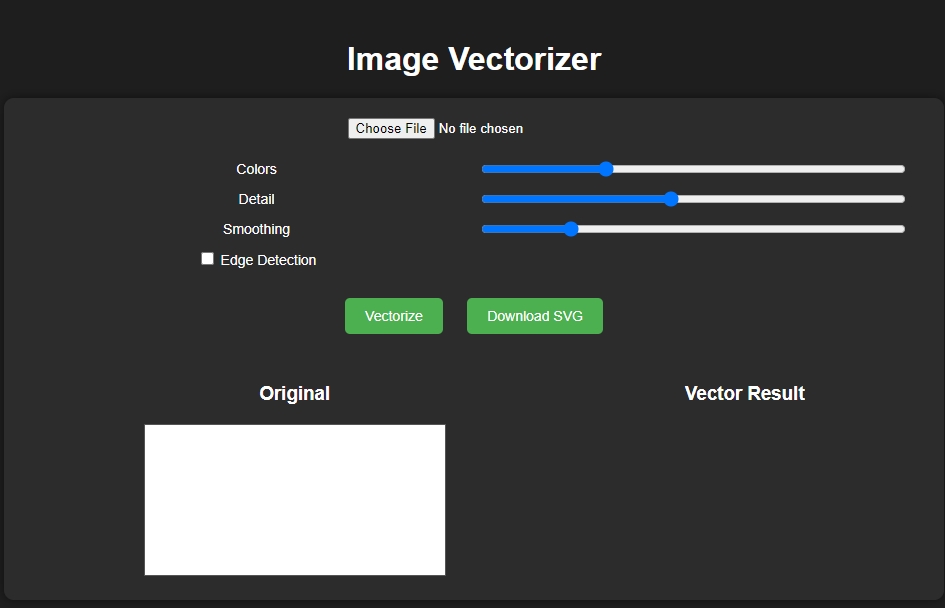
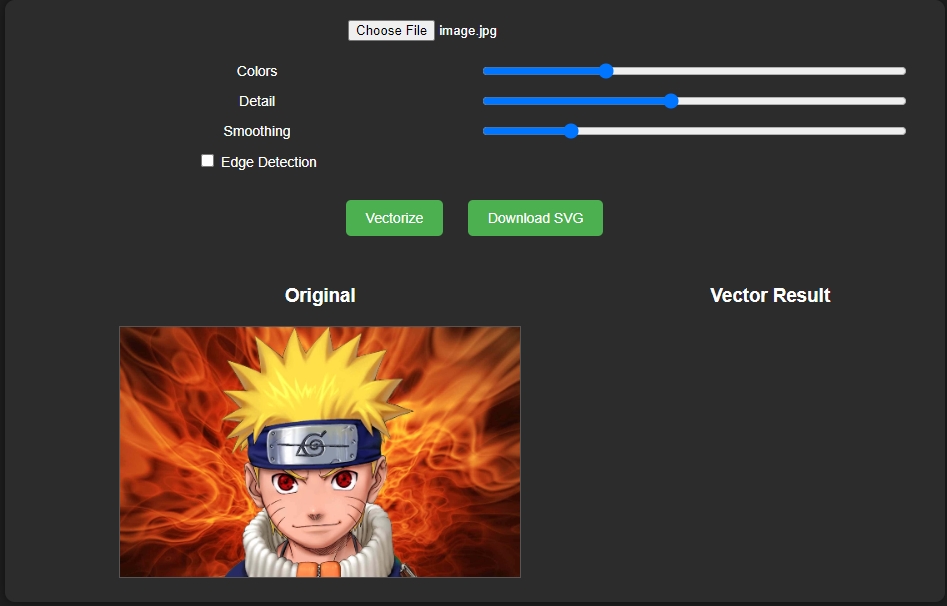
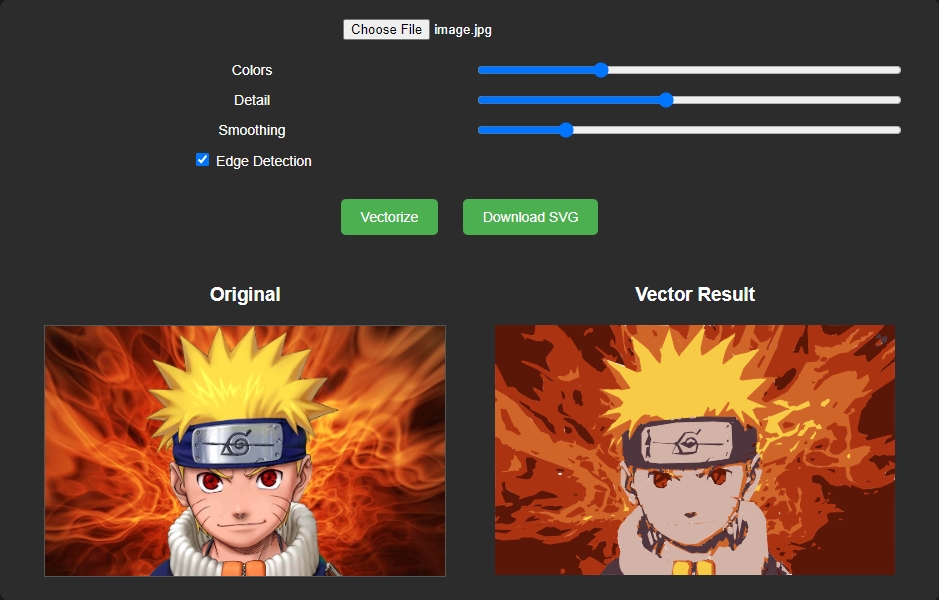
Image Vectorizer App Using HTML, CSS, and JavaScript with Source Code Installation Guide
- Download the source code in this site.
- Locate and Extract the zip file.
- Open the extracted folder
- Find and locate the file "index.html".
- Open the file in a web browser(Chrome, Firefox, etc..).
That's all, The Image Vectorizer App was created fully functional using JavaScript language. I hope that this project can help you to what you are looking for. For more projects and tutorials please kindly visit this site. Enjoy Coding!
The Image Vectorizer App Using HTML, CSS, and JavaScript with Source Code is ready to be downloaded just kindly click the download button below.
Related Projects & Tutorials
Image Vectorizer AppNote: Due to the size or complexity of this submission, the author has submitted it as a .zip file to shorten your download time. After downloading it, you will need a program like Winzip to decompress it.
Virus note: All files are scanned once-a-day by SourceCodester.com for viruses, but new viruses come out every day, so no prevention program can catch 100% of them.
FOR YOUR OWN SAFETY, PLEASE:
1. Re-scan downloaded files using your personal virus checker before using it.
2. NEVER, EVER run compiled files (.exe's, .ocx's, .dll's etc.)--only run source code.