
Search Two Dates In Data Table Using PHP
Submitted by alpha_luna on Wednesday, April 27, 2016 - 12:12.
Good Day!!!
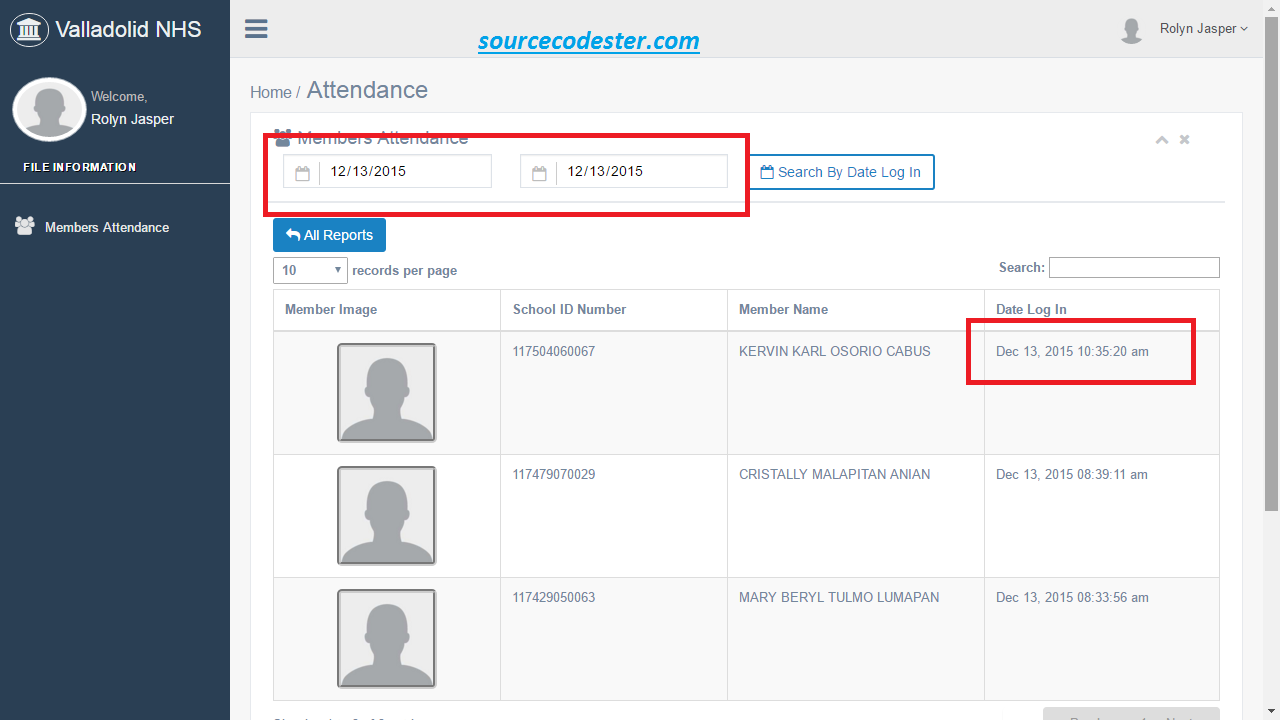
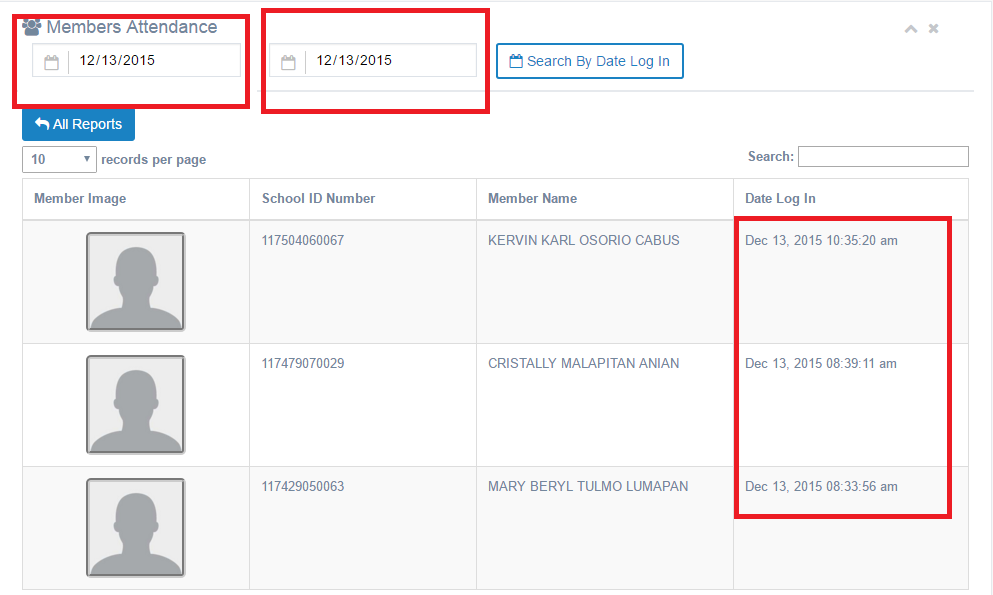
If you are looking for source code in Search Two Dates In Data Table Using PHP then you are at the right place. In this article, we create a simple program that will teach you on how to create searching data use by two dates in PHP/MySQL. Let's begin with this:Creating our Table
For the first step, we are going to make our database. To create a database:- Open PHPMyAdmin
- Create a database and name it as "lms_1".
- After creating a database name, click the SQL and kindly copy the code below.
- --
- -- Table structure for table `user`
- --
Creating The Form Field
This form field where the user can search data using two dates.- <form method="POST" action="user_log_search.php" class="form-inline">
- <div class="control-group">
- <div class="controls">
- <div class="col-md-3">
- <input type="date" style="color:black;" value="<?php echo date('Y-m-d'); ?>" name="datefrom" class="form-control has-feedback-left" placeholder="Date From" aria-describedby="inputSuccess2Status4" required />
- </div>
- </div>
- </div>
- <div class="control-group">
- <div class="controls">
- <div class="col-md-3">
- <input type="date" style="color:black;" value="<?php echo date('Y-m-d'); ?>" name="dateto" class="form-control has-feedback-left" placeholder="Date To" aria-describedby="inputSuccess2Status4" required />
- </div>
- </div>
- </div>
- </form>
Creating Connection
This PHP source code is our database connection, kindly copy and save it as "dbcon.php".- <?php
- ?>
Our Search Script
This source code will execute after the user set the two dates to search data in the data table.- <?php
- $datefrom = $_POST['datefrom'];
- $dateto = $_POST['dateto'];
- LEFT JOIN user ON user_log.user_id = user.user_id
- where user_log.date_log BETWEEN '".$_POST['datefrom']." 00:00:01' and '".$_POST['dateto']." 23:59:59'
- $id=$row['user_log_id'];
- $user_id=$row['user_id'];
- ?>
 Share us your thoughts and comments below. Thank you so much for dropping by and reading this tutorial post. For more updates, don’t hesitate and feel free to visit this website more often and please share this with your friends or email me at [email protected]. Practice Coding. Thank you very much.