
Snakes and Ladders Game Using Pygame in Python with Source Code
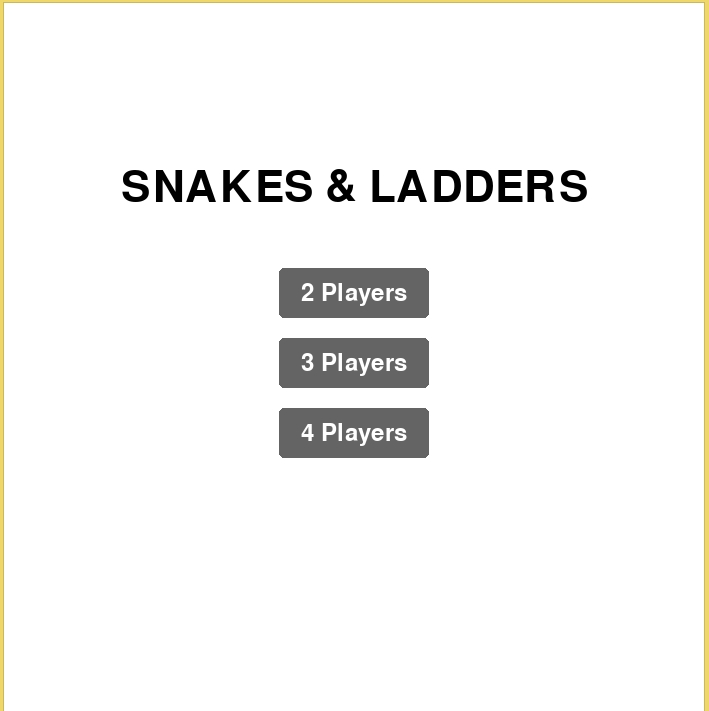
The Snakes and Ladders Game is an interactive desktop application built entirely with Python using the Pygame library. The gameplay is simple, mirroring the mechanics of the original Snakes and Ladders game. The Snakes and Ladders Game Using Pygame features straightforward gameplay: the players take turns tossing their dice and move their pieces based on the result of the die. This project offers an excellent opportunity to reinforce essential programming concepts, making it a valuable exercise for improving your Python skills in game development.
The Snakes and Ladders Game Using Pygame in Python with Source Code is free to be downloaded just read the content below for more info. This application is for educational purpose only.
Snakes and Ladders Game Using Pygame in Python with Source Code Basic Information
- Language used: Python
- Coding Tool used: Built-in Python IDLE
- Type: Desktop Application
- Database used: None
About Snakes and Ladders Game
The Snakes and Ladders Game implemented using Pygame is a digital recreation of the classic board game, leveraging the Pygame library for graphics, sound, and user input. This project utilizes Pygame's functionalities to render the game board, including the numbered squares, the ladders (which allow a player to move up), and the snakes (which force a player to move down). The game engine manages player movement, typically controlled by a simulated dice roll, and automatically handles the transition of player tokens up the ladders or down the snakes when they land on the corresponding squares. It features an interactive interface, often with graphical elements for the tokens and the dice, and typically includes logic to determine the winner (the first player to reach the final square) and manage turns for multiple players. This implementation serves as an excellent example of using Pygame to develop a simple, turn-based graphical game.
Snakes and Ladders Game Using Pygame in Python with Source Code Features
- Game Board Setup
- Drawing the 10x10 grid representing the 100 squares.
- Implementing a coordinate mapping function to translate the square number (1-100) to screen pixel coordinates (x, y).
- Defining the specific Snakes and Ladders positions (start square and end square).
- Player Management
- Tracking the current position (square number) for each player.
- Assigning a unique token/sprite and color to each player.
- Handling the visual drawing of players at their correct screen coordinates.
- Dice Functionality
- Generating a random integer (1 to 6) to simulate the dice roll.
- Displaying the result of the roll visually (e.g., dice image or number).
- Handling the input event (like a spacebar) to trigger the roll.
- Movement and Logic
- Updating the player's position based on the dice roll.
- Implementing the winning condition (reaching square 100 exactly).
- Checking for and executing the snake or ladder slide immediately after landing on a trigger square.
Sample Application Screenshot:
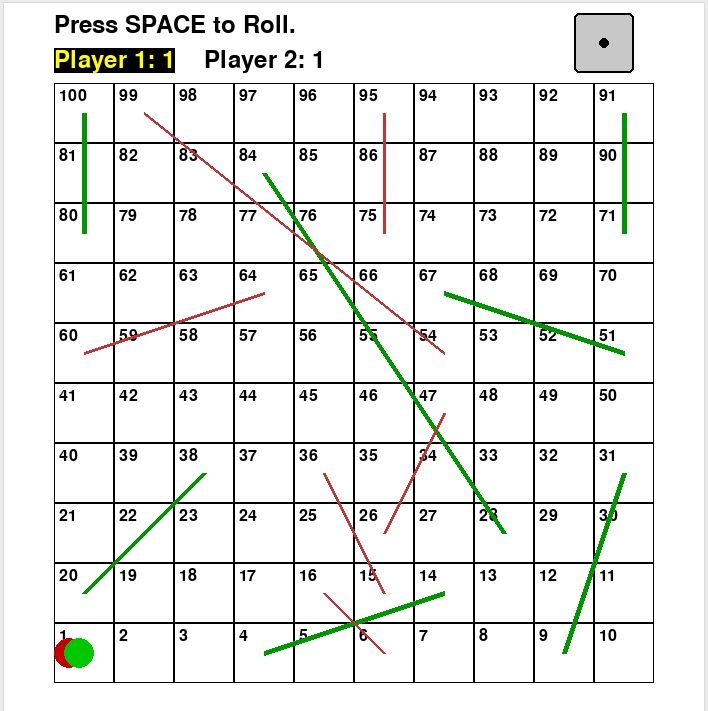
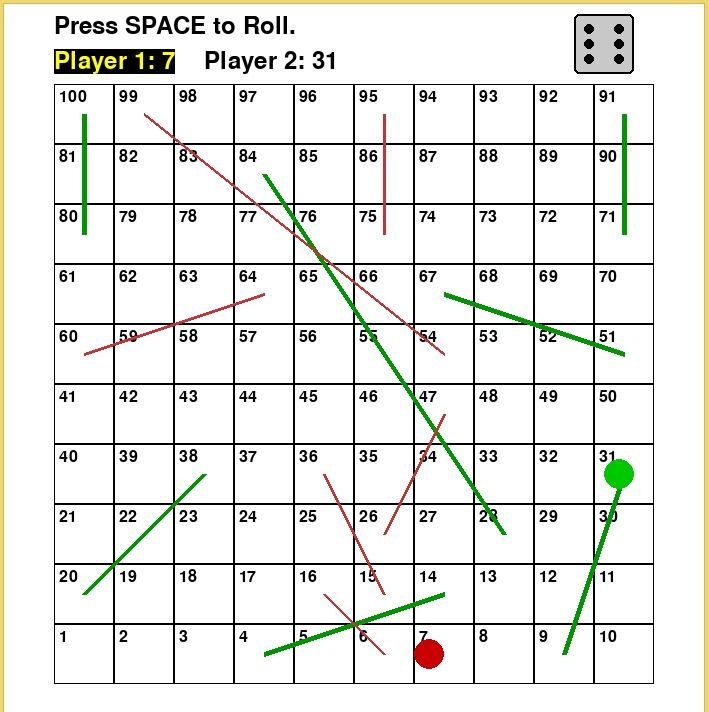
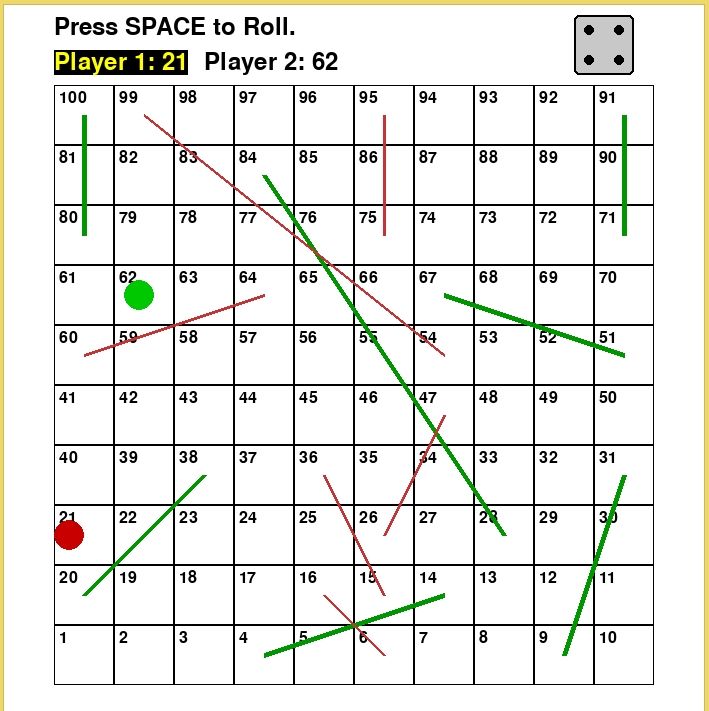

Snakes and Ladders Game Using Pygame in Python with Source Code Installation Guide
- First you need to download & install the Python IDLE's, here's the link "https://www.python.org/downloads/".
- Download the source code in this site.
- Locate and Extract the zip file.
- Open the extracted folder
- Locate the py file.
- Then open the file via python IDLE or any IDE that supports python language.
- Run the py file to launch the program.
That's all, The Snakes and Ladders Game was created fully functional using JavaScript language. I hope that this project can help you to what you are looking for. For more projects and tutorials please kindly visit this site. Enjoy Coding!
The Snakes and Ladders Game Using Pygame in Python with Source Code is ready to be downloaded just kindly click the download button below.
Related Projects & Tutorials
Snakes and Ladders GameNote: Due to the size or complexity of this submission, the author has submitted it as a .zip file to shorten your download time. After downloading it, you will need a program like Winzip to decompress it.
Virus note: All files are scanned once-a-day by SourceCodester.com for viruses, but new viruses come out every day, so no prevention program can catch 100% of them.
FOR YOUR OWN SAFETY, PLEASE:
1. Re-scan downloaded files using your personal virus checker before using it.
2. NEVER, EVER run compiled files (.exe's, .ocx's, .dll's etc.)--only run source code.