
Graph Calculator App Using HTML, CSS and JavaScript with Source Code
Welcome to the Graph Calculator, an interactive web application designed to bring mathematical functions to life through dynamic visualization. This powerful tool transforms complex equations into beautiful, interactive graphs that respond to your every command. Whether you're a student exploring mathematical concepts, an educator preparing lessons, or a professional analyzing data patterns, the Graph Calculator provides an intuitive platform to visualize and understand mathematical relationships in real time.
Built entirely with HTML, CSS, and vanilla JavaScript, this application delivers a modern, responsive experience without relying on external libraries or frameworks. With its sleek dark theme, smooth animations, and comprehensive feature set, the Graph Calculator offers both the simplicity needed for quick function plotting and the advanced capabilities required for serious mathematical exploration. Experience the perfect blend of mathematical precision and elegant design as you discover the power of visual mathematics.
You may also check this simple HTML, CSS and JavaScript project:
- Return on Investment Calculator
- Snake Game AI
- Tide Height Calculator
- Move Watchlist App
- Cursor Trail Maker
Key Features:
Multi-Function Graphing: Plot multiple mathematical functions simultaneously with customizable colors
Advanced Function Support: Supports trigonometric (sin, cos, tan), logarithmic, exponential, polynomial, and radical functions
Interactive Graph Manipulation: Zoom, pan, and adjust view ranges using intuitive controls
Real-time Coordinate Tracking: Displays precise coordinates as the cursor moves over the graph
Function Management System: Add, remove, and toggle the visibility of individual functions
Preset Function Library: Quick access to commonly used mathematical functions
Export Capabilities: Download graph visualizations as high-quality PNG images
Responsive Design: Fully functional across desktop, tablet, and mobile devices
Touch Support: Gesture-based controls such as pinch-to-zoom and drag-to-pan
Visual Grid System: Customizable grid with axis labels and dynamic scaling
Technologies Used:
HTML5: Semantic structure and canvas-based graph rendering
CSS3: Modern styling using Flexbox, Grid, variables, and responsive techniques
Vanilla JavaScript: Core logic without external libraries for optimal performance
Canvas API: For dynamic graph rendering and mathematical visualizations
Font Awesome: Provides intuitive UI icons
CSS Custom Properties: Centralized theme management
Modern JavaScript (ES6+): Arrow functions, template literals, destructuring, and more
How to Use:
Enter a mathematical function in standard notation (e.g.,
sin(x),x^2 + 3*x - 2,log(x)).Select a line color using the color picker.
Click Plot Function to add the function to the graph.
Adjust X and Y ranges to customize the visible graph area.
Zoom using buttons, mouse wheel, or touch gestures.
Pan by dragging the graph or using the directional buttons.
Toggle or remove functions using the function list controls.
Click preset function buttons for quick plotting.
Reset the view using the Reset View button.
Export the graph as a PNG image using Export as Image.
Move your mouse over the graph to view real-time coordinates.
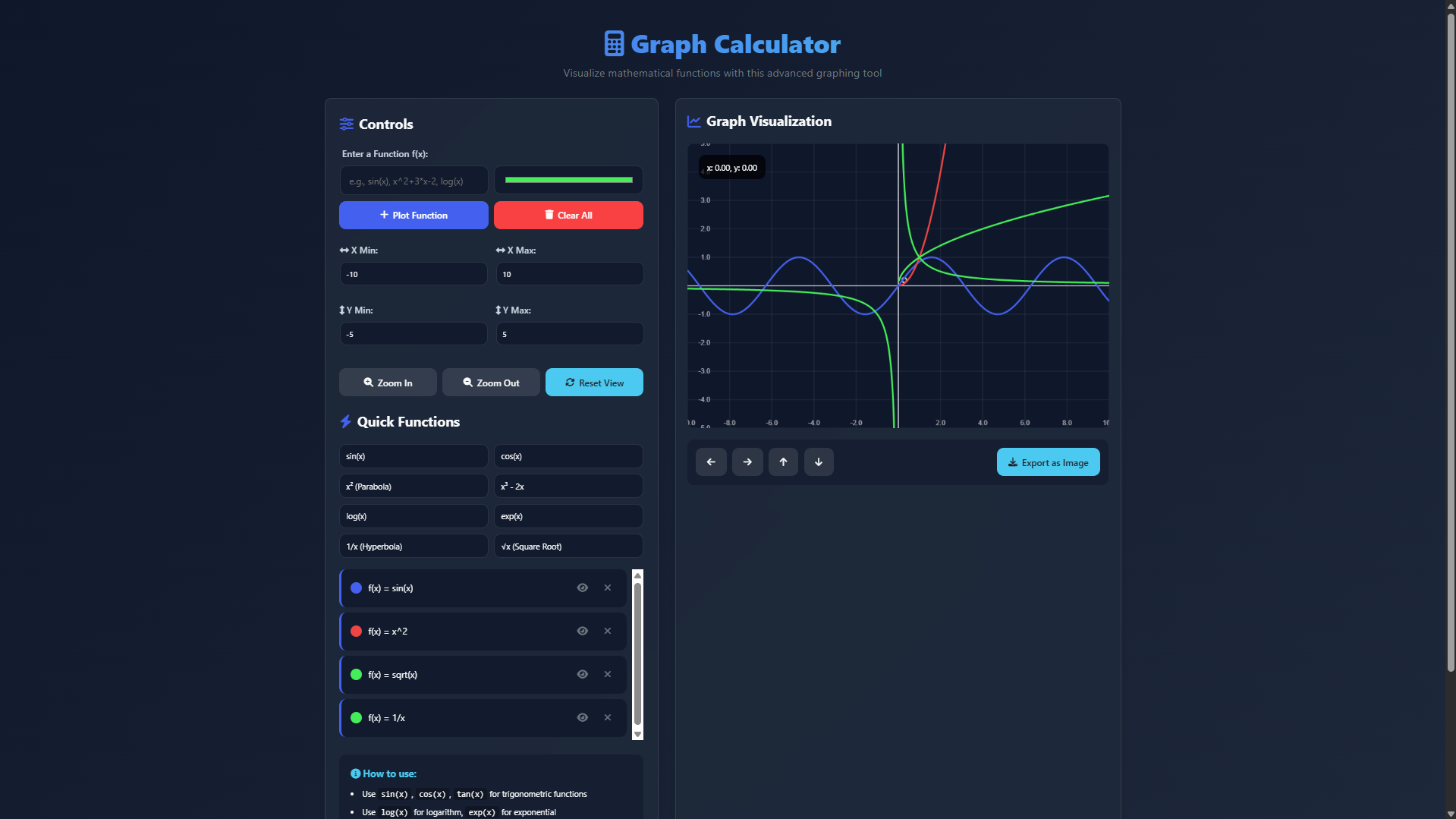
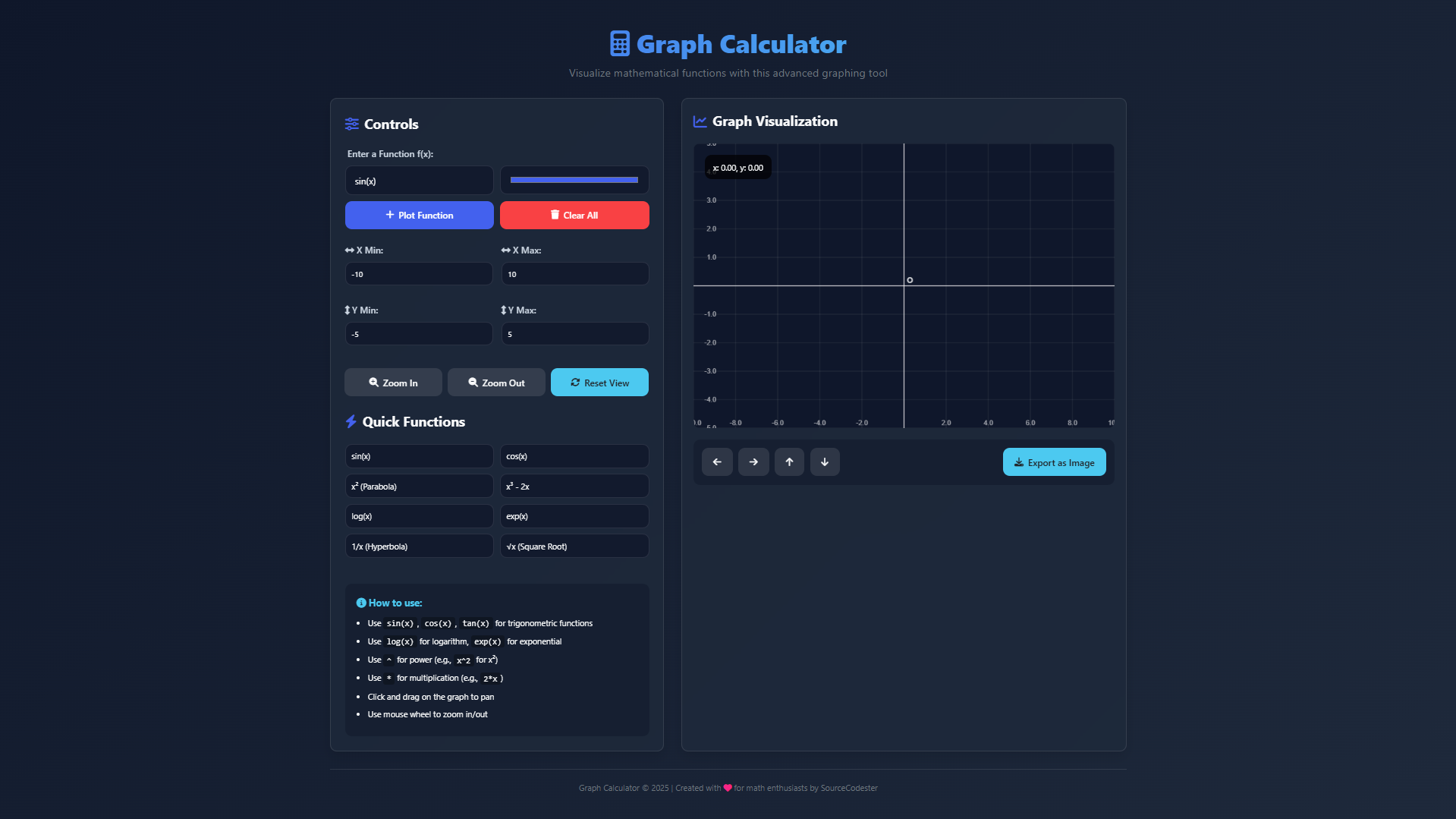
Sample Screenshots of the Project
Landing Page
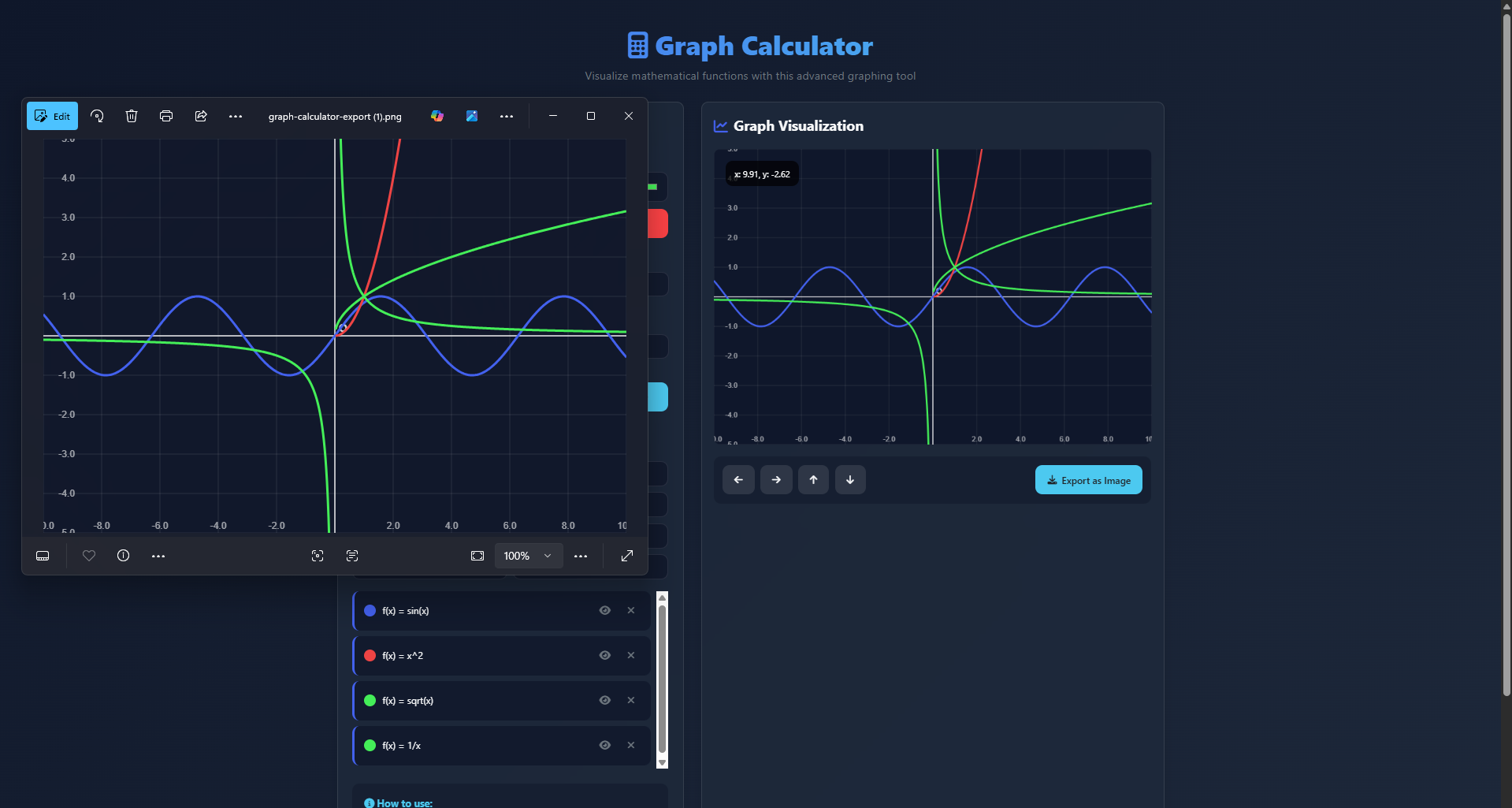
Sample Graphs
Exported Image
How to Run?
- Download the provided source code zip file.
- Extract the downloaded zip file.
- Open the html file and you are now ready to go!
Video Demonstration for Installation/Setup:
Conclusion:
In conclusion, the Graph Calculator represents a powerful fusion of mathematical functionality and modern web design, providing users with an intuitive platform for visualizing complex equations with clarity and precision. By transforming abstract mathematical concepts into interactive visual representations, this application becomes an invaluable educational resource and analytical tool—making mathematical exploration accessible, engaging, and insightful for learners at all levels.
That's it! I hope this "Graph Calculator App Using HTML, CSS and JavaScript" will assist you on your programming journey, providing value to your current and upcoming project.
For additional tutorials and free source codes, explore our website.
Enjoy Coding :>>
Note: Due to the size or complexity of this submission, the author has submitted it as a .zip file to shorten your download time. After downloading it, you will need a program like Winzip to decompress it.
Virus note: All files are scanned once-a-day by SourceCodester.com for viruses, but new viruses come out every day, so no prevention program can catch 100% of them.
FOR YOUR OWN SAFETY, PLEASE:
1. Re-scan downloaded files using your personal virus checker before using it.
2. NEVER, EVER run compiled files (.exe's, .ocx's, .dll's etc.)--only run source code.