
Mad Libs App Using Tkinter in Python with Source Code

The Mad Libs App is an interactive desktop application built entirely with Python using the Tkinter library. The application is simple and allows users to generate Mad Libs stories using selectable topics or by creating their own. The Mad Libs App Using Tkinter features straightforward functionality for generating stories based on user inputs. This project is an excellent opportunity to reinforce essential programming concepts, making it a valuable exercise for improving your Python skills in application development.
The Mad Libs App Using Tkinter in Python with Source Code is free to be downloaded just read the content below for more info. This application is for educational purpose only.
Mad Libs App Using Tkinter in Python with Source Code Basic Information
- Language used: Python
- Coding Tool used: Built-in Python IDLE
- Type: Desktop Application
- Database used: None
About Mad Libs App
The Mad Libs App Using Tkinter is an engaging and interactive desktop application developed using Python’s Tkinter library that brings creativity and entertainment together. In this application, users are prompted to input different types of words such as nouns, verbs, adjectives, and adverbs, which are then dynamically inserted into a predefined story template. Once all the required fields are filled, the program generates a complete and often humorous story based on the user’s inputs, making each output unique and unpredictable. This app not only provides an enjoyable experience but also helps beginners strengthen their understanding of GUI development, event handling, and string manipulation in Python. Additionally, it demonstrates how user input can be processed and integrated into a functional interface, making it a great beginner-friendly project for learning interactive application development while encouraging creativity and imagination.
Mad Libs App Using Tkinter in Python with Source Code Features
- Graphical User Interface (GUI)
- Built using Python’s Tkinter library.
- Simple and fun interactive layout.
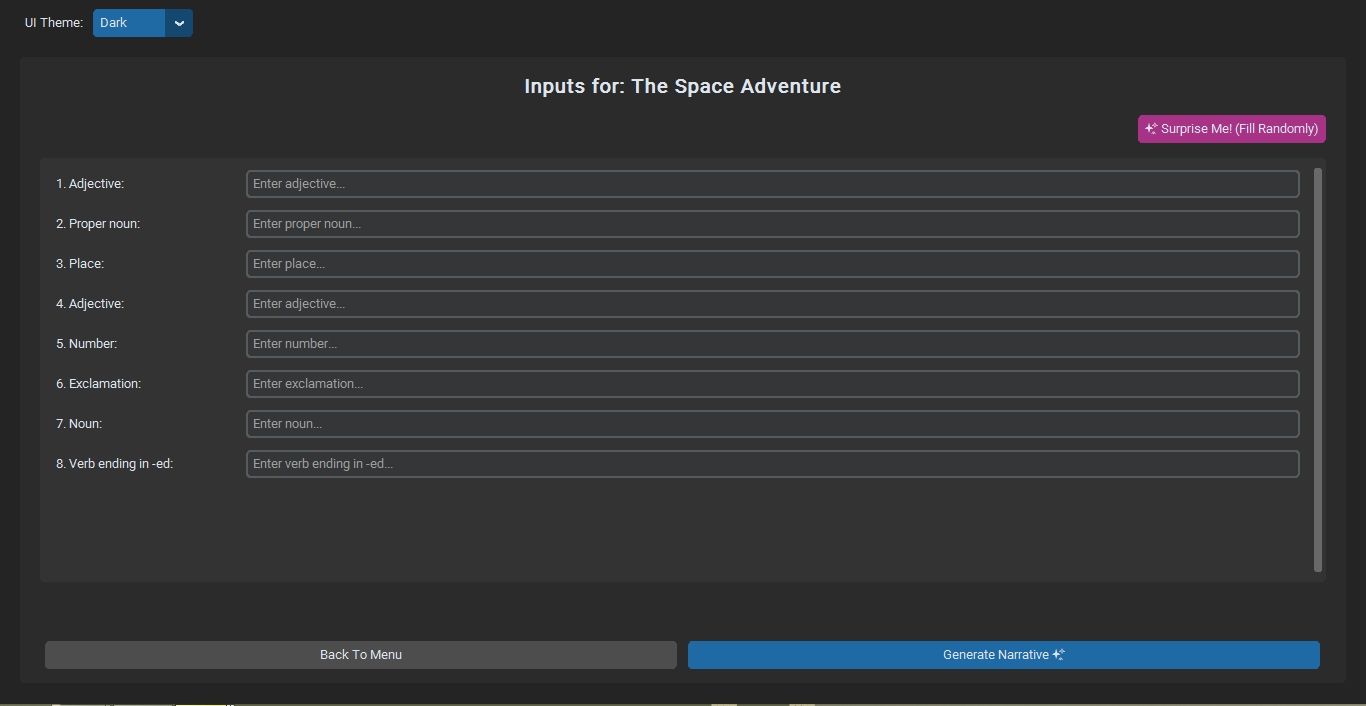
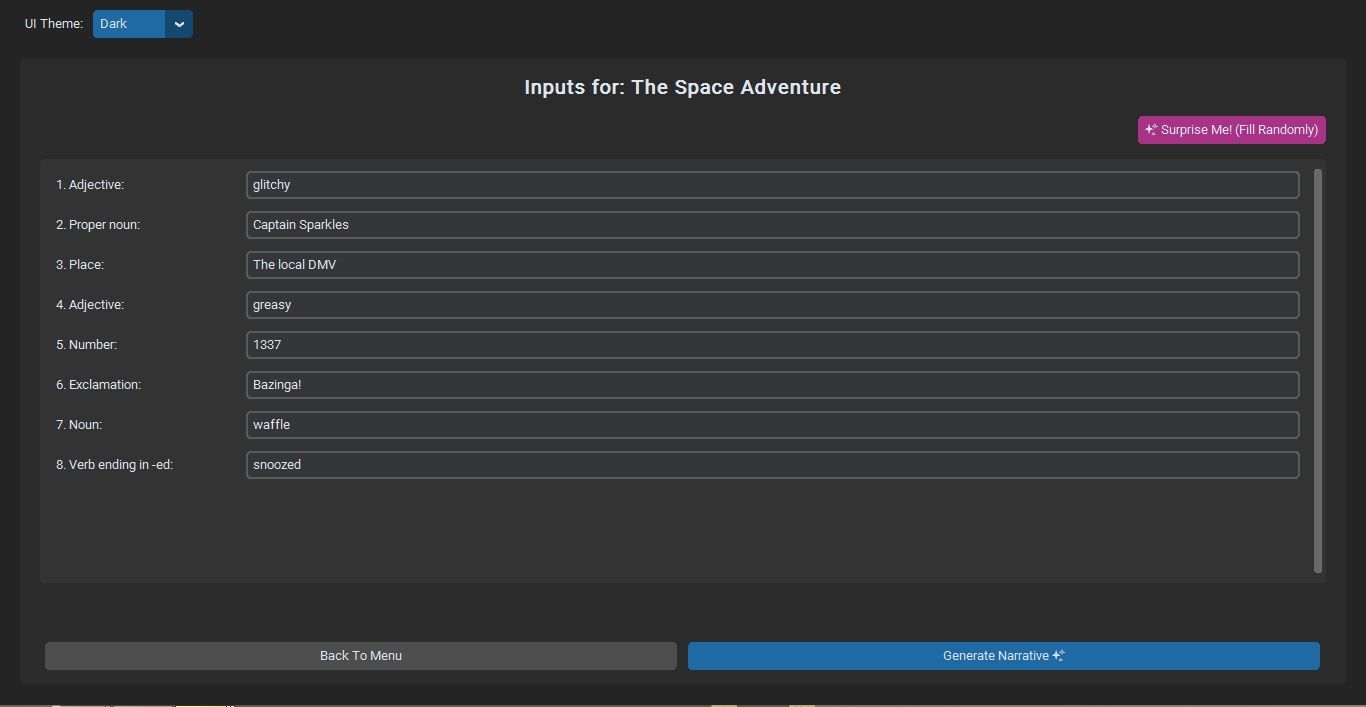
- Input fields for different word categories (noun, verb, adjective, etc.).
- Button to generate the final story.
- Mad Libs Story Generation
- Creates a funny or creative story using user inputs.
- Inserts words into predefined story templates.
- Produces a unique story each time.
- Dynamic Story Display
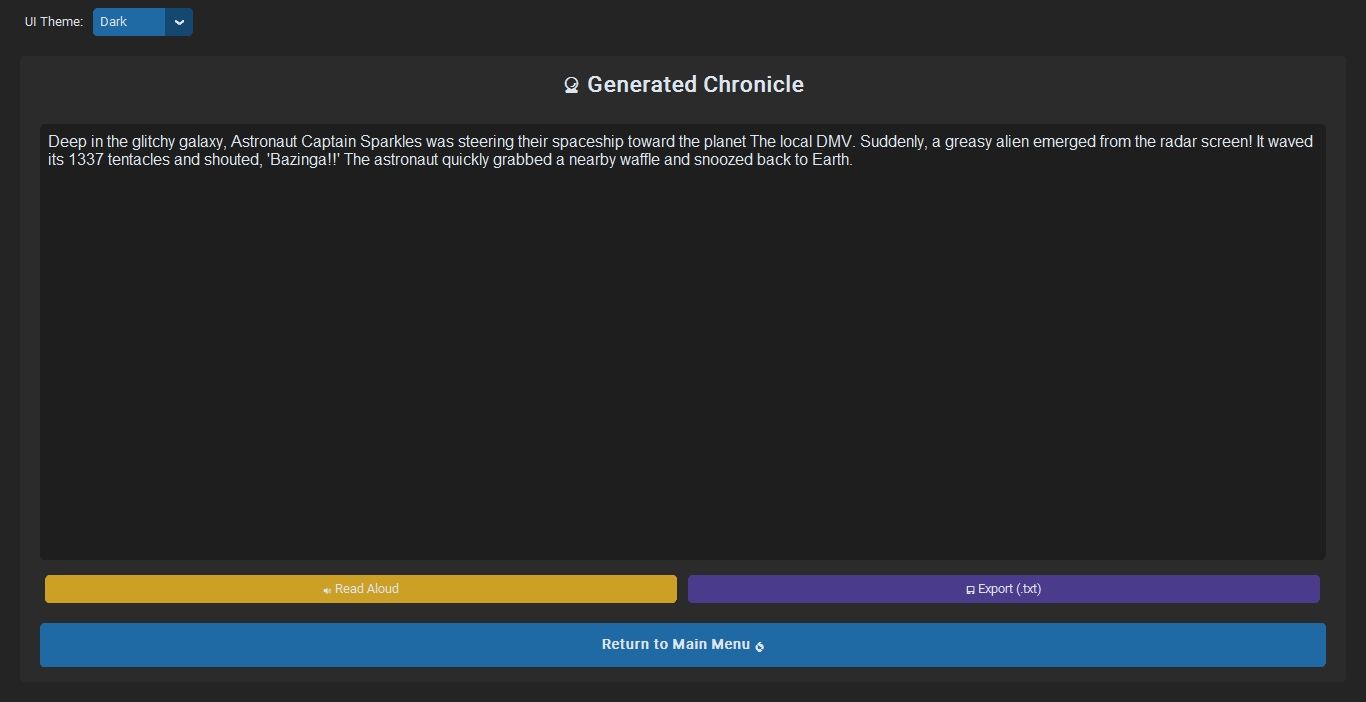
- Displays the completed story instantly after submission.
- Shows output in a text area or label.
- Makes the result easy to read and share.
Sample Application Screenshot:
Mad Libs App Using Tkinter in Python with Source Code Installation Guide
- First you need to download & install the Python IDLE's, here's the link "https://www.python.org/downloads/".
- Download the source code in this site.
- Locate and Extract the zip file.
- Open the extracted folder
- Locate the py file.
- Then open the file via python IDLE or any IDE that supports python language.
- Run the py file to launch the program.
That's all, The Mad Libs App was created fully functional using Python language. I hope that this project can help you to what you are looking for. For more projects and tutorials please kindly visit this site. Enjoy Coding!
The Mad Libs App Using Tkinter in Python with Source Code is ready to be downloaded just kindly click the download button below.
Related Projects & Tutorials
Mad Libs AppNote: Due to the size or complexity of this submission, the author has submitted it as a .zip file to shorten your download time. After downloading it, you will need a program like Winzip to decompress it.
Virus note: All files are scanned once-a-day by SourceCodester.com for viruses, but new viruses come out every day, so no prevention program can catch 100% of them.
FOR YOUR OWN SAFETY, PLEASE:
1. Re-scan downloaded files using your personal virus checker before using it.
2. NEVER, EVER run compiled files (.exe's, .ocx's, .dll's etc.)--only run source code.