
Dot and Boxes VS AI Using HTML, CSS, and jQuery wtih Source Code
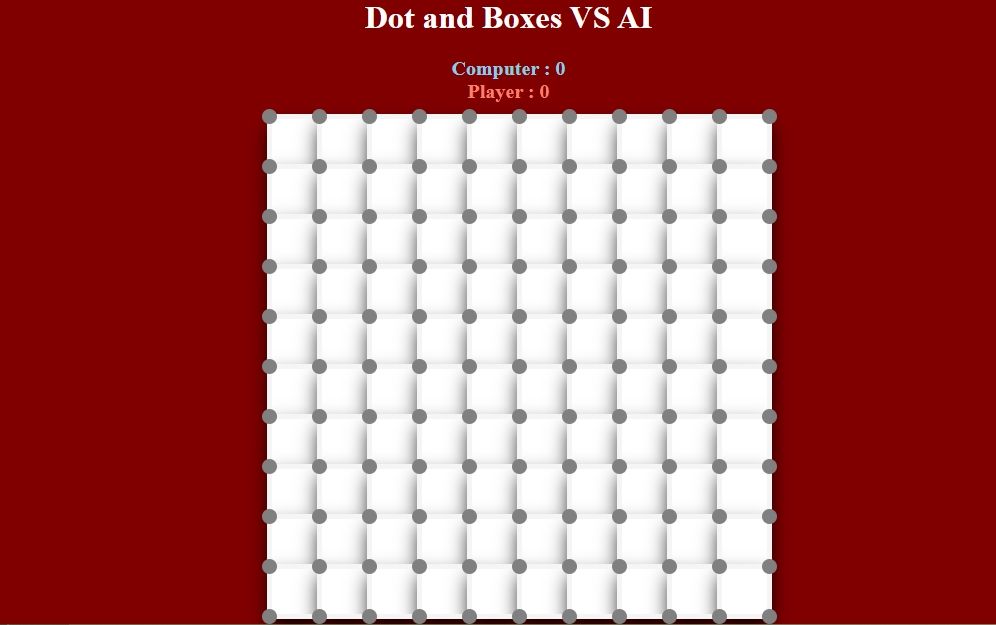
The Dot and Boxes VS AI is an interactive desktop application built entirely with JavaScript. The gameplay is simple yet fun, where players place lines to complete boxes while competing against an AI. The Dot and Boxes VS AI Using jQuery features classic gameplay in which the player competes against an AI, and the one who completes more boxes wins the game. Both the player and the AI can sabotage each other by stealing opportunities to score. This project is an excellent way to practice and reinforce essential programming concepts, making it a valuable exercise for enhancing your JavaScript skills in game development.
The Dot and Boxes VS AI Using HTML, CSS, and jQuery wtih Source Code is free to be downloaded just read the content below for more info. This application is for educational purpose only.
Dot and Boxes VS AI Using HTML, CSS, and jQuery wtih Source Code Basic Information
- Language used: JavaScript
- Front-end used: HTML & CSS
- Coding Tool used: Notepad++ or any text editor that can run html files
- Type: Web Application
- Database used: None
About Dot and Boxes VS AI
Dot and Boxes VS AI Using jQuery is an interactive desktop-based game developed using JavaScript and the jQuery library that brings the classic Dots and Boxes game to life with an intelligent computer opponent. In this game, the player and the AI take turns drawing lines between dots with the objective of completing boxes. Each completed box earns a point and grants an extra turn, adding a strategic layer where both the player and the AI can block moves, set traps, or steal scoring opportunities from each other. The gameplay is simple to understand yet requires careful planning and decision-making to win. With smooth interactions, clear visuals, and competitive AI behavior, the game provides an engaging and enjoyable experience that challenges players to outscore the AI and master strategic thinking.
Dot and Boxes VS AI Using HTML, CSS, and jQuery wtih Source Code Features
- Interactive Game Interface
- Built using HTML and CSS for a clean and responsive game board.
- Grid-based layout of dots and lines for classic gameplay.
- Visual indicators for completed boxes and player turns.
- Player vs AI Gameplay
- Single-player mode where the user competes against an AI opponent.
- Turn-based system alternating between player and AI moves.
- AI automatically plays after the player’s turn.
- Game Mechanics Implementation
- Click-based line drawing between dots.
- Automatically detects completed boxes.
- Awards points to the player who completes a box.
- Allows extra turns when a box is completed.
- AI Decision Logic
- Uses basic to intermediate AI strategies for line selection.
- Prioritizes completing boxes when possible.
- Attempts to avoid giving easy scoring opportunities to the player.
Sample Application Screenshot:
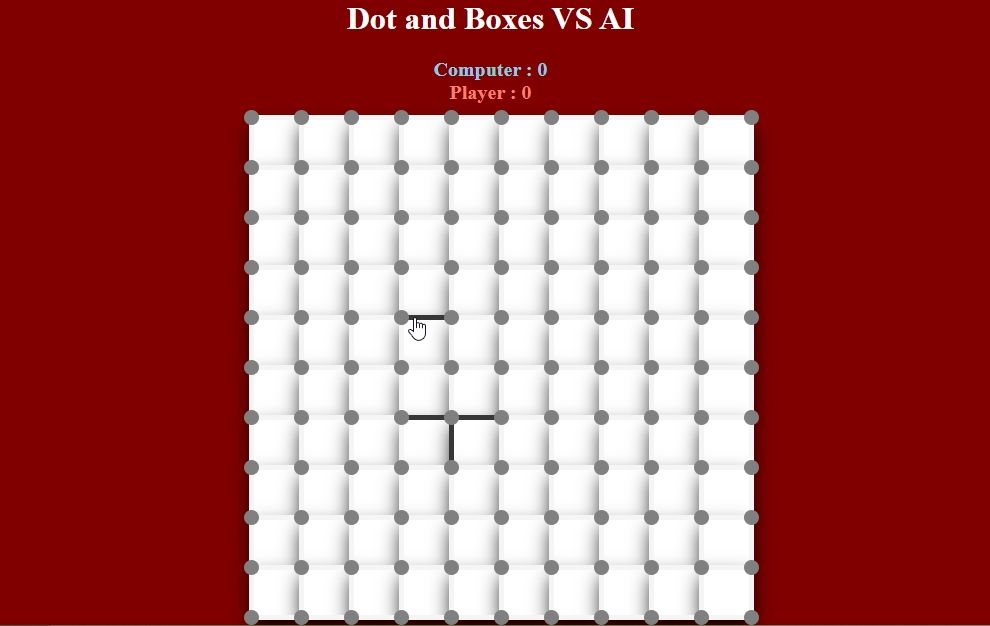
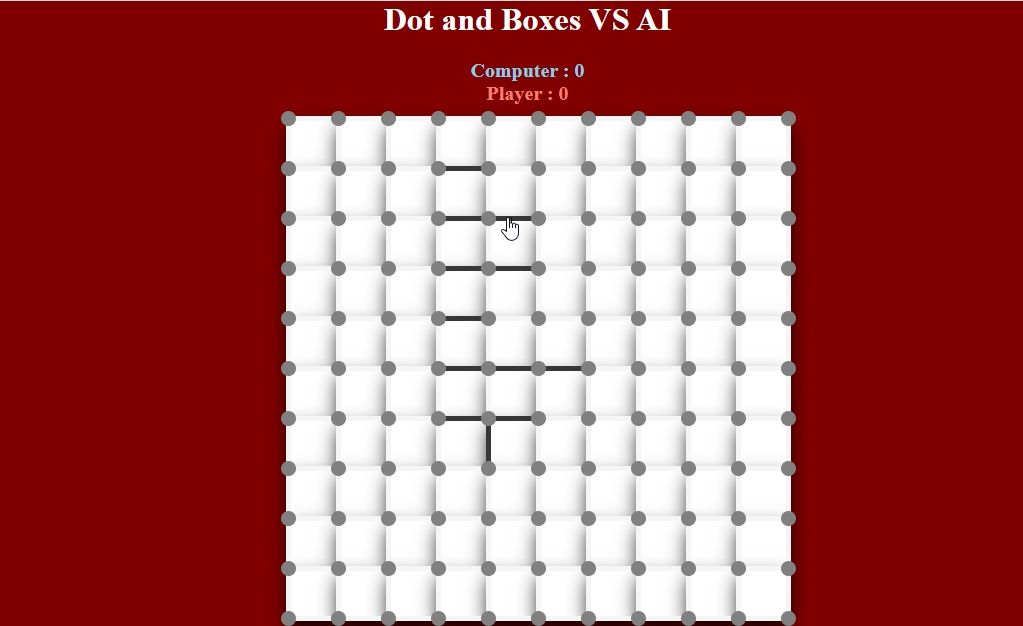
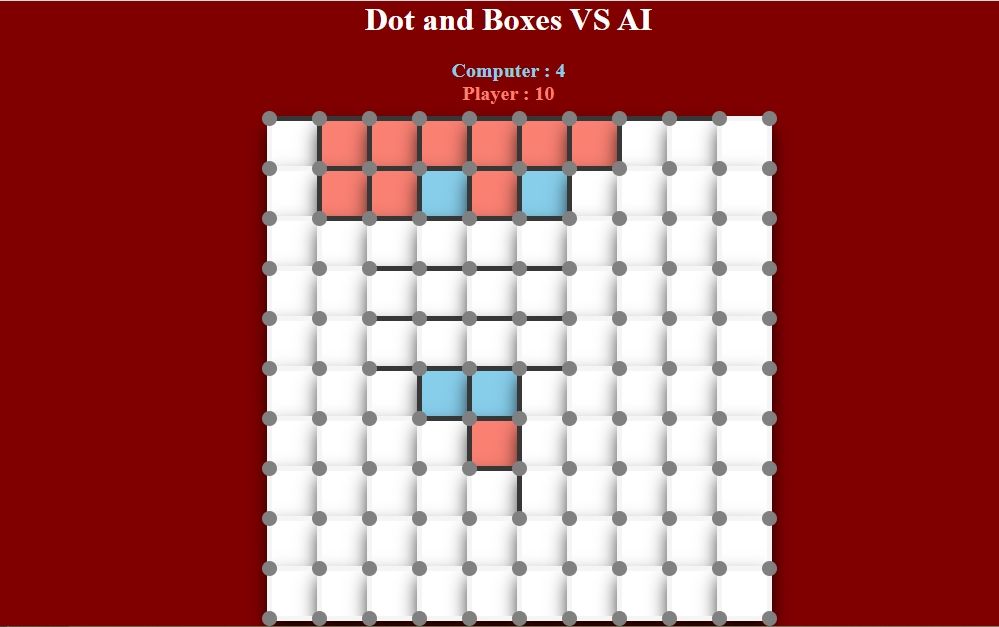
Dot and Boxes VS AI Using HTML, CSS, and jQuery wtih Source Code Installation Guide
- First you need to download & install the Python IDLE's, here's the link "https://www.python.org/downloads/".
- Download the source code in this site.
- Locate and Extract the zip file.
- Open the extracted folder
- Locate the py file.
- Then open the file via python IDLE or any IDE that supports python language.
- Run the py file to launch the program.
That's all, The Dot and Boxes VS AI was created fully functional using JavaScript language. I hope that this project can help you to what you are looking for. For more projects and tutorials please kindly visit this site. Enjoy Coding!
The Dot and Boxes VS AI Using HTML, CSS, and jQuery wtih Source Code is ready to be downloaded just kindly click the download button below.
Related Projects & Tutorials
Dot and Boxes VS AINote: Due to the size or complexity of this submission, the author has submitted it as a .zip file to shorten your download time. After downloading it, you will need a program like Winzip to decompress it.
Virus note: All files are scanned once-a-day by SourceCodester.com for viruses, but new viruses come out every day, so no prevention program can catch 100% of them.
FOR YOUR OWN SAFETY, PLEASE:
1. Re-scan downloaded files using your personal virus checker before using it.
2. NEVER, EVER run compiled files (.exe's, .ocx's, .dll's etc.)--only run source code.