Project: Content Management System using PHP/MySQLi
About
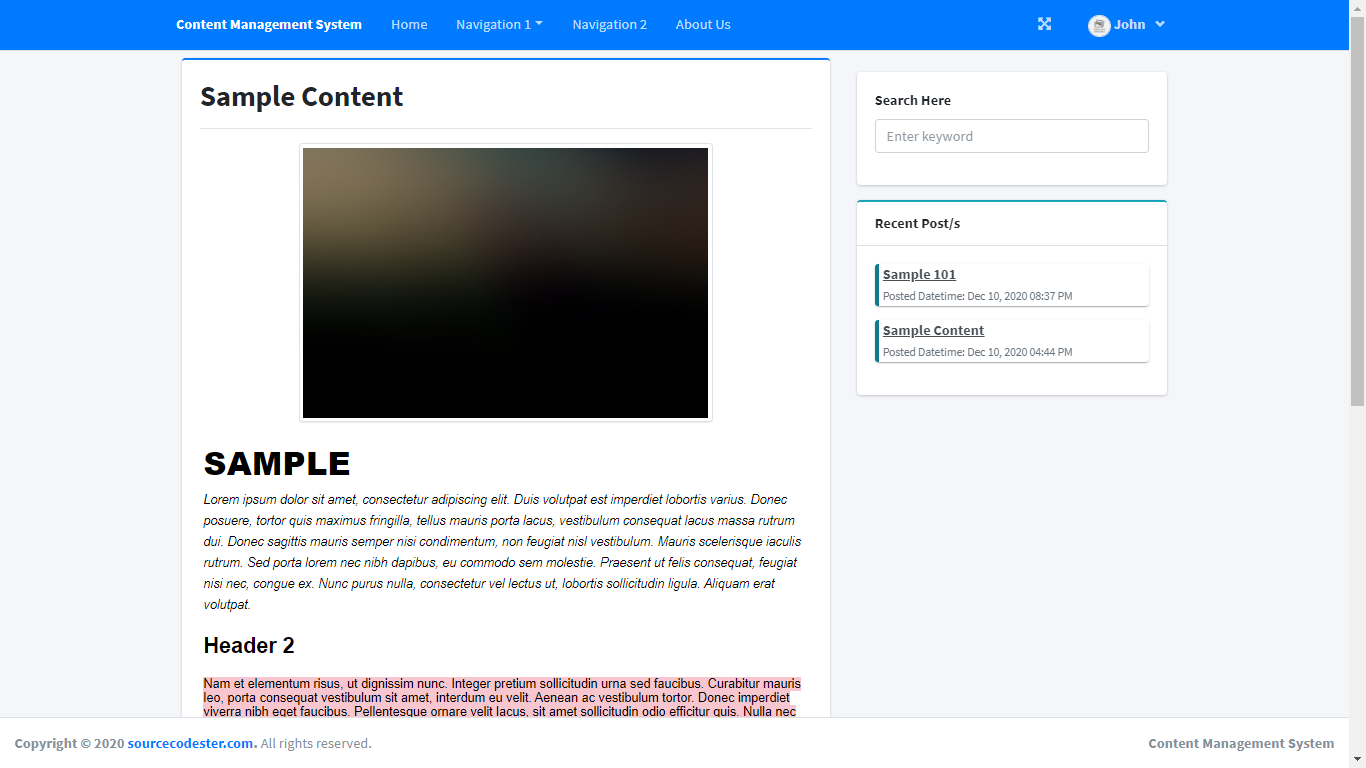
The Content Management System is a simple PHP/MySQLi project that manages the contents of a simple website. This system has an Admin Panel where the administrator can manage the contents of the pages. The system has 2 default content pages which is the "Home Page" and "About Us Page". These pages' content can be managed also by the admin user. And for the other content pages, the admin can dynamically create a content page under a certain category. The "Categories" in this system will have a navigation button on the website's navigation bar. Also, the admin can create up to 2 levels of categories which means the admin can set the new category as the sub-category. This system allows only the admin to create the website's contents and the website only requires the users to signup or login for writing comments only.
Features
Admin Side
Login Page
Home Page
Category Page
Pages List
Home Page Management
About Us Management
Contents Management
User Management
Users
Login Page
Signup Page
Home Page
Category's List of Contents Page
Content Page
Comment Section
Recent Post Section
Search Content
Account Management
The Content Management System was developed using HTML, PHP/MySQLi, CSS, JavaScript (jQuery/Ajax), and Bootstrap for the design. The source code is fully functional and easy to modify or enhance. Follow the instruction below to have an actual experience using this simple project.
How to Run
Download the source code and extract the zip file.
Download or set up any local web server that runs PHP script.
Open the web-server database and create a new database name it "cms".
Import the SQL file located in the database folder of the source code.
Copy and paste the source code to the location where your local web server accessing your local projects. Example for XAMPP('C:\xampp\htdocs')
Open a web browser and browse the project. E.g [http://localhost/content_management_system] for the visitor's/user side and [http://localhost/content_management_system/admin] for the admin side.
I hope this simple Content Management System will help you with what you are looking for, feel free to download and modify the source code.
Explore more on this website for more source codes and tutorials.
Enjoy!
Note: Due to the size or complexity of this submission, the author has submitted it as a .zip file to shorten your download time. After downloading it, you will need a program like Winzip to decompress it.
Virus note: All files are scanned once-a-day by SourceCodester.com for viruses, but new viruses come out every day, so no prevention program can catch 100% of them.
FOR YOUR OWN SAFETY, PLEASE:
1. Re-scan downloaded files using your personal virus checker before using it.
2. NEVER, EVER run compiled files (.exe's, .ocx's, .dll's etc.)--only run source code.
Hi, the source code and database works fine with me as you can see on the demo video of this article. And for this error "#1101 - BLOB/TEXT column 'avatar' can't have a default value", try to remove the default value of the "avatar" column in "users" table in SQL file.
Replace this in the SQL file
CREATE TABLE `users` (
  `id` int(30) NOT NULL,
  `firstname` varchar(200) NOT NULL,
  `lastname` varchar(200) NOT NULL,
  `email` varchar(200) NOT NULL,
  `password` text NOT NULL,
  `type` int(1) NOT NULL DEFAULT 3 COMMENT '1=admin,2=author3=subscriber',
  `avatar` text NOT NULL DEFAULT 'no-image-available.png',
  `date_created` datetime NOT NULL DEFAULT current_timestamp()
)
To this:
CREATE TABLE `users` (
  `id` int(30) NOT NULL,
  `firstname` varchar(200) NOT NULL,
  `lastname` varchar(200) NOT NULL,
  `email` varchar(200) NOT NULL,
  `password` text NOT NULL,
  `type` int(1) NOT NULL DEFAULT 3 COMMENT '1=admin,2=author3=subscriber',
  `avatar` text NOT NULL,
  `date_created` datetime NOT NULL DEFAULT current_timestamp()
)
Is it working fine when you test it locally? Try to differentiate the PHP version of your live server and the local server. Also, check the database in your live server if the database was imported successfully. you can send me some screenshots here: @ [email protected].
Object not found!
The requested URL was not found on this server. If you entered the URL manually please check your spelling and try again.
If you think this is a server error, please contact the webmaster.
Error 404
localhost
Apache/2.4.46 (Unix) OpenSSL/1.1.1j PHP/8.0.3 mod_perl/2.0.11 Perl/v5.32.1