
AI Scheduling Assistant Using HTML, CSS and JavaScript with Source Code
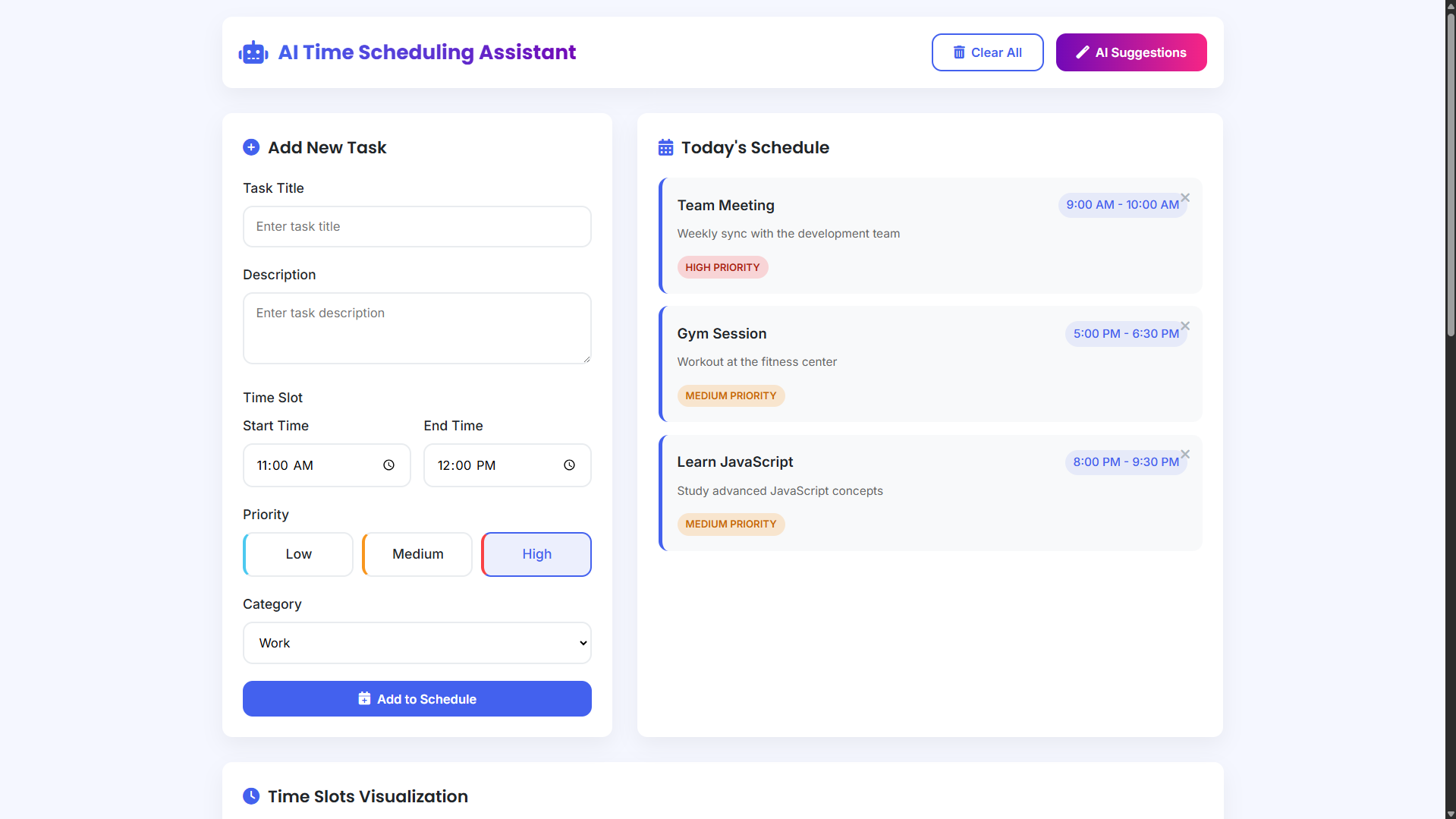
Welcome to the AI Scheduling Assistant, an advanced web-based application created to redefine the way you plan and manage your daily activities. This intuitive tool features a clean, modern interface paired with intelligent scheduling capabilities that help you visualize, organize, and optimize your time efficiently. By utilizing simulated AI-driven insights, the application delivers practical recommendations designed to boost productivity, minimize stress, and help you make better use of every hour. Whether you are organizing a packed workday, juggling personal responsibilities, or aiming to improve time discipline, this assistant acts as a smart digital companion for effective scheduling.
Developed entirely with HTML, CSS, and JavaScript, this front-end application delivers a smooth and responsive user experience across all devices. Users can easily create tasks with specific time ranges and priority levels, view them within a structured visual timeline, and receive data-based suggestions to improve schedule efficiency. Since the application runs directly in the browser without any backend or installation requirements, it provides an accessible and instant solution for anyone seeking better time management through intelligent automation.
You may also check this simple HTML, CSS and JavaScript project:
- Time Calculator App
- AI Fortune Teller
- CSS Animation Generator
- Mouse Click Animator
- Modern Anagram Solver
Key Features:
- Modern, responsive user interface with gradient accents, smooth animations, and hover effects
- Task creation including title, description, time slots, priority levels, and categories
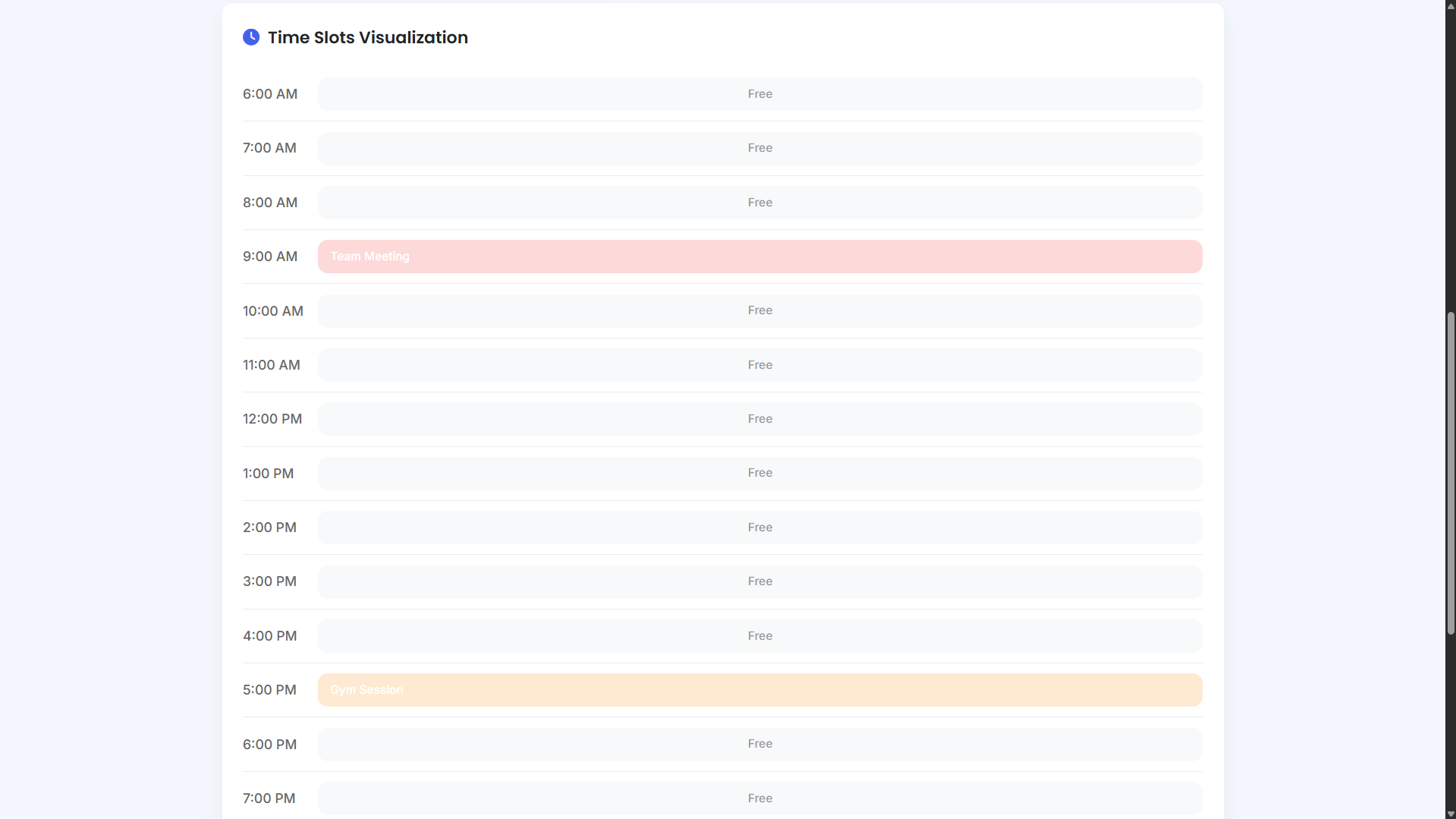
- Visual timeline displaying tasks from 6:00 AM to 10:00 PM with color-coded priority indicators
- AI-powered scheduling suggestions for task batching, gap optimization, and buffer time allocation
- Real-time statistics dashboard showing total tasks, busy hours, free hours, and high-priority items
- Interactive priority selection with visual feedback and intuitive controls
- Notification system confirming actions such as task creation and deletion
- Clear All option with confirmation prompt to reset the schedule
- Empty-state guidance with instructional messages for new users
- Fully responsive layout optimized for desktop, tablet, and mobile screens
Technologies Used:
- HTML5 for semantic structure and application layout
- CSS3 utilizing Flexbox, Grid, and custom properties for modern styling
- Vanilla JavaScript for all application logic and interactivity
- Font Awesome for icons and interface cues
- Google Fonts (Poppins and Inter) for clean, readable typography
- CSS variables for consistent theming and easy customization
- CSS transitions and transforms for smooth animations
How to Use:
- Open the application in any modern web browser
- Enter task details including title, description, and time range
- Choose a priority level (Low, Medium, or High) and task category
- Click Add to Schedule to insert the task into your daily plan
- View tasks organized chronologically in the schedule panel
- Use the visual timeline to understand how your day is structured
- Click AI Suggestions to receive intelligent scheduling tips
- Remove individual tasks using the X button on each task card
- Use Clear All to reset the entire schedule when necessary
- Track productivity metrics in the statistics dashboard
Sample Screenshots of the Project
Landing Page
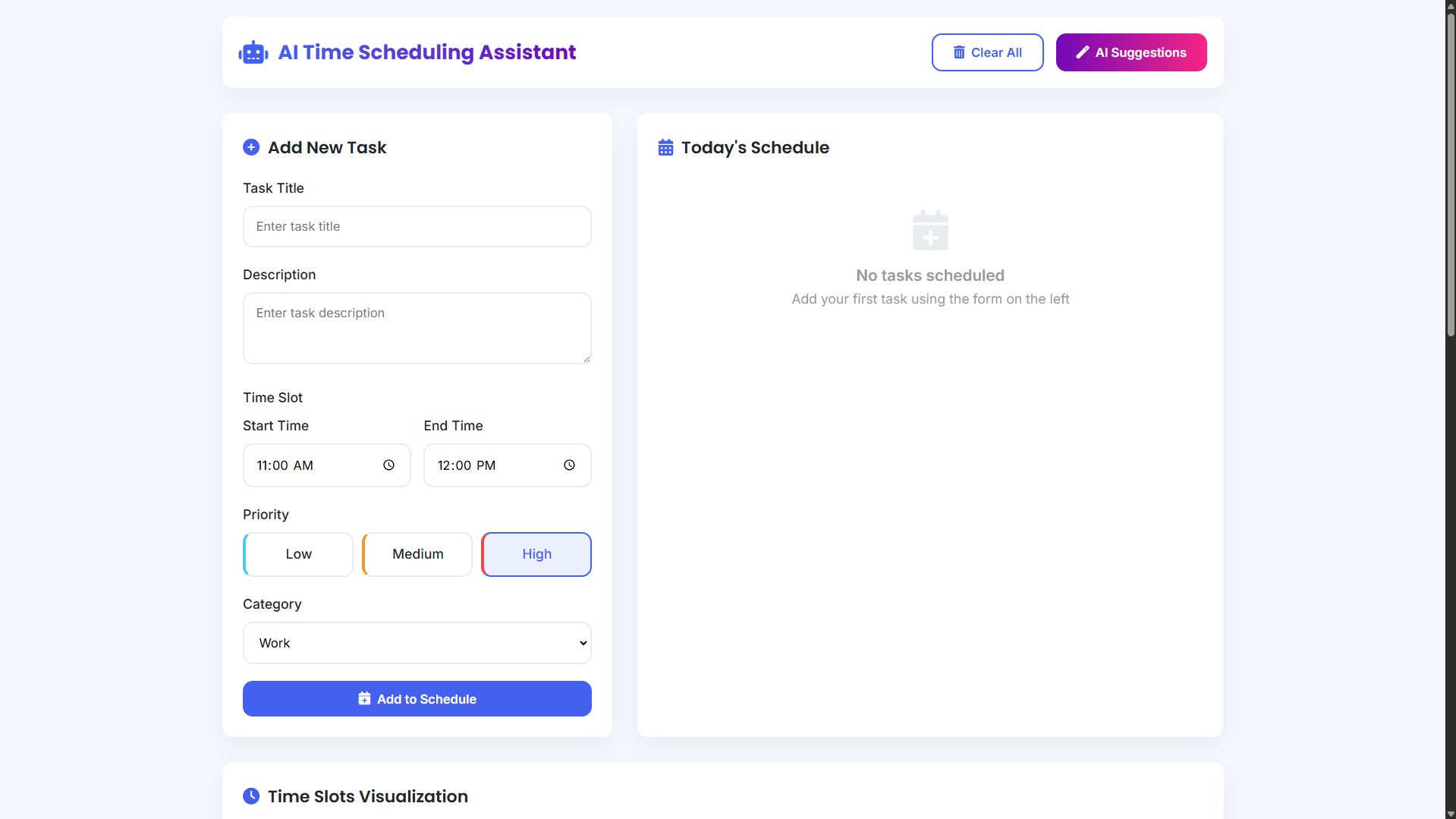
Sample Schedules
Time Slots Visualization
How to Run?
- Download the provided source code zip file.
- Extract the downloaded zip file.
- Open the html file and you are now ready to go!
Video Demonstration for Installation/Setup:
Conclusion:
In conclusion, the AI Scheduling Assistant highlights how modern front-end technologies can be leveraged to create effective, user-focused solutions for everyday challenges such as time management. By combining a visually engaging interface with simulated intelligent analysis, this project delivers a practical and interactive productivity tool that empowers users to organize their schedules more efficiently. Beyond its functionality, the application also demonstrates the potential of front-end development to build responsive, intelligent experiences that enhance daily life without the added complexity of backend infrastructure.
That's it! I hope this "AI Scheduling Assistant Using HTML, CSS and JavaScript" will assist you on your programming journey, providing value to your current and upcoming project.
For additional tutorials and free source codes, explore our website.
Enjoy Coding :>>
Note: Due to the size or complexity of this submission, the author has submitted it as a .zip file to shorten your download time. After downloading it, you will need a program like Winzip to decompress it.
Virus note: All files are scanned once-a-day by SourceCodester.com for viruses, but new viruses come out every day, so no prevention program can catch 100% of them.
FOR YOUR OWN SAFETY, PLEASE:
1. Re-scan downloaded files using your personal virus checker before using it.
2. NEVER, EVER run compiled files (.exe's, .ocx's, .dll's etc.)--only run source code.