
Data Report and Data Environment
In this tutorial I will teach you on how to create report using Data Report in Visual Basic 6.0. The source code contain here is based on my previous submission called Simple Example of Connecting Database Using Data Environment except that I added a Data Report in this tutorial.
After you read this tutorial you will find how easy is it to create a data report in your VB 6.0 application. Although I don’t recommend using data report as it is lacking so many features that can be found in crystal reports, but in an application that don’t need a complicated report, data report can be the best alternative.
Steps to add data report and how to setup its DataSource, DataMember and DataField to display the record that you like.
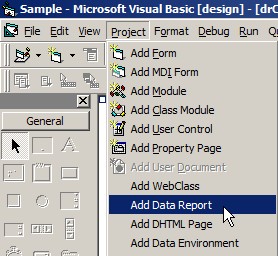
1. Add Data Report to your project
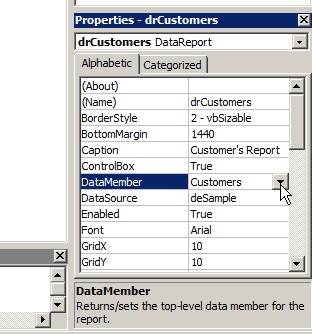
2. Set DataSource and DataMember to your Data Report
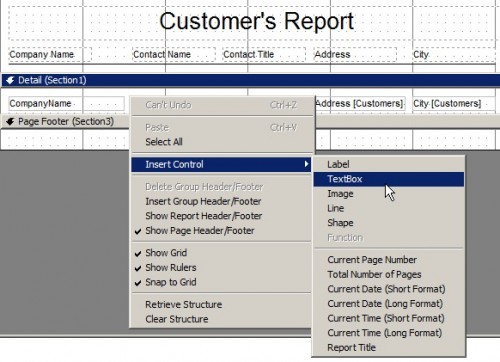
3. Add a TextBox to the detail section of your Data Report
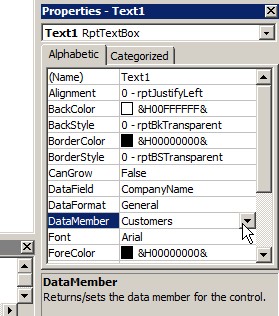
4. Set the DataMember and DataField to the TextBox
5. Repeat these steps to add more TextBox and bound it to the DataMember and DataField based on the field you select.
Additionally I created a button called CmdPrint to open our newly created Data Report. Within the click event of this button put the code below:
- Private Sub CmdPrint_Click()
- drCustomers.Show
- End Sub
I hope this helps