good job sir... :D
good job sir... :D

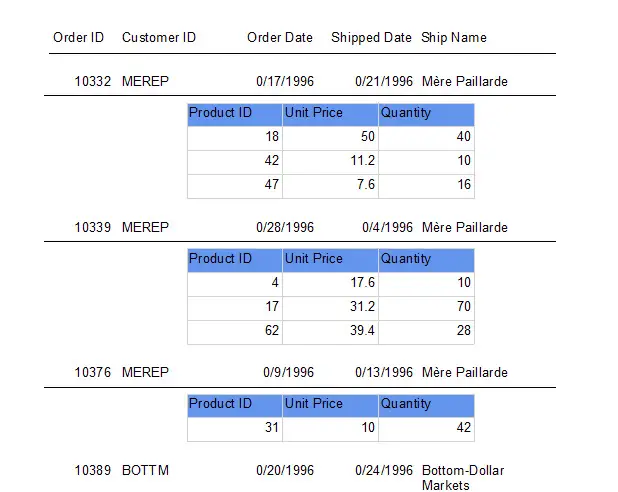
Microsoft ReportViewer is the best alternative to Crystal Reports. In fact it is very easy to create RDLC report compare to crystal reports.
Here are some of the features in this source code:
Note: I am using VB.NET 2010 and MS Access database for this project.
Note: Due to the size or complexity of this submission, the author has submitted it as a .zip file to shorten your download time. After downloading it, you will need a program like Winzip to decompress it.
Virus note: All files are scanned once-a-day by SourceCodester.com for viruses, but new viruses come out every day, so no prevention program can catch 100% of them.
FOR YOUR OWN SAFETY, PLEASE:
1. Re-scan downloaded files using your personal virus checker before using it.
2. NEVER, EVER run compiled files (.exe's, .ocx's, .dll's etc.)--only run source code.
